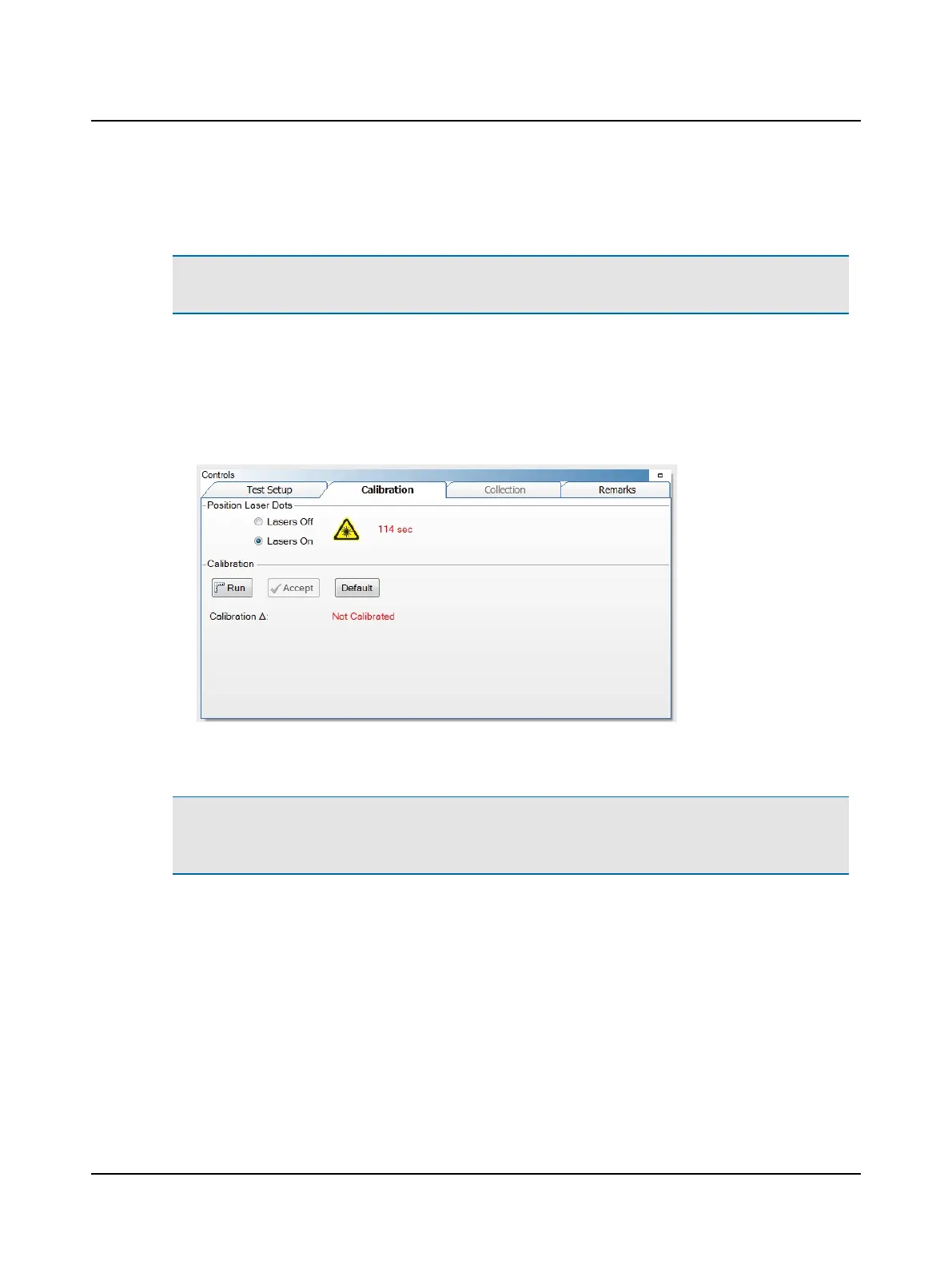
In the calibration procedure, the patient is asked to switch their gaze between the two dots that appear when the
lasers are on. As the patient’s gaze switches, the system tracks the movement of the pupil.
Note• When a patient cannot be calibrated (for example the vision is so poor that the patient cannot see the fixation
dot or laser beams dots), click Default to use the calibration default value (∆ = 21).
The eye movement between the two laser beam dots is measured and calibrated against the known values the laser
beam dots projected from the goggles. The calibration values relate to the pixel location that equates to 7.5 degrees
left and right of center. The difference between the left and right equates to the number of pixels for a 15 degree
movement of the eye. These values are used to analyze eye movement during the impulse testing. For more inform-
ation, refer to the Reference Manual appendix that describes how the calibration values are determined.
5. Click Run.
6. Ask the patient to face the fixation dot and hold their head still.
7. Ask the patient to follow the laser beam dot.
Note• The calibration values are automatically saved. The stored calibration value can be used for all tests. There is
no need to recalibrate between tests unless the goggles have moved. If you exit out of the patient’s file and reopen,
calibration will need to be performed again.
Calibration check
1. Ask the patient to stare at the fixation dot and move the head side to side through a small angle (about 10 degrees).
2. Check that the eye and head velocities match.
Otometrics - ICS Impulse USB
49
9 Head Impulse












 To Next Page