A.2 Connecting the OTT Pluvio
2
S to an OTT netDL or OTT DuoSens
via the pulse output
䡵 Connect the OTT Pluvio
2
S to the OTT netDL IP datalogger or to the OTT DuoSens
Compact Datalogger as shown in Figure A5. Also refer to the OTT netDL/
OTT DuoSens Operating Instructions. Maximum cable length: 1000 m.
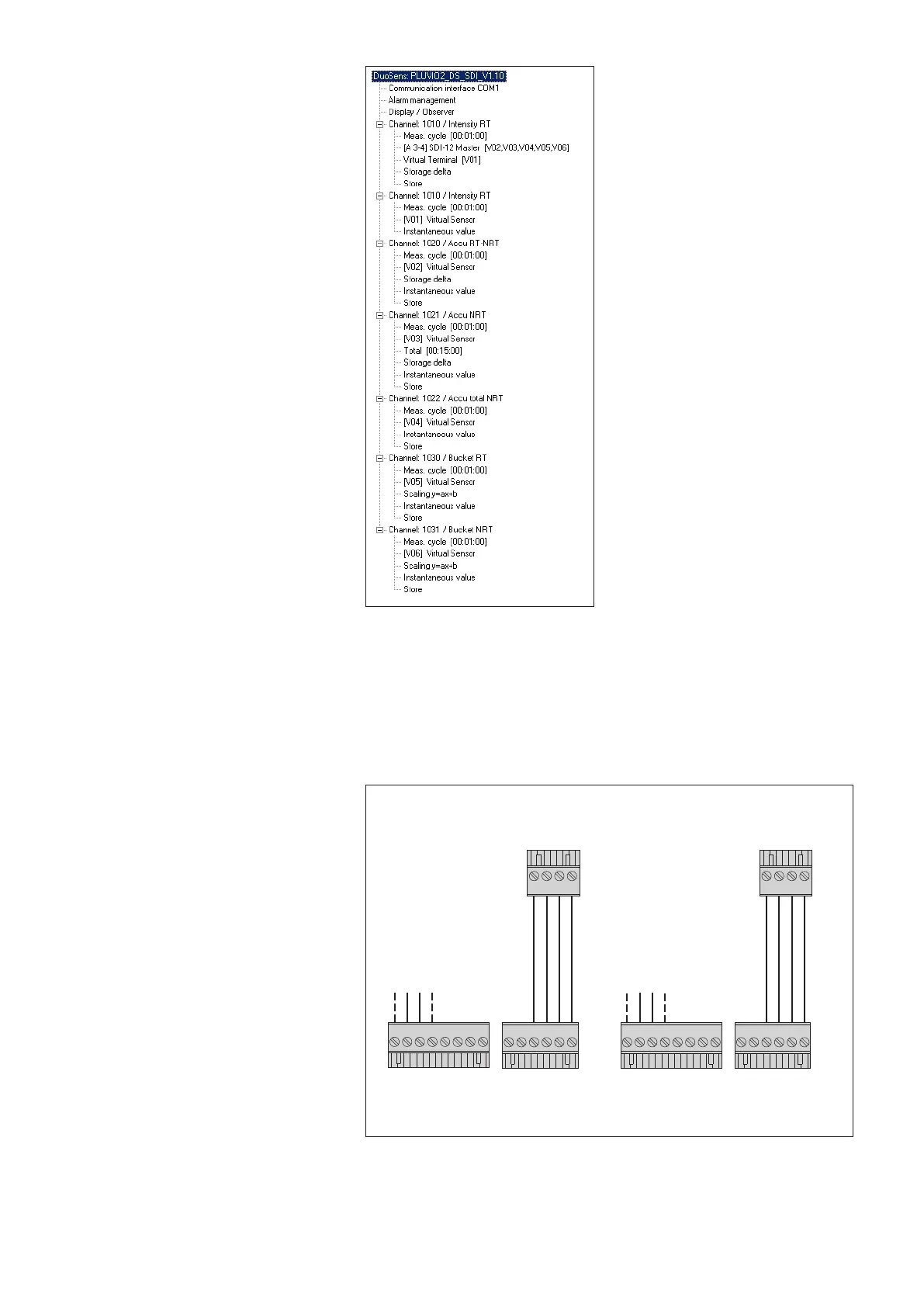
Fig. A4: Example configuration of an
OTT DuoSens with 6 values recorded.
Additional configuration examples
can be found on the flash drive
OTT Pluvio
2
S software.
+12 … +24 V
DC
GND
+12 … +24 V
DC
GND
Pulse
input
B
OTT Pluvio
2
S
Status
information
Precipi-
tation
OTT Pluvio
2
S
1 2 3 4 5 6
1 2 3 4
Pulse
input
D or E
OTT netDL OTT DuoSens
Status
information
Precipi-
tation
1 2 3 4 5 6
1 2 3 4
1 2 3 4 5 6 7 8
1 2 3 4 5 6 7 8
Fig. A5: Connecting the OTT Pluvio
2
S
to an OTT netDL or OTT DuoSens via
the pulse output.
The letters above the screw terminal
strips identify the connectivity options
available on the OTT netDL/OTT DuoSens.
One pulse input of the OTT netDL/DuoSens
is used in each case for the precipitation
amount and the status information.
49



 To Next Page