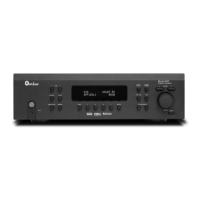
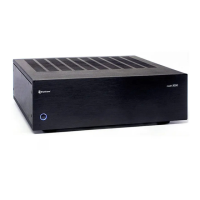
Model 975 7.1 Channel Preamp/Processor
35
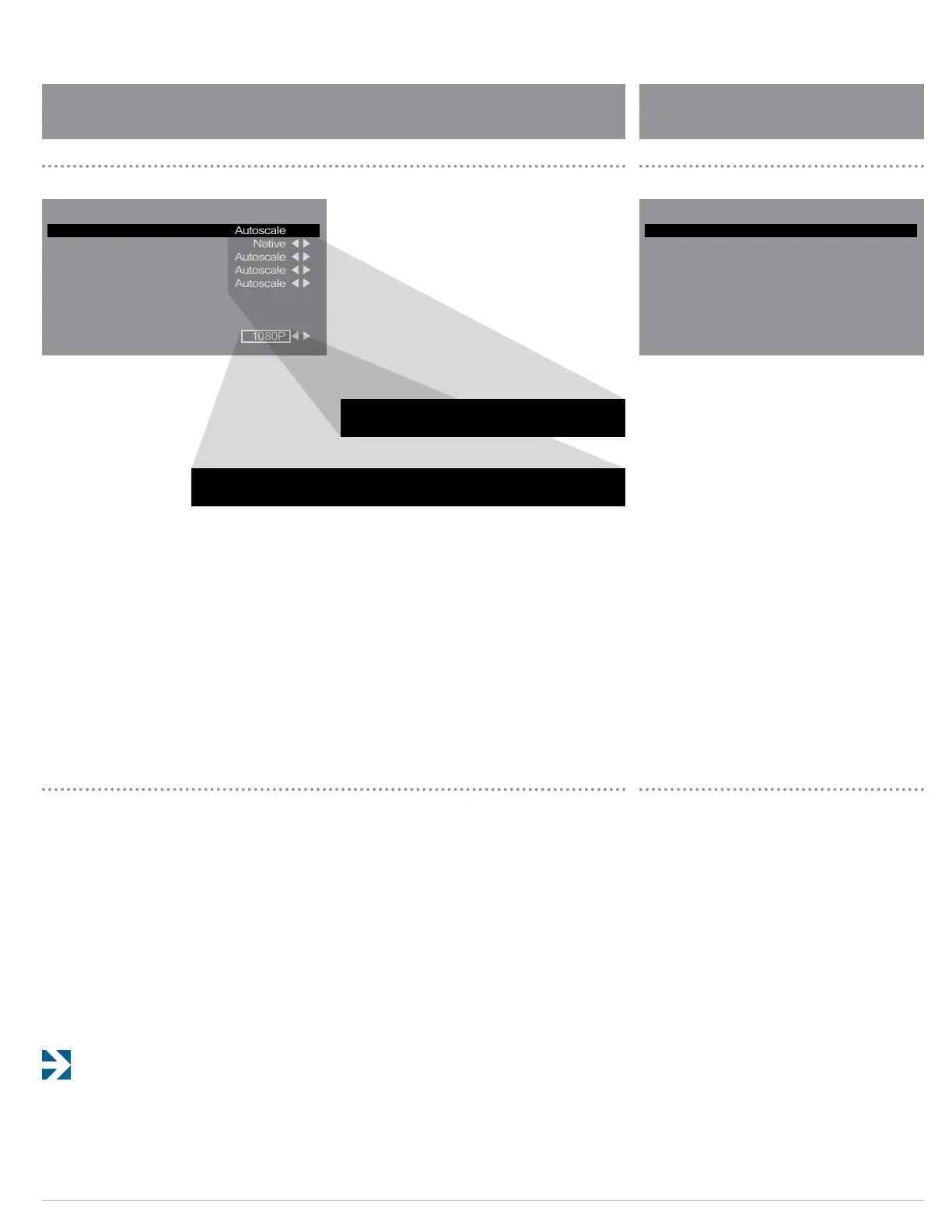
The Video Output menu is shown above. This menu lets you
set the output resolution of the Model 975’s HDMI output,
and select whether incoming analog video sources will be
Autoscaled (or upscaled) to the output resolution. If Auto-
scale is selected for an input, that input will be upscaled
to the selected output resolution and passed through the
HDMI output. If Native is selected, the video signal will not
be passed through the HDMI output.
With HDMI sources, you may choose Native if you prefer to
pass the native, unscaled video signal from the source device
straight to the monitor. Choose Autoscale if you wish to per-
form scaling within the Model 975. There are no rules here,
simply choose the setting that looks best to your eye.
Note that any xed-pixel monitor—including all
at-panel TVs and all DLP, LCD and LCoS projectors—will
always scale the incoming video to the monitor’s native resolution.
Before you set the output resolution, consult the manual
for your video display to nd out the optimal resolution to
send to the TV. If this information is not available, simply
set this parameter to the TV’s maximum resolution.
Video Output Setup
To adjust the parameters available under the
Video Output Setup submenu:
1. Use the remote control’s menu button and
navigation keys to access the Video Output
Setup menu.
2. Select the video output you want to adjust.
3. Use the remote control to select how the source
resolution is handled by the Model 975.
Choose from the two options below:
Autoscale
Native
4. Repeat the process for all other inputs you
want to adjust.
5. To set the output resolution, use the remote
control to select Resolution from the menu.
Select the output resolution from the following options.
1080p
1080i
720p
480p
6. When you are nished, use the remote control’s
menu button and navigation keys to access the
next menu, or exit the OSD.
Advanced Dolby/DTS Setup menu is shown above. This
menu lets you adjust some of the specic features available
from the DTS and Dolby technologies employed in the
Model 975.
To adjust the parameters of the Model 975:
1. Use the remote control’s menu button and
navigation keys to access the Advanced Dolby/DTS
Setup menu.
2. Select the function you want to adjust.
3. Use the remote control to make adjustments to
the parameters of the selected function.
Below is brief explanation of the dierent adjustments
available and what they do for each item in the Advanced
Dolby/DTS Setup menu.
TV
DISC
GAME
VIDEO
AUX
Resolution
Autoscale
Native
Autoscale
Autoscale
Autoscale
1080P
:
:
:
:
:
:
Video Output Setup
Dolby Pro Logic II Panorama
Dolby Pro Logic II Center Width
Dolby Pro Logic II Dimension
DTS HD Spkr Remap
Night Mode
Off
3
0
1
Off
:
:
:
:
:
Advanced Dolby/DTS Setup
Video Output Setup Menu Advanced Dolby/DTS Setup Menu
1080P 1080i 720P 480p
Autoscale Native
Advanced Dolby/DTS Setup


 To Next Page