19
The ST 115 system is very easy to adjust and operate. The following instructions
detail system features and operation of the system. Also included is a "Quick Tour"
of system operation. Information regarding changing of system options (e.g.,
Temperature Setback time, Auto Off) is contained in the "Set-Up Mode" portion of
this manual.
LED Display, Normal Operation
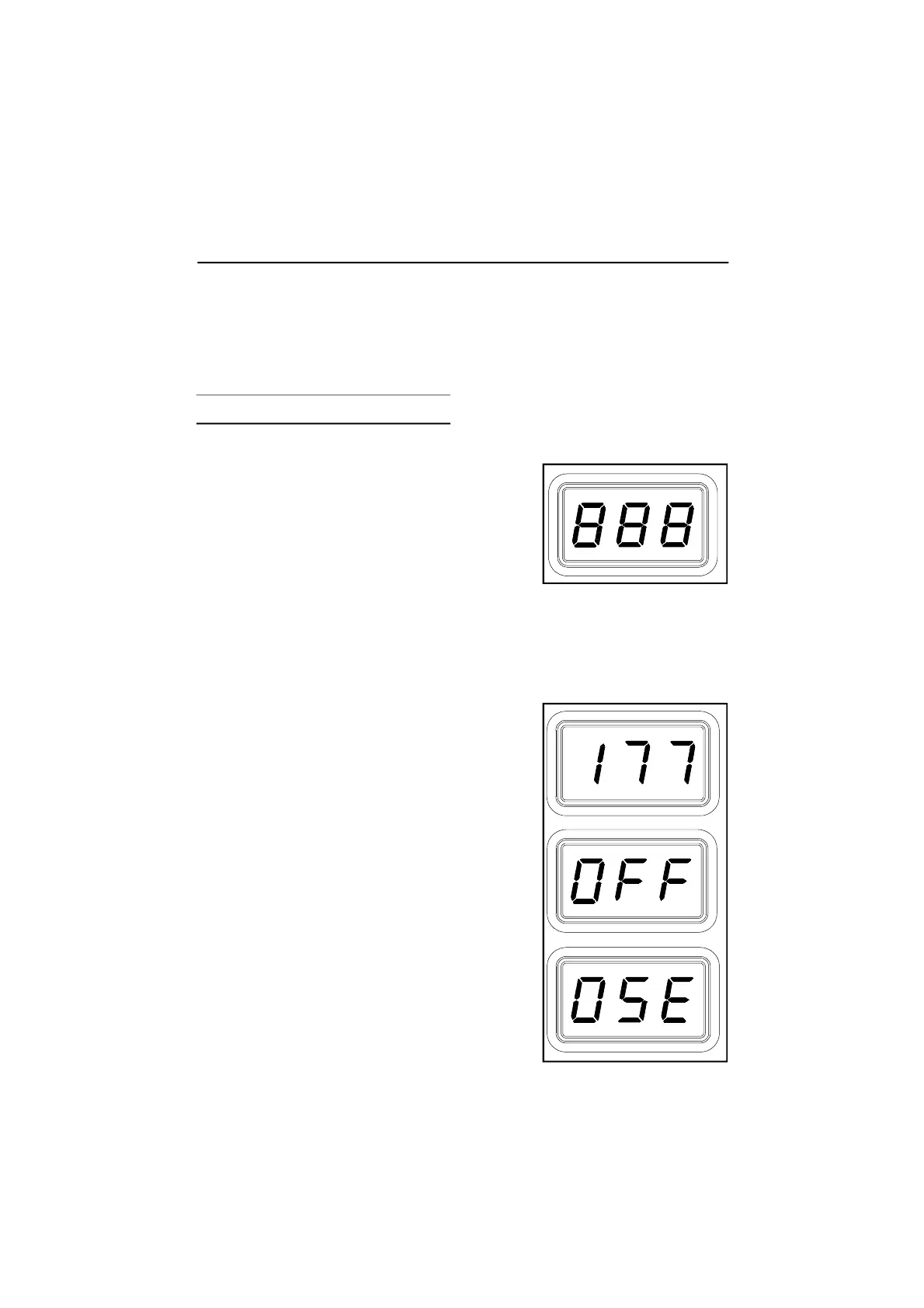
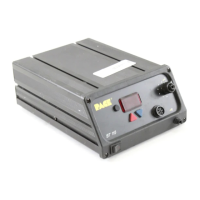
The LED Display provides a 3 digit display of
temperature information. The LED Display will show:
1. A display of "888" on power up to ensure that
all LEDs on the display are working.
2. A display of the the software version of the
installed microprocessor (e.g., "1-1") for 2 seconds on initial power up
after the "888" is displayed.
3. Actual tip temperature of the connected handpiece during normal operation.
4 The tip temperature displayed will flash when the system is in Temperature
Setback.
5. The displayed temperature will decrease and
stabilize at 177°C (350°F) when the system is in
Temperature Setback.
6. "OFF" when the Set Tip Temperature has been
set to Off (below minimum set tip temperature).
Refer to the "Set-Up Mode" portion of this
manual.
7. "OFF" plus the LED Display will be flashing
when the unit has entered Auto Off. Refer to
the "Set-Up Mode" portion of this manual.
8 Error messages ("OSE", "SSE" or "OCE") if a
system fault is detected. Refer to the
"Corrective Maintenance" portion of this
manual.
Operation


 To Next Page