26
Introduction
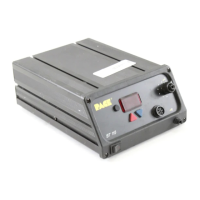
The menu driven LED Display of the ST 115 system in the Set-Up Mode allows you
to easily customize your system. No calibration adjustments are necessary to
maintain the accuracy of the system.
In Set-Up Mode, you can:
1. Enter, remove or change a Password.
2. Set the Default Temperature scale to °F or °C as desired.
3. Change the Upper and Lower Temperature limits.
4. Enter a Temperature Offset Constant (Auto Tip Temperature
Compensation).
5. Enable or disable the Temperature Setback feature and adjust the time-
out period (if enabled).
6. Enable or disable the Auto Off feature and adjust the time-out period (if
enabled).
7. Enable or disable the Average Temperature feature.
The following instructions should be performed to familiarize the operator with the
system.
Set-Up Mode
Entering Set-Up Mode
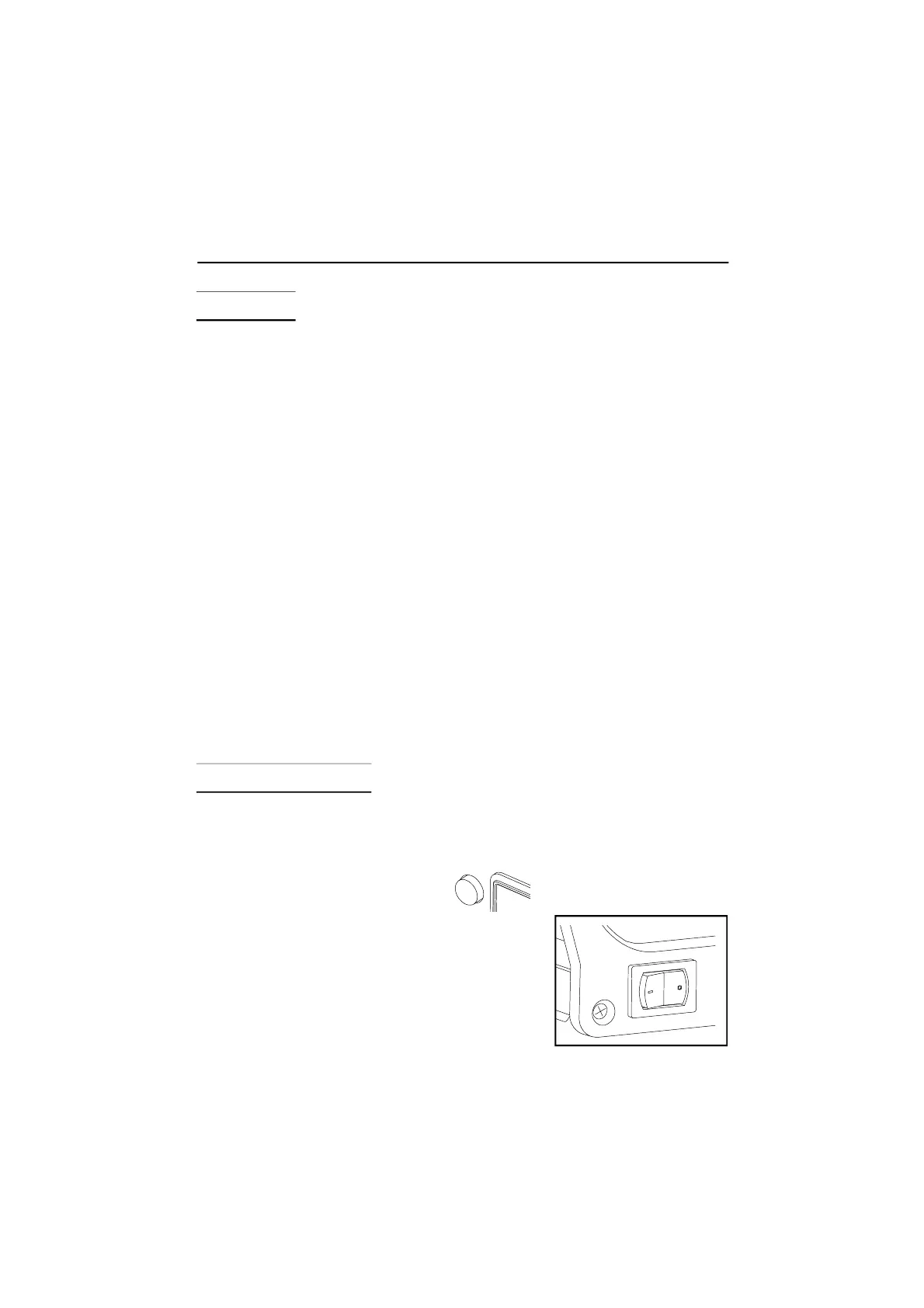
1. Place Power Switch in the “OFF” (“0”) position.
2. Press and hold the Program Key.
3. Place Power Switch in the "ON" (“I”) position.
Release the Program Key.


 To Next Page