30
Auto Off
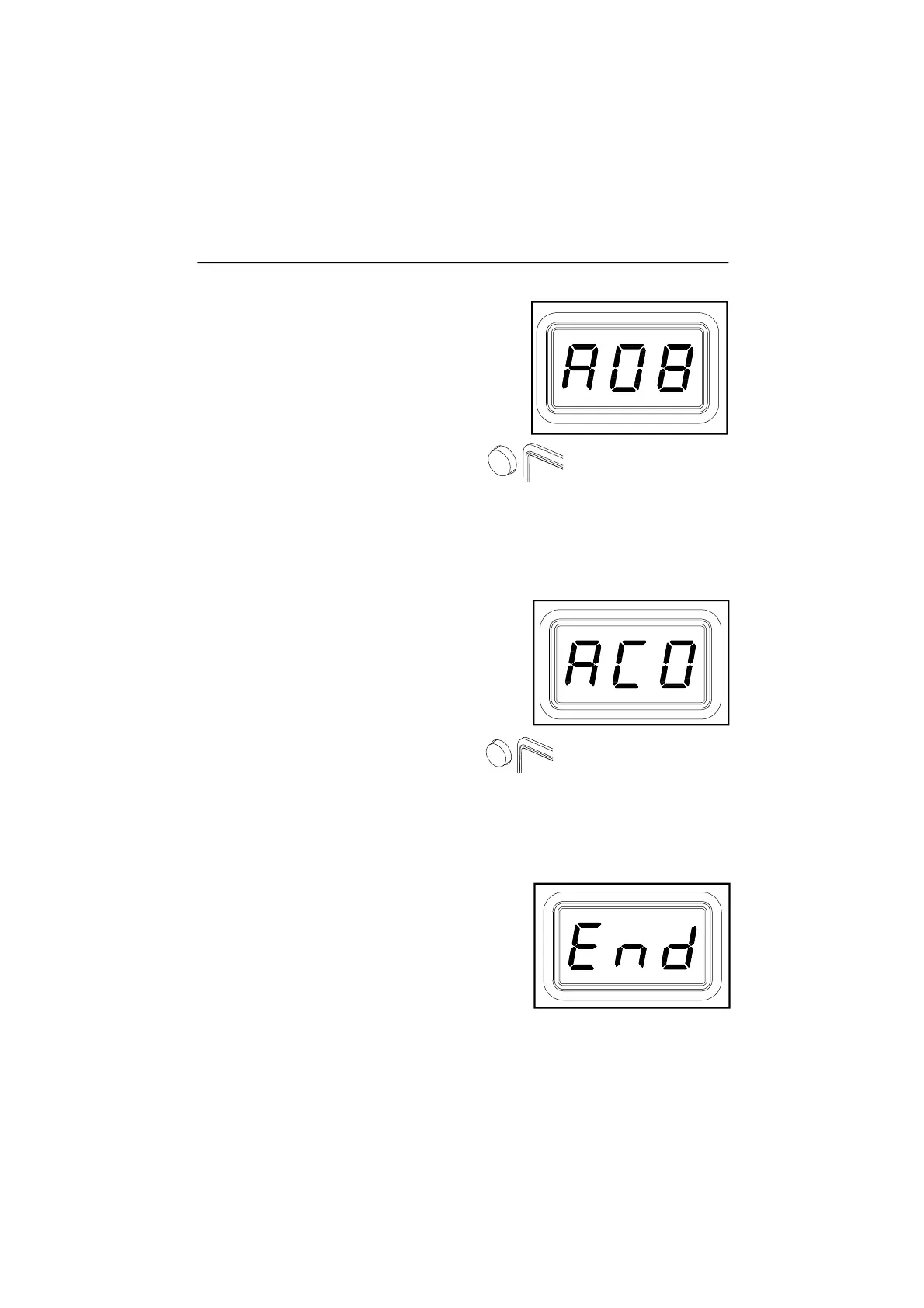
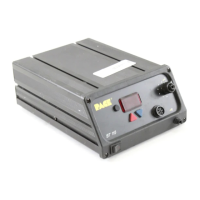
13. The LED Display now shows the stored Auto
Off time as "AOx" (x=0 thru 9). Time is
shown as tens of minutes (e.g., "AO3" equals
30 minutes). A display of "AOO" indicates
that Auto Off is disabled. Choose one of the
following:
a) Press and release the Program Key to keep the currently
stored Auto Off time.
b) Press and release the Scroll Up (▲) Key to enable and/or increase the
Auto Off. Press and release the Program Key to proceed to the next step.
c) Press and release the Scroll Down (▼) Key to decrease or disable the
stored Auto Off time. Press and release the Program Key to proceed to
the next step.
Temperature Display Impedance
14. The LED Display now shows the Temperature
Display Impedance mode as Enabled or
Disabled ("AC0" = Disabled and "AC1" =
Enabled). Choose one of the following:
a) Press and release the Program Key to keep the currently
stored setting (Disabled or Enabled).
b) Press and release the Scroll Up (▲) Key to change the stored setting
(Disabled or Enabled). Press and release the Program Key to proceed
to the next step.
Exiting Set-Up Mode
15. The LED Display now reads "End". The Set-
Up Mode procedure is now complete. Choose
one of the following steps:
a) Press and release the Scroll Up (▲) Key to
exit Set-Up Mode and return to normal
operation.
b) Press and release the Scroll Down (▼) Key to return to the start of the
Set-Up Mode procedure. Go back to step 4.
Set-Up Mode


 To Next Page