Model 6755i Series IP Phone User Guide — 123
Model 536EM and 560EM Expansion Modules
Using the Expansion Modules
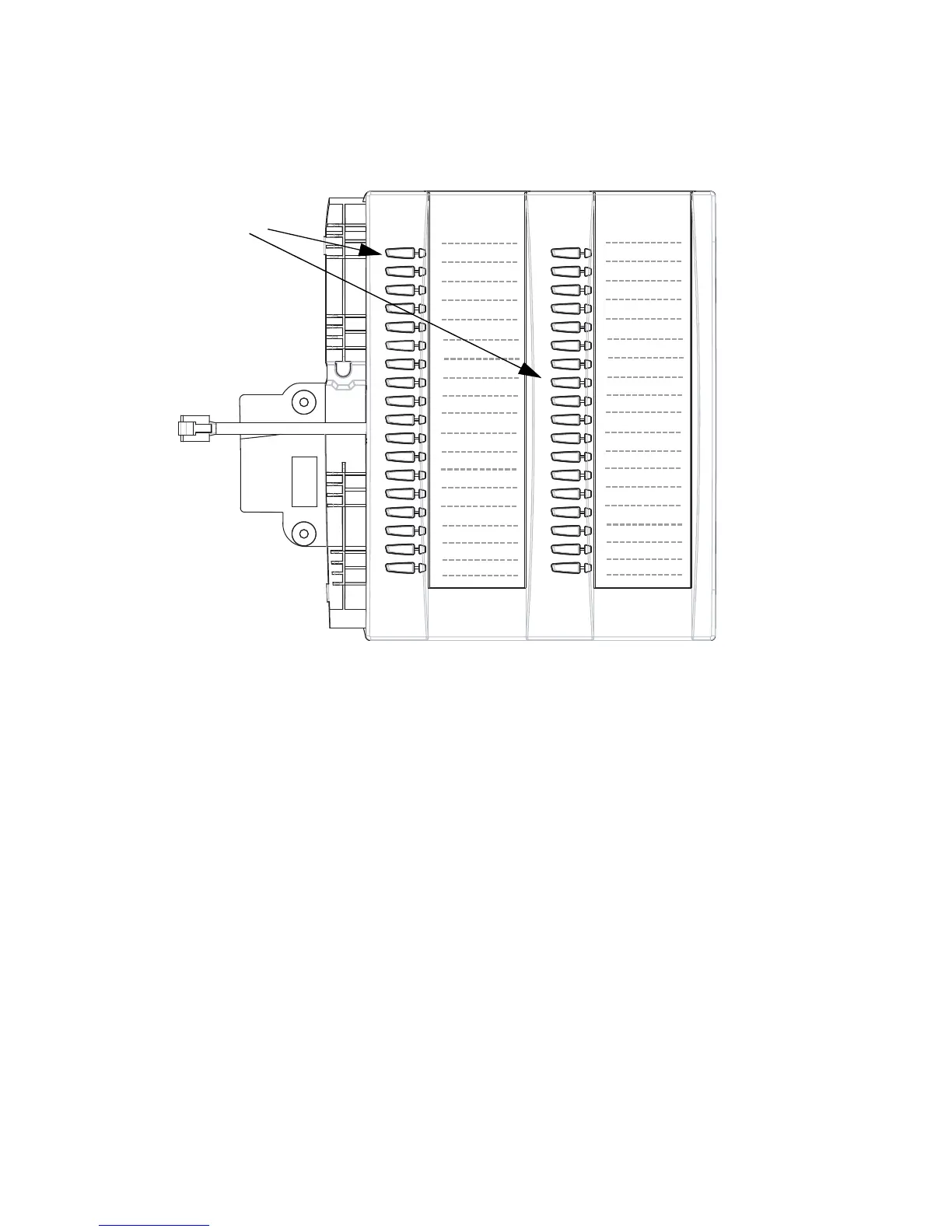
536EM Expansion Module
After configuring the softkeys on the 536EM Expansion Module, you can record
the name of the softkey on the paper labels provided with the Expansion Module.
Press the softkey you want to use when applicable.
560EM Expansion Module
The 560EM Expansion Module screen displays softkeys in column format. The
function keys on the bottom left of the Module allows you to display 3 full
screens of softkeys. Each screen consists of 2 columns with the following default
headings on each page:
Page 1List 1 and List 2
Page 2 List 3 and List 4
Lock Phone
BLF Key
Office (speeddial)
Softkeys



 To Next Page