124 — Model 6755i Series IP Phone User Guide
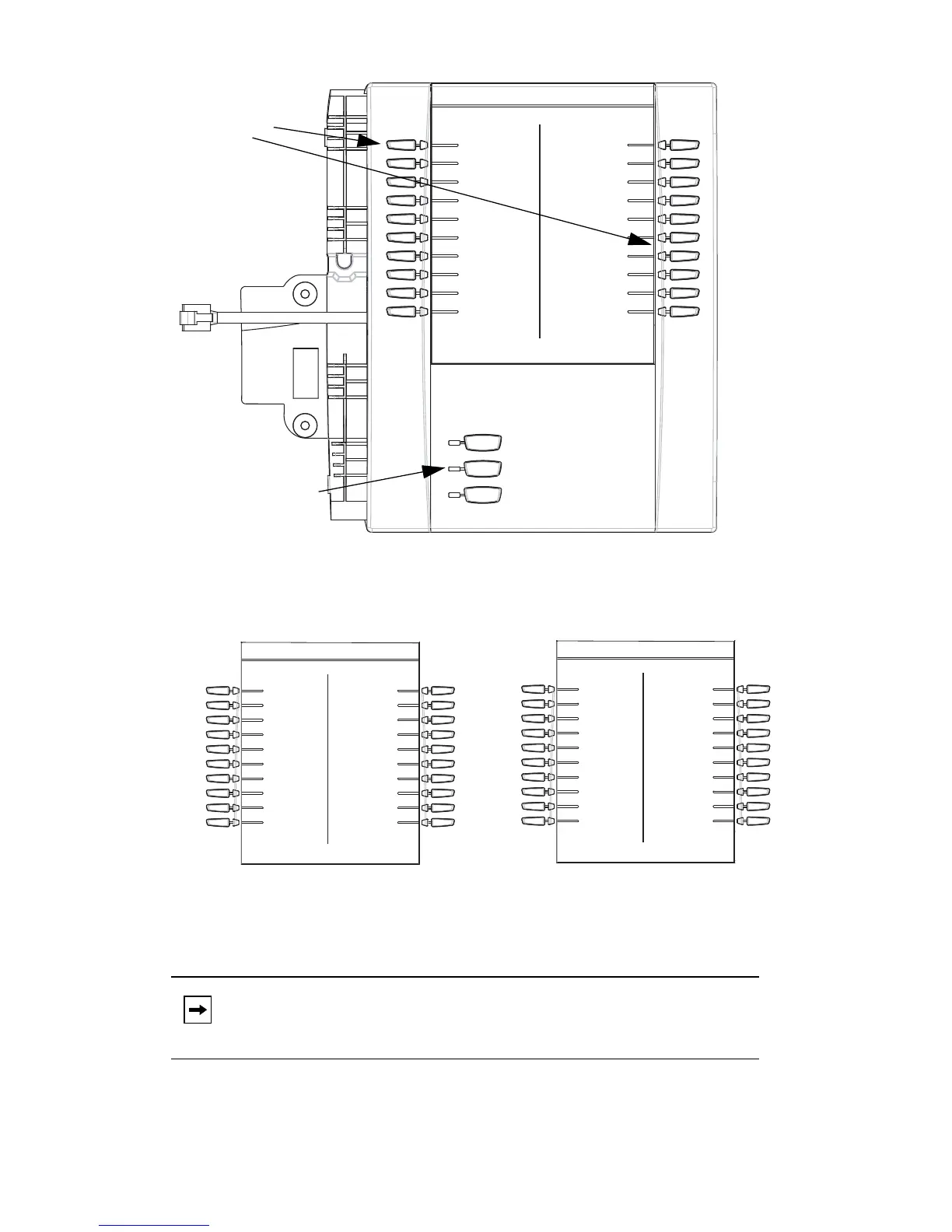
Model 536EM and 560EM Expansion Modules
Page 3 List 5 and List 6
To use the 560EM, press the function key for the page you want to display to the
LCD (page 1, page 2, or page 3), and press the applicable softkey.
Note: Your System Administrator can customize the headings on each
560EM Expansion Module screen. Contact your System Adminis-
trator for more information.
List 1 List 2
BLF 200
Home (speeddial)
Lock/Unlock
Softkeys
Function Keys
(Press for page 1)
(Press for page 2)
(Press for page 3)
Page 1 Screen
List 3 List 4
List 5 List 6
Page 2 Screen
Page 3 Screen



 To Next Page