44 — Model 6755i Series IP Phone User Guide
Line Keys, Programmable Keys, and Softkeys
Softkeys and Programmable Keys
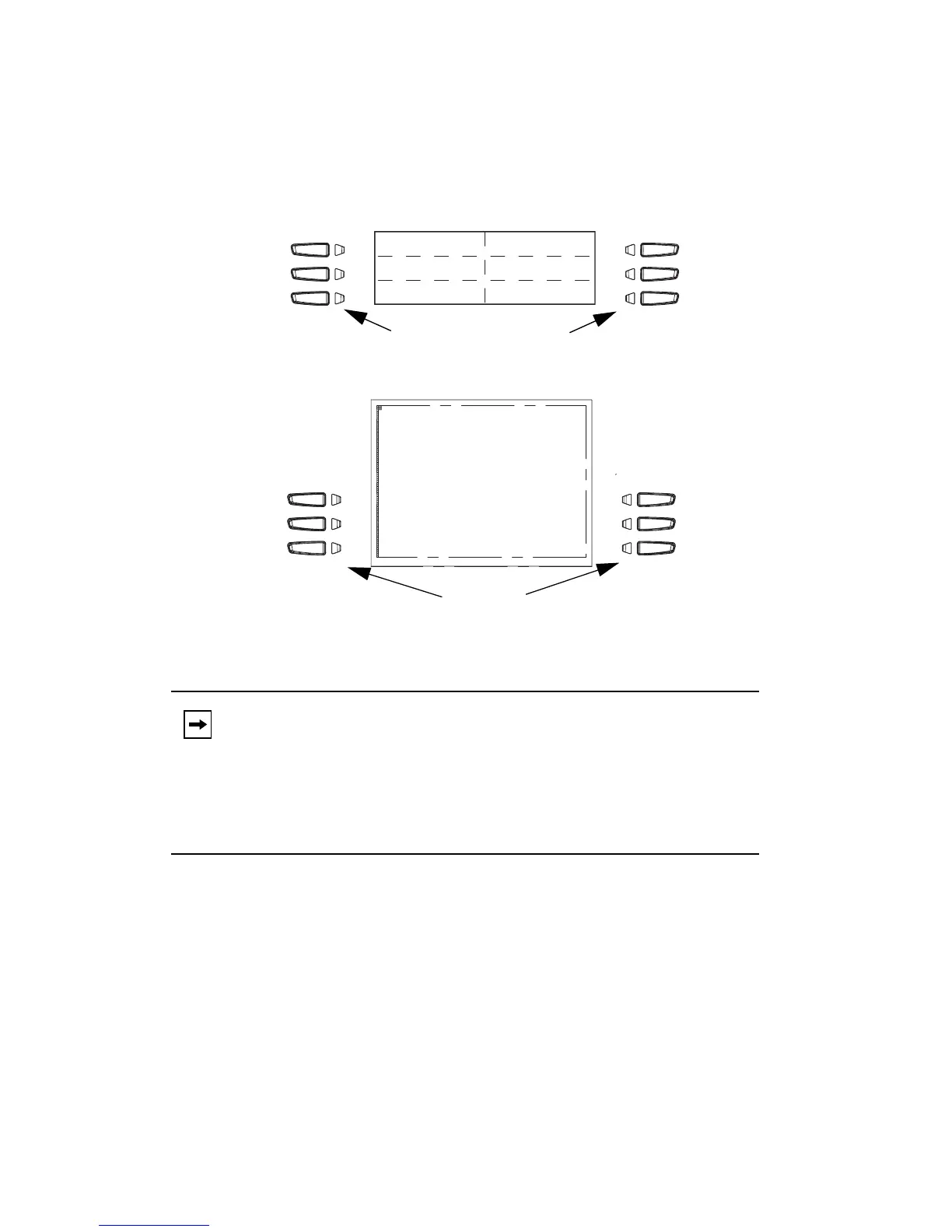
Your 6755i has 6 multi-functional top programmable keys and 6 multi-functional
bottom softkeys:
• 6 Top Keys: programmable hard keys (up to 6 programmable functions; the
following illustration shows the default functions).
• 6 Bottom Keys: programmable state-based softkeys (up to 20
programmable functions).
Note: If a 536EM or 560EM Expansion Module is attached to the phone,
you can configure up to an additional 36 softkeys on each 536EM
Expansion Module and up to 60 softkeys on each 560EM Expan-
sion Module. (The 6755i IP Phone allows up to 3 expansion mod-
ules on each phone). For more information about expansion
modules, see "Model 536EM and 560EM Expansion Modules" on
page 125.
Line 1
None
None
Softkeys
Programmable Keys
(state-based)
Corporate
Intercom
DND
More
Services
PhoneBook
Callers List
Directory
Call
Forwarding
Voicemail



 To Next Page