Model 6755i Series IP Phone User Guide — 11
IP Phone Keys and Key Descriptions*
For example, in the following illustration, the 6755i has several bottom softkeys
configured on the idle screen. A More key displays for you to view additional
softkeys on another screen. Also, if you pick up the handset, More displays for
you to view additional softkeys. You can press the More softkey to toggle
between the first and second screens to display all configured softkeys.
IP Phone Keys and Key Descriptions*
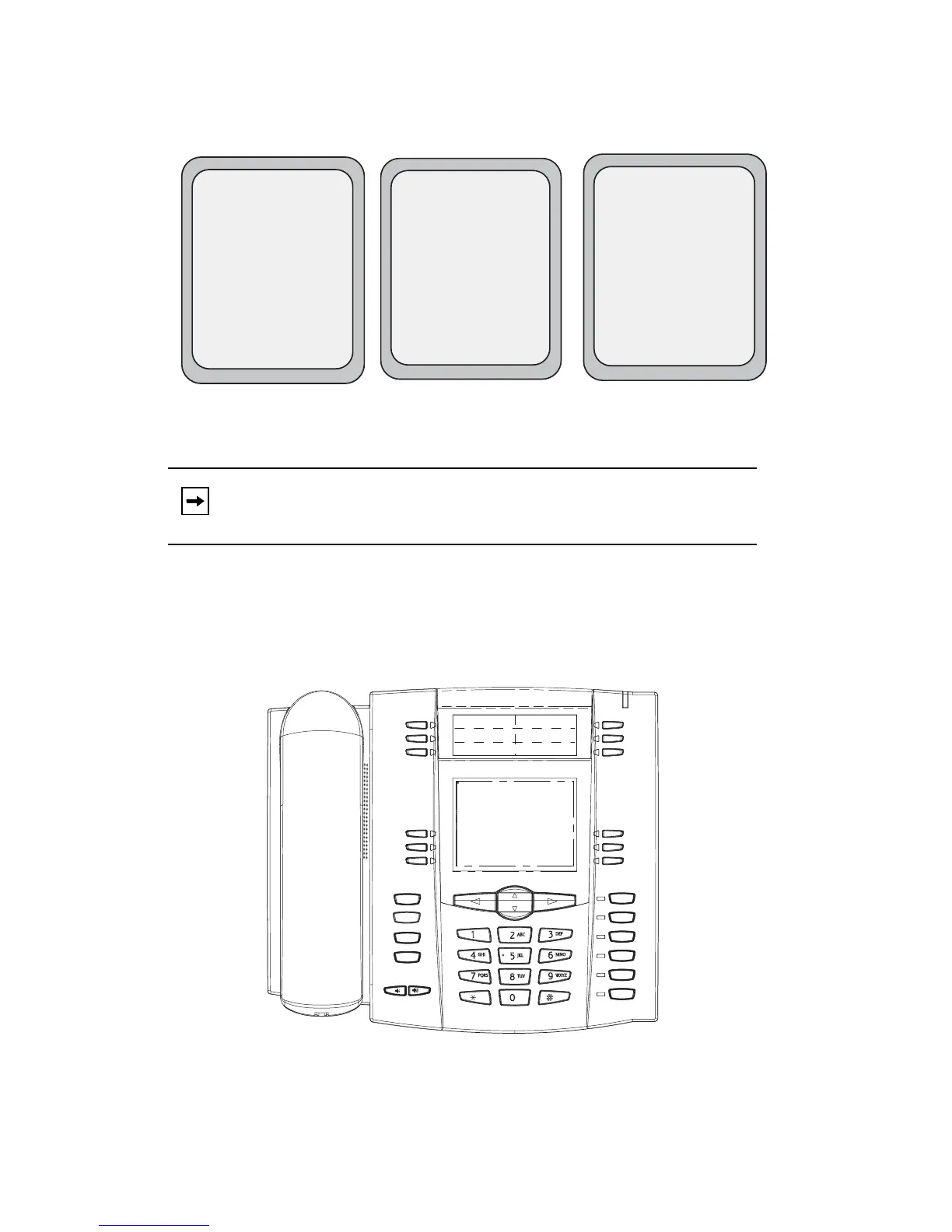
The following sections describe the various 6755i phone key functions, and how
they help you make and manage your calls and caller information.
Note: The bottom set of 6 softkeys map to the current state-based
configurable softkeys.
L1
John Smith
Dial
Conf
Xfer More
>
Idle Screen
After Handset Pickup
After Pressing "More"
L1
John Smith
Sat Jan 1 12:18am
Home
LCR
Office
John
Matt
More
L1
John Smith
>
Home
LCR
Office
John
Matt
More
Goodbye
Holed
Redial
Options
Line 3
Line 2
Line 1
Speaker/
Headset
Mute
Line 4



 To Next Page