Model 6755i Series IP Phone User Guide — 27
Customizing Your Phone
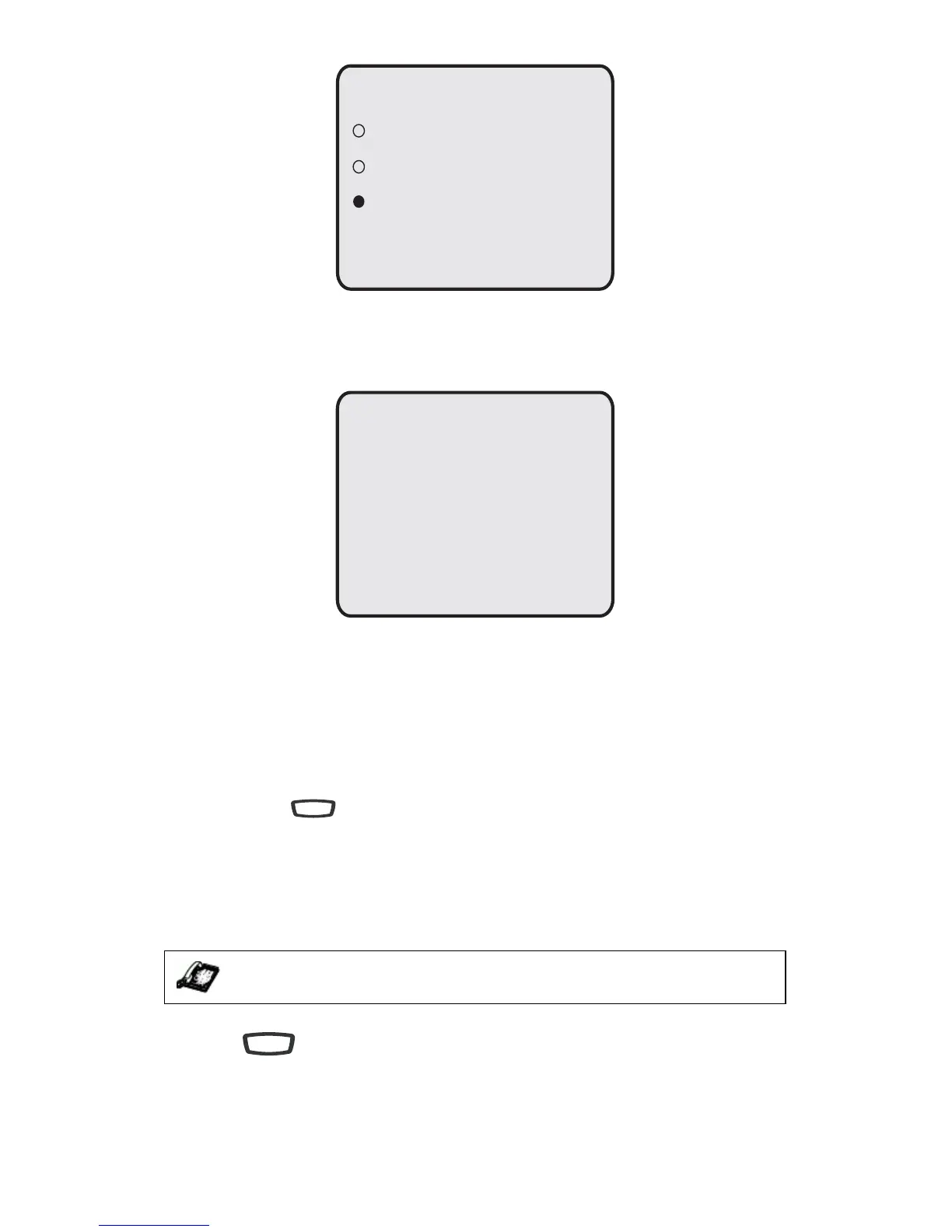
7. If you selected Auto, press the Advanced softkey.
8. Using the keypad, enter the amount of seconds you want the phone to stay
backlit when the phone is idle. Default is 10 seconds. When this period of
time is reached, the phone turns OFF the backlight. Use the Backspace and/
or Clear softkeys to delete entries if required.
9. Press Done to save your setting.
Live Dialpad*
The Live Dialpad option on the IP phone turns the Live Dialpad mode ON or
OFF. With live Dialpad ON, the 6755i IP phone automatically dials out and turns
ON Handsfree mode as soon as a dialpad key or softkey is pressed. With live
dialpad OFF, if you dial a number while the phone is on-hook, lifting the receiver
or pressing the initiates a call to that number.
*Availability of feature dependent on your phone system.
You can enable/disable the live dialpad using the IP Phone UI only.
Enabling/Disabling Live Dialpad
1. Press on the phone to enter the Options List.
2. Select Preferences.
IP Phone UI
Backlight
O
On
Auto
Done -
Cancel -
Advanced -
Backlight On Time
Done -
Cancel -
- Backspace
- Clear
10 seconds
Speaker/
Headset
Options



 To Next Page