Model 6755i Series IP Phone User Guide — 43
Line Keys, Programmable Keys, and Softkeys
Line Keys, Programmable Keys, and Softkeys
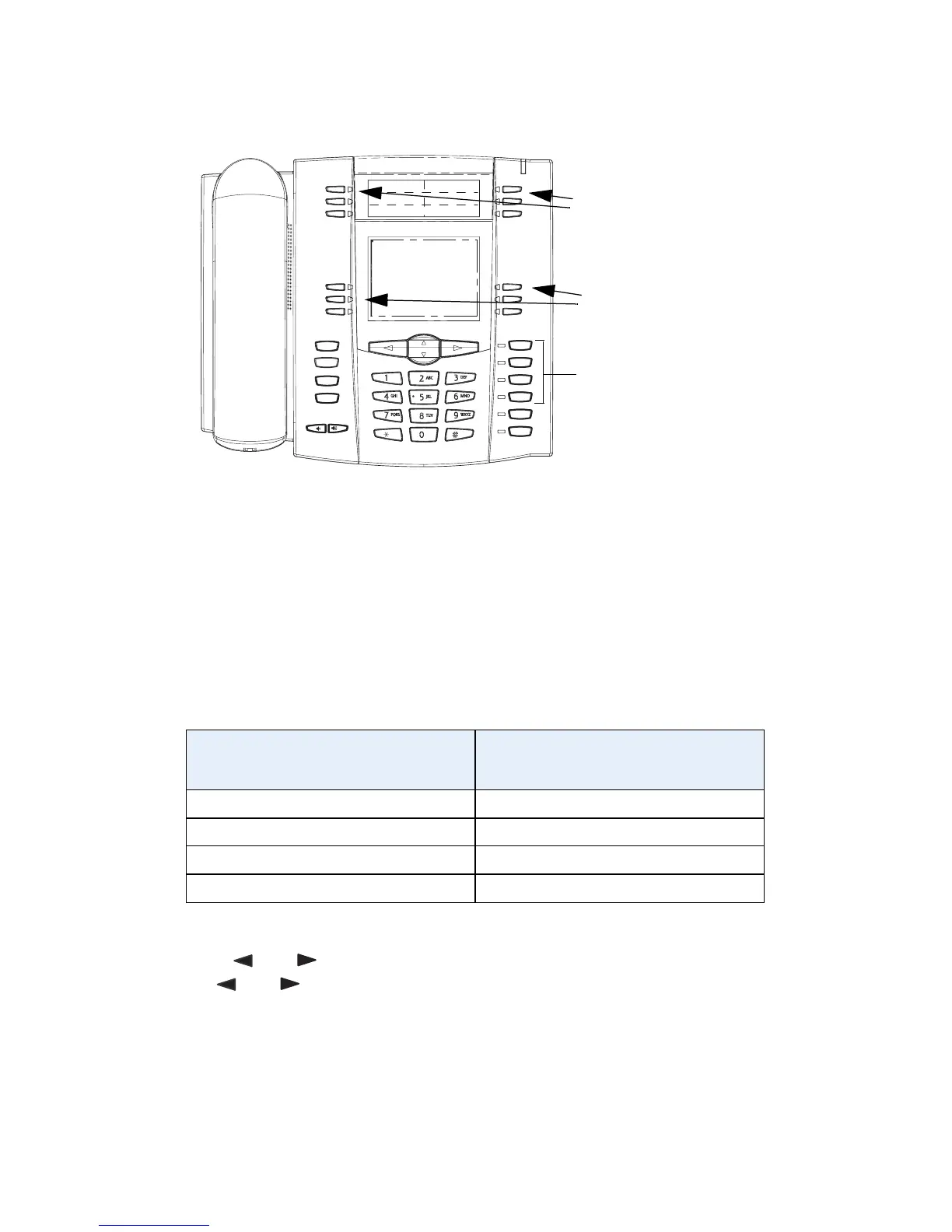
This section describes the Multiple Line/Call Appearance Keys (L1, L2, L3, and
L4) located on the bottom-right of the phone, and the customizable
programmable keys and softkeys located at the top of the phone.
Multiple Line and Call Appearances
The 6755i has 4 hard line/call appearance buttons each with a corresponding
status light.
These line/call appearance buttons and lights can represent physical lines, calls
for your extension or calls from a group that your extension is part of. By pressing
a line/call appearance button, you connect to the line or a call it represents. The
line/call appearance light indicates the status of that line or call. When the phone
is taken off-hook, the phone automatically selects a line for you.
When you have more than one call, you can use the left and right navigation
buttons and to scroll left and right to the different call information status.
Icons and appear if there is call information either left, right or both sides
of the current information status you are viewing.
The display shows which line the call information is referring to (L1, L2, L3 or L4),
the Caller ID information (name and number, if available), the call status
(Connected, Ring, Hold, etc.) and the timer specific to that call.
To configure shared line appearance, please log into your account at
www.Packet8.net.
Line/Call Appearance
Light Behavior
Line/Call Appearance
Status
Off Idle line or no call activity
Light flashes quickly Ringing
Light is solid Connected
Light flashes slowly Hold
Goodbye
Holed
Redial
Options
Line 3
Line 2
Line 1
Speaker/
Headset
Mute
Line 4
Multiple Line/
Call Appearance
Keys
Programmable Keys
Softkeys



 To Next Page