42 — Model 6755i Series IP Phone User Guide
Customizing Your Phone
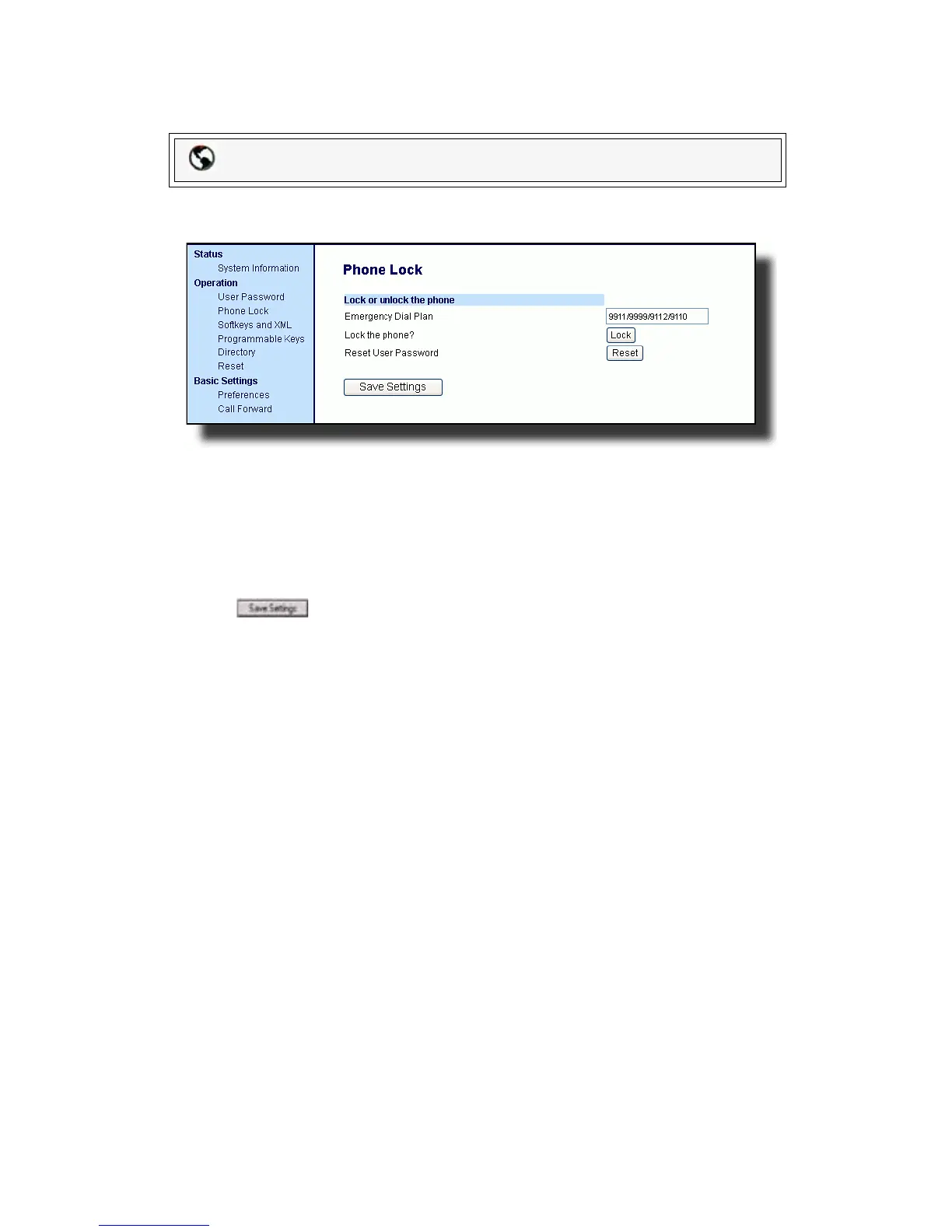
Define an Emergency Dial Plan
Use the following procedure to specify the numbers to use on your phone for
dialing emergency services in your area.
1. Click on Operation->Phone Lock.
2. In the Emergency Dial Plan field, enter the 3-digit number used in your local
area to contact emergency services:
911
Default for this field is 9911|9999|9112|9110.
3. Click to save the emergency dial plan to your phone.
Reference
For more advanced options, see "Additional Features" on page 108.
Packet8 Web Phone UI



 To Next Page