12 — Model 6755i Series IP Phone User Guide
IP Phone Keys and Key Descriptions*
Key Descriptions
The following table identifies the keys on the key panel of your 6755i IP phone.
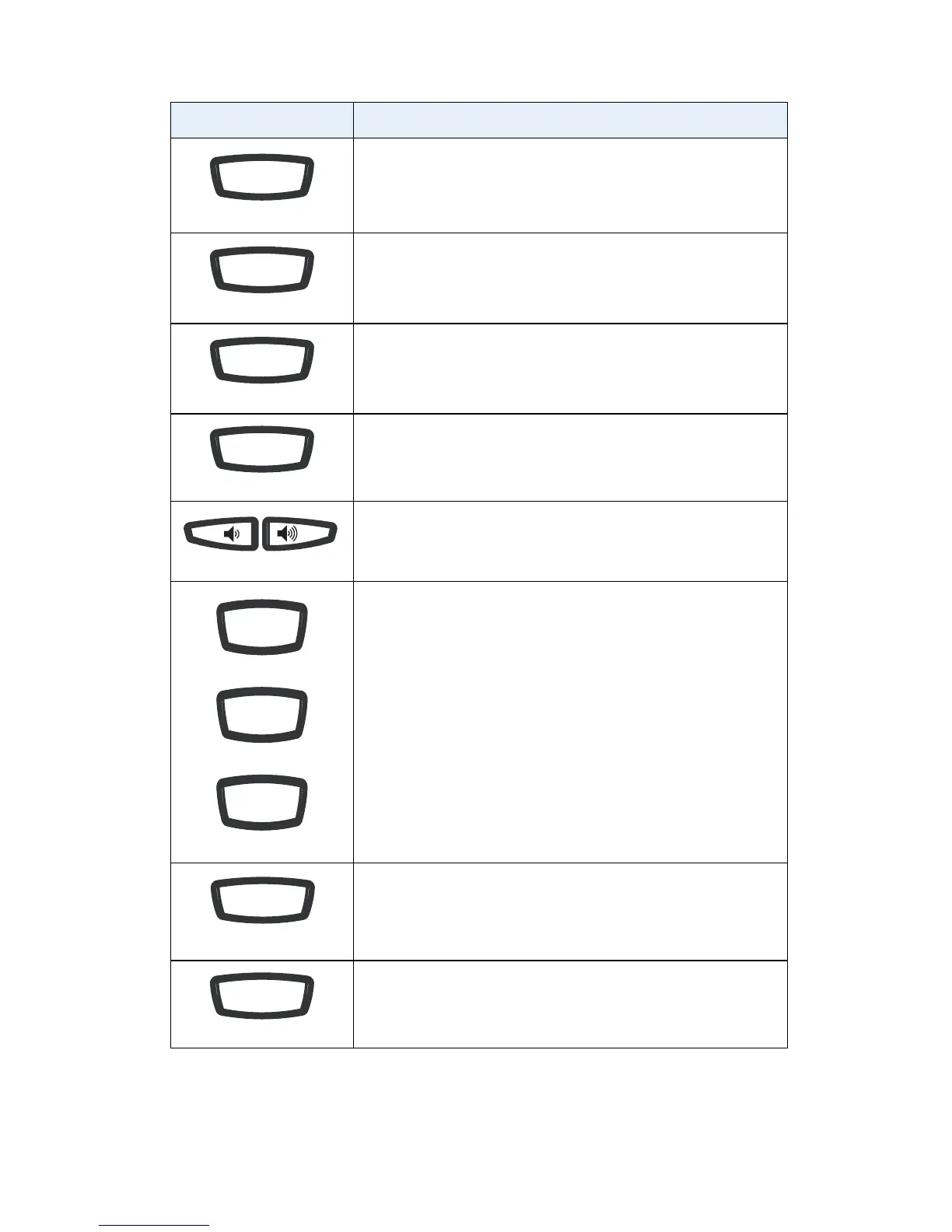
Keys Key Description
Goodbye key - Ends an active call. The Goodbye key also
exits an open list, such as the Options List, without saving
changes.
Options key - Accesses options to customize your phone.
Your System Administrator may have already customized
some of your settings. Check with your System Administrator
regarding the administrator-only options.
Hold key - Places an active call on hold. To retrieve a held call,
press the call appearance button beside the light that is
flashing.
Redial key - Redials up to 100 previously dialed numbers.
Pressing the Redial key twice simultaneously redials the last
dialed number.
Volume control key - Adjusts the volume for the handset,
headset, ringer, and handsfree speaker.
Line/Call Appearance key - Connects you to a line or call.
The Packet8 6755i IP phone supports up to 4 line keys.
Handsfree key - Activates Handsfree for making and
receiving calls without lifting the handset. When the audio
mode option is set, this key is used to switch between a
headset and the handsfree speakerphone.
Mute key - Mutes the microphone so that your caller cannot
hear you (the light indicator flashes when the microphone is on
mute).
Goodbye
Options
Hold
Redial
Line 2
Line 1
Line 3
Speaker/
Headset
Mute



 To Next Page