Model 6755i Series IP Phone User Guide — 21
Phone Status
Address of your phone. Use the IP Address to enter into your browser win-
dow to access the phone via the Packet8 Web Phone UI. For more informa-
tion about using the Packet8 Web Phone UI, see "Phone Options via the
Packet8 Web Phone UI" on page 17.
Phone Status via the Packet8 Web Phone UI
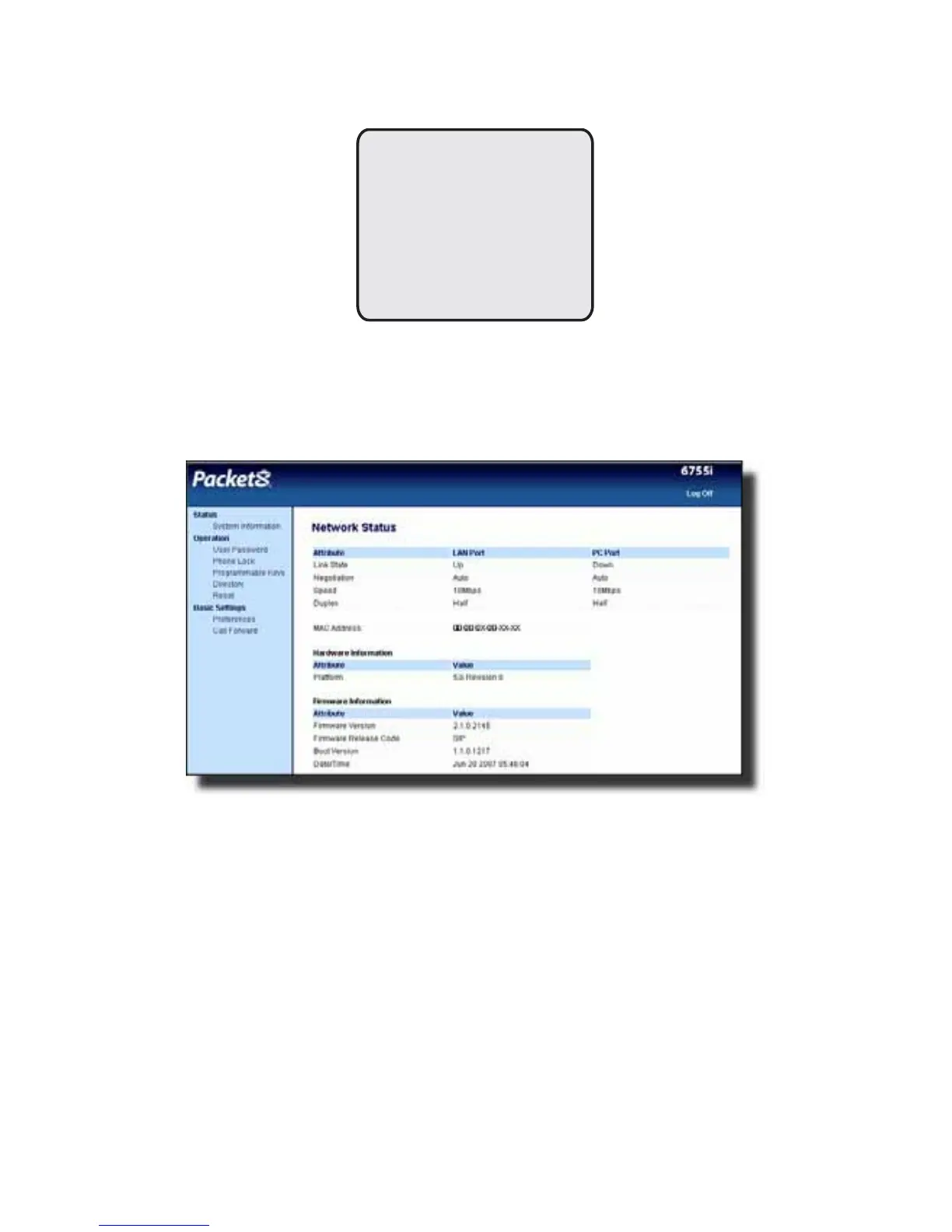
After accessing your phone via the Packet8 Web Phone UI, the first screen to
display is the phone’s Status Screen.
This screen is view only. It displays the Network Status of your phone which
includes the following:
•LAN Port
•PC Port
• MAC Address
• Hardware Information
•Firmware Information
IP&MAC Addresses
IP Address:
192.168.x.xxx
MAC Address:
00-xx-0x-xx-xx-xx
Done -



 To Next Page