10 — Model 6755i Series IP Phone User Guide
Getting Started
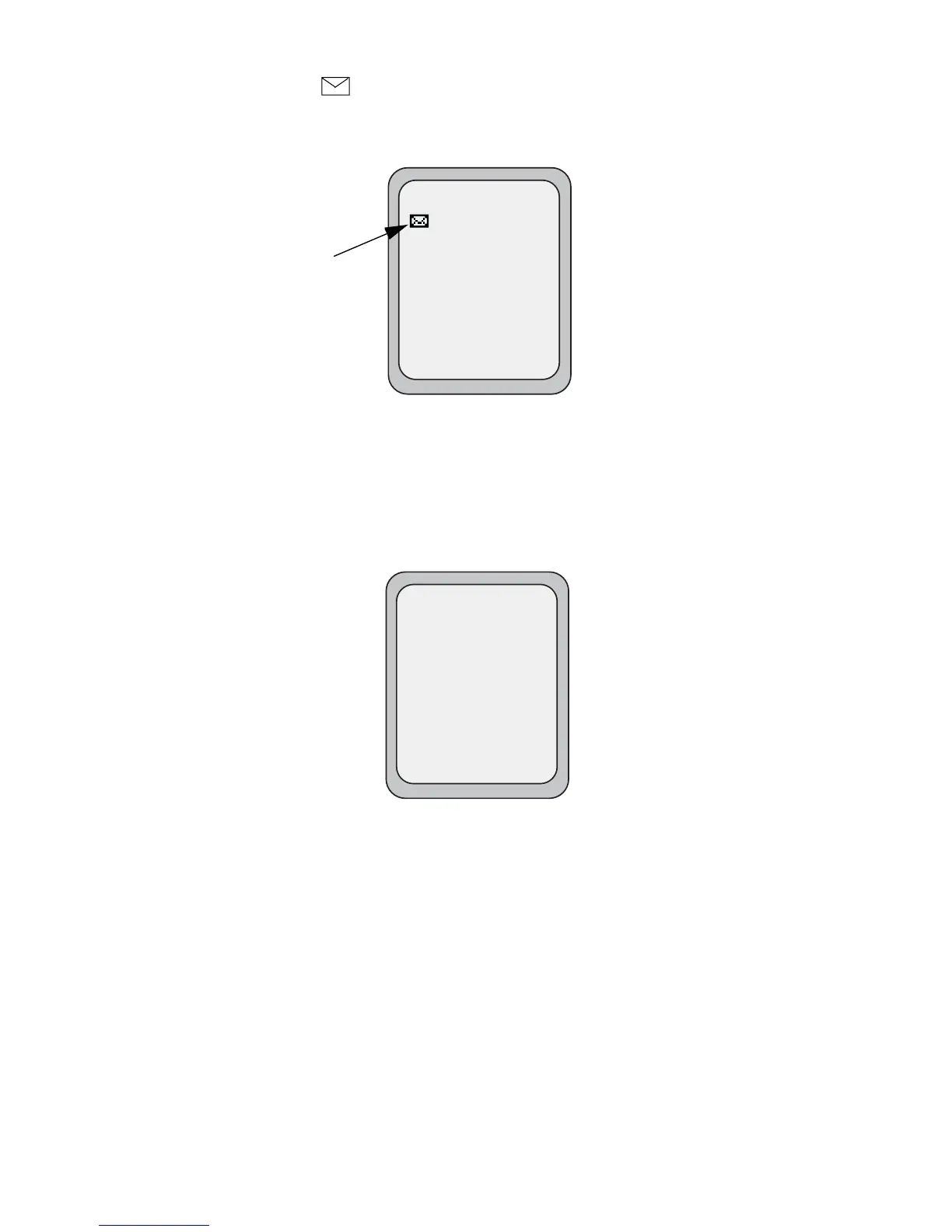
Idle Screen with Voicemail Messages
The envelope icon displays on the Idle State screen only if you have new
messages waiting. The number next to the envelope indicates how many new
messages you have.
To access your voicemail messages, use the softkey that has been configured on
your phone.
Screen Display After Picking Up the Handset
When you pick up the handset, the screen displays as follows:
This screen displays the following keys located on the bottom left of the screen:
•Dial
• Conf (Conference)
• Xfer (Transfer)
These keys are static and cannot be changed.
A More softkey also displays at the bottom right of the screen if you have
configured softkeys.
Voicemail Icon
Idle Screen
L1
John Smith
Sat Jan 1 12:18am
1
L1
John Smith
Dial
Conf
Xfer
>
More



 To Next Page