Model 6755i Series IP Phone User Guide — 17
Methods for Customizing Your Phone
Using the Packet8 Web Phone UI
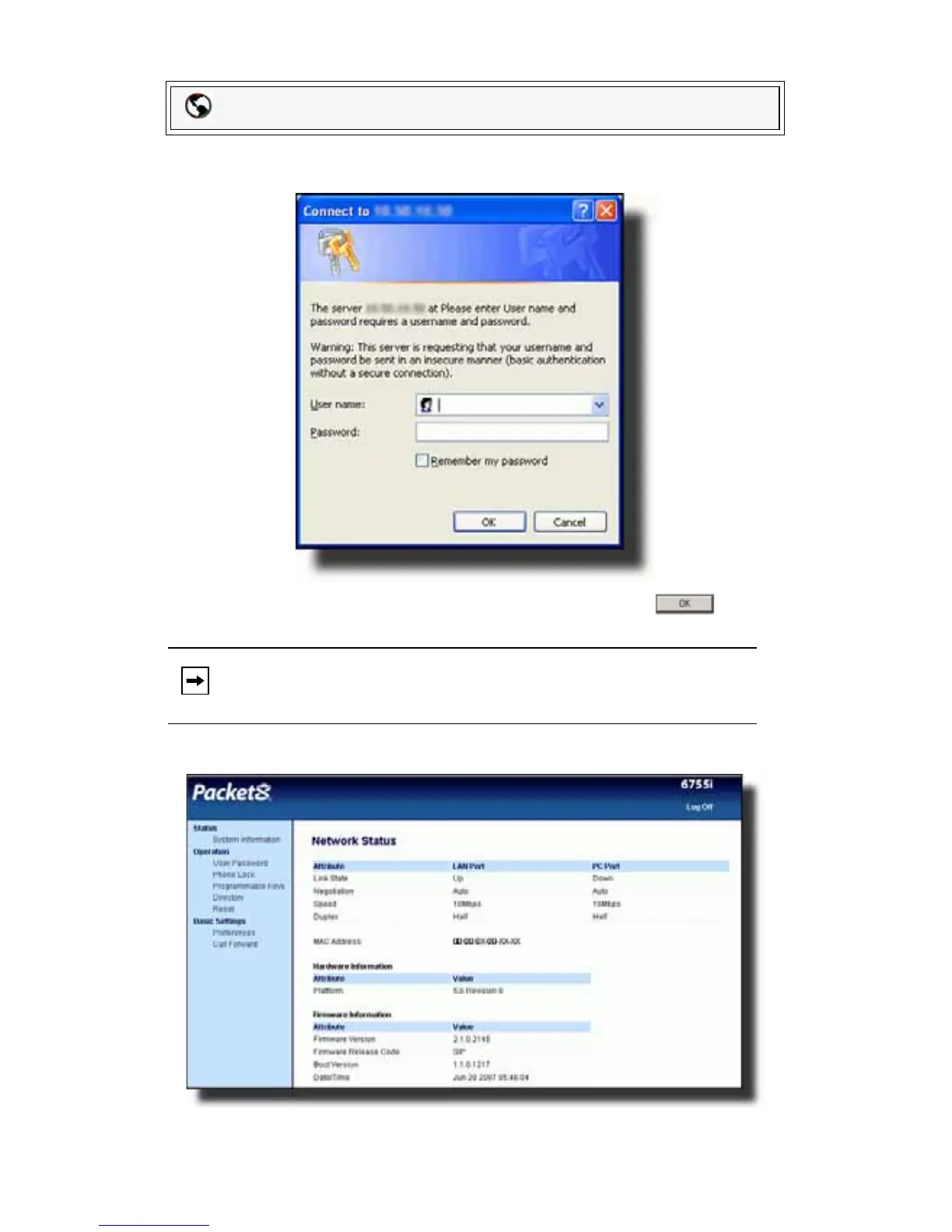
1. Open your web browser, enter the phone’s IP address or host name into the
address field and press <Enter>. The following logon screen displays.
2. At the prompt, enter your username and password and click .
The Network Status window displays for the IP phone you are accessing.
.
3. You can logout of the Packet8 Web Phone UI at any time by clicking Log Off.
Packet8 Web Phone UI
Note: For a user, the default user name is “user” and the password field is
left blank.



 To Next Page