Model 6755i Series IP Phone User Guide — 35
Customizing Your Phone
• Automatic (Default)
4. Press Done to save the Daylight Saving value you selected.
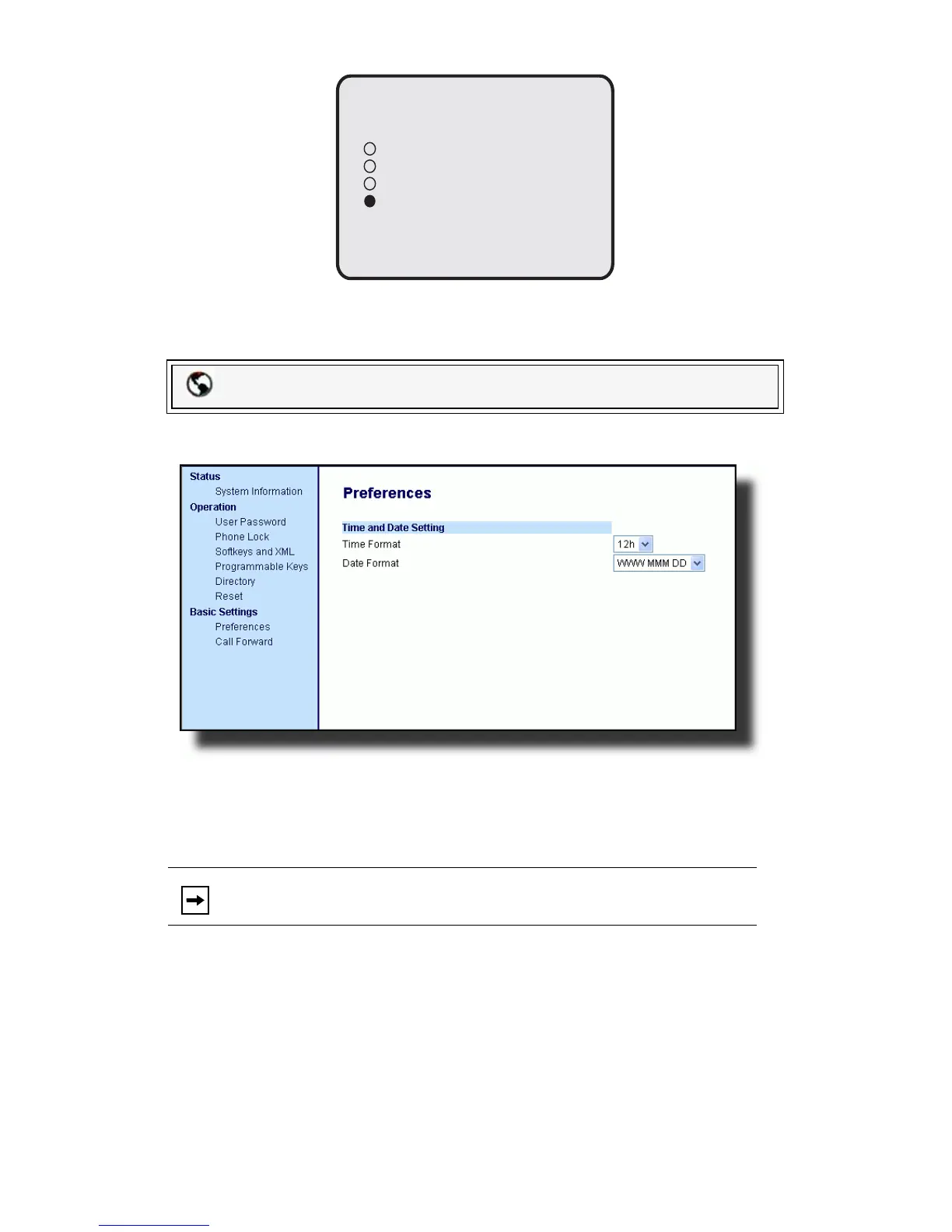
1. Click on Basic Settings->Preferences->Time and Date Setting.
2. In the Time Format field, select the time format you want to use on your
phone. Valid values are:
12h (12 hour format) (default)
24h (24 hour format)
3. In the Date Format field, select the date format you want to use on your
phone. Default is WWW MMM DD. Valid values are:
• WWW MMM DD (default)
• DD-MMM-YY
•YYYY-MM-DD
• DD/MM/YYYY
• DD/MM/YY
•DD-MM-YY
Packet8 Web Phone UI
Note: The time and time format you configure display on the phone’s
idle screen.
Done -
Cancel -
O
30 min summertime
1h summertime
Automatic
Daylight Savings



 To Next Page