38 — Model 6755i Series IP Phone User Guide
Customizing Your Phone
Reset a User Password
Use the following procedure to reset a user password.
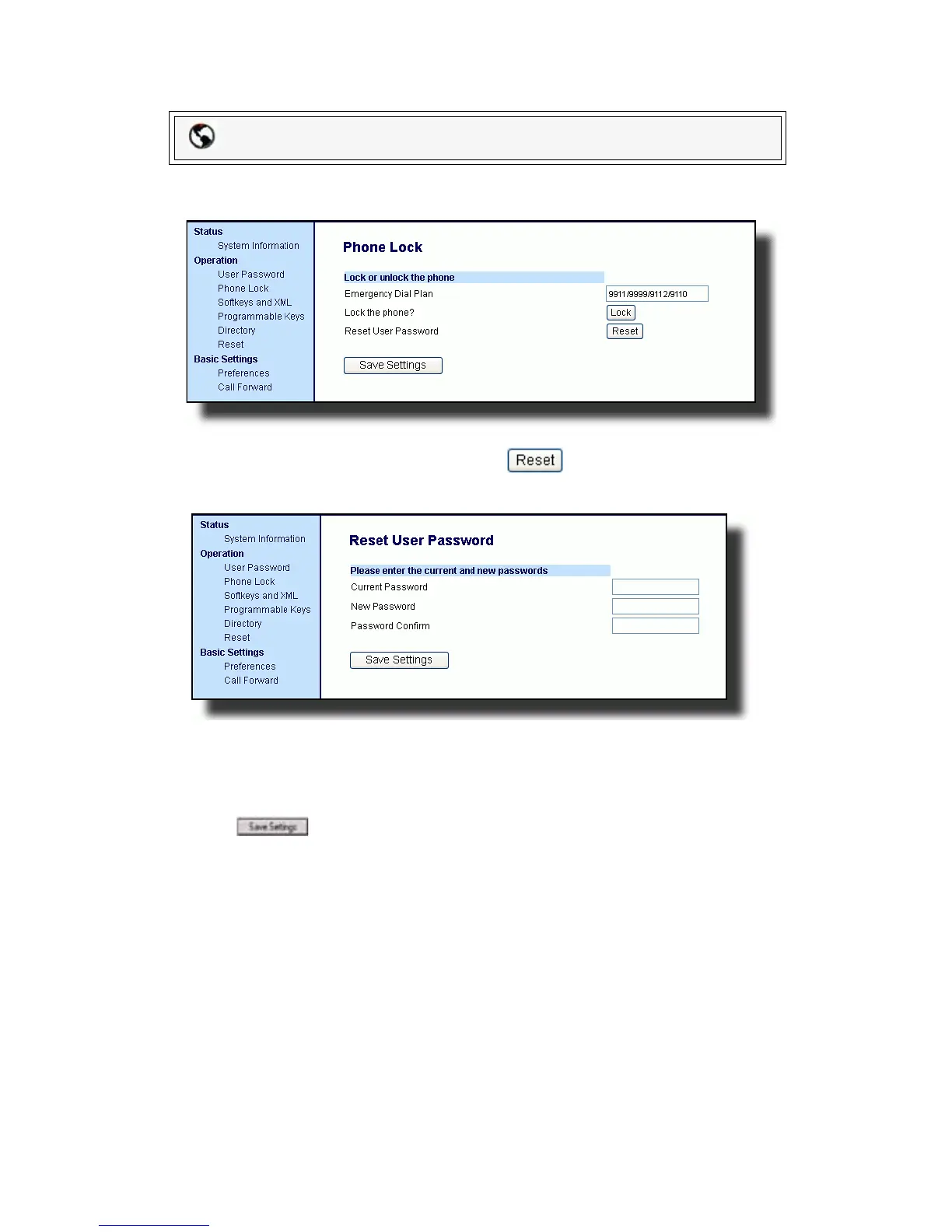
1. Click on Operation->Phone Lock.
2. In the Reset User Password field, click . The following
screen displays.
3. Leave the Current Password field blank.
4. Enter a new password in the New Password.
5. Re-enter your new password in the Password Confirm.
6. Click to save your settings.
Packet8 Web Phone UI



 To Next Page