80 — Model 6755i Series IP Phone User Guide
Handling Calls
Using Local Conferencing
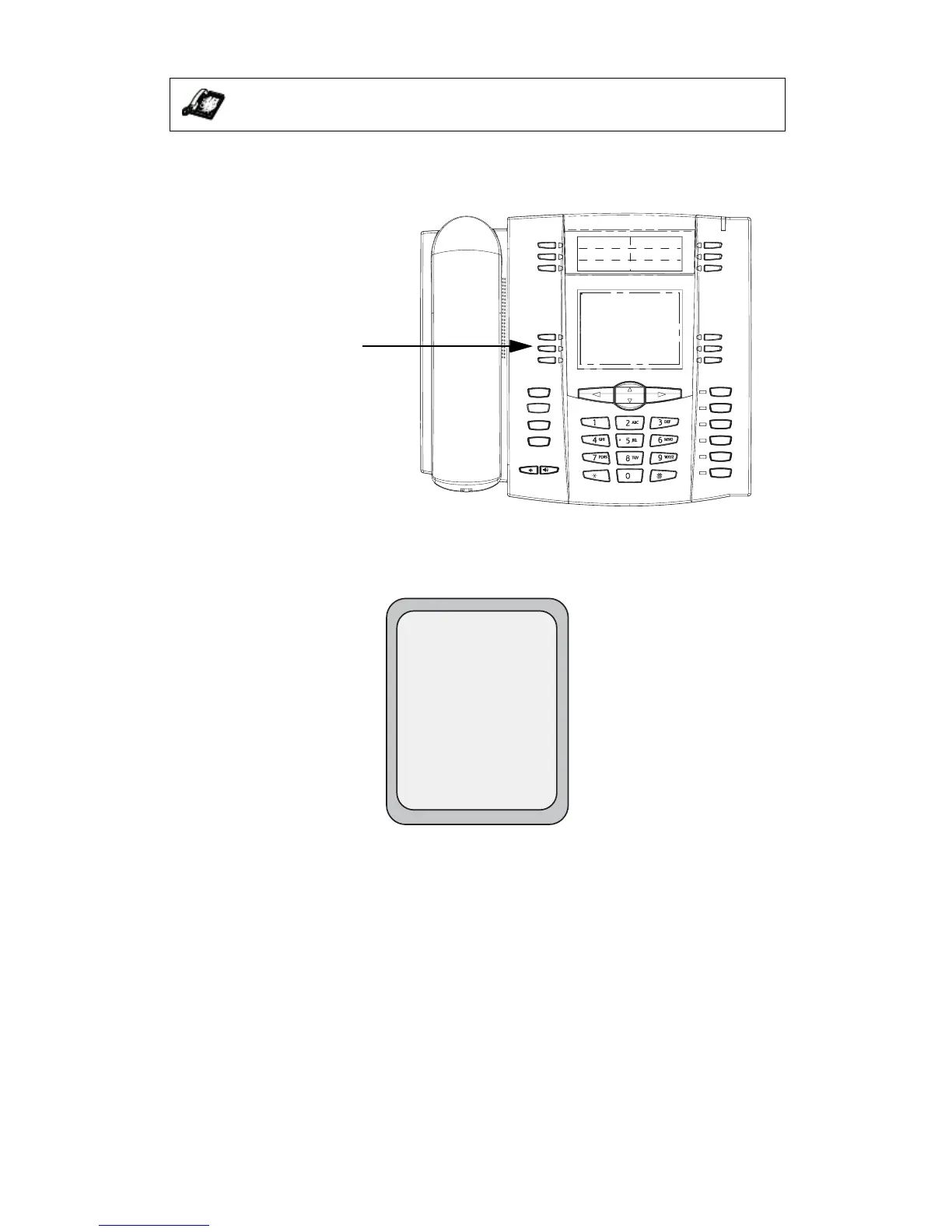
Use the following procedure to create a conference call using local
conferencing. Use the following illustration as a reference.
1. When you begin a conference, you are the first party in the conference
(Party 1). Pick up the handset or press the speakerphone key. A line opens
up.
2. Call Party 2 by dialing their number (or answer an incoming call of a Party).
3. Wait for Party 2 to answer. When Party 2 answers, you can consult with them
before adding them to the conference.
IP Phone UI
Goodbye
Holed
Redial
Options
Line 3
Line 2
Line 1
Speaker/
Headset
Mute
Line 4
Conference key when
handset is lifted
L1
John Smith
Dial
Conf
Xfer
>5566



 To Next Page