Model 6755i Series IP Phone User Guide — 87
Managing Calls
Editing Names, Numbers, and Labels
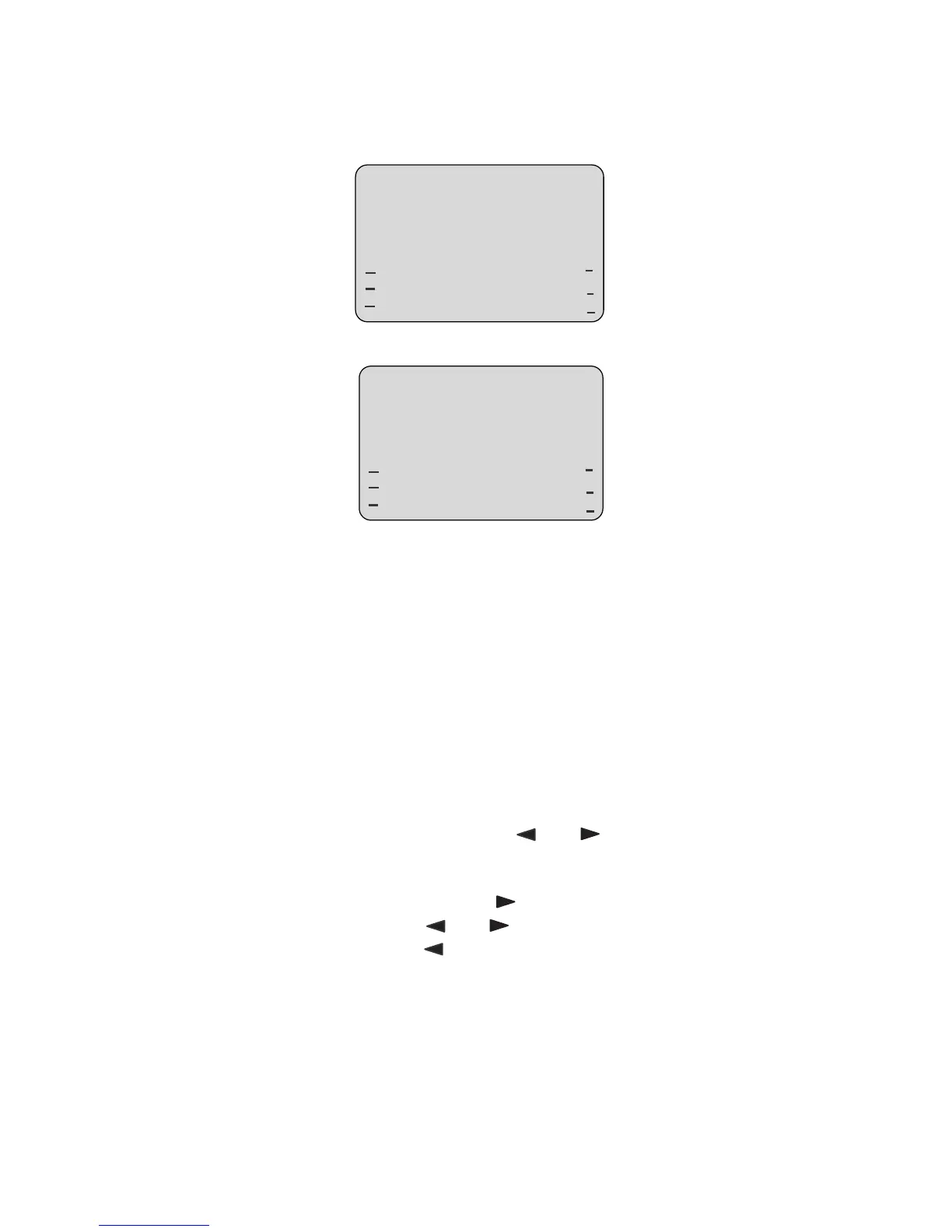
On Screen 1, when the cursor is in the Line field, softkey 5 displays a Change
softkey. The following example illustrates a Directory entry for "Steve Smith", with
a phone number and an Office label. Since the cursor is in the Line field, the
Change softkey displays.
The following example shows the same Directory entry without a label.
• You can use the Dial softkey to automatically dial the number in the Directory
entry.
• You can use the Add Number softkey to add additional numbers to the
current Directory entry (up to 7 numbers per name).
• You can use the Delete softkey to delete a number or to delete multiple
numbers in an entry (see "Deleting Single and Multiple Numbers in an Entry"
on page 91.
• You can use the Change softkey to change a number or a name.
• You can use the Quit softkey to quit the editing of the current Directory entry.
Scrolling Multiple Screens Per Entry
If there are multiple numbers for an entry, the and keys display for you to
scroll multiple screens. The following examples show Screen 1 as Steve Smith’s
Office number, Screen 2 as Steve Smith’s Home number, and Screen 3 as
Steve Smith’s Cell number. The first scroll indicates there are multiple
number entries for the name. The and indicates you can scroll forward or
backward between screens. The indicates this is the last number entry for
the name.
Steve Smith
Oce
905-760-9999
Line: 1 |
Dial
Add Number
Delete
Change
Quit
001
Steve Smith
905-760-9999
Line: 1 |
Dial
Add Number
Delete
Change
Quit
001



 To Next Page