90 — Model 6755i Series IP Phone User Guide
Managing Calls
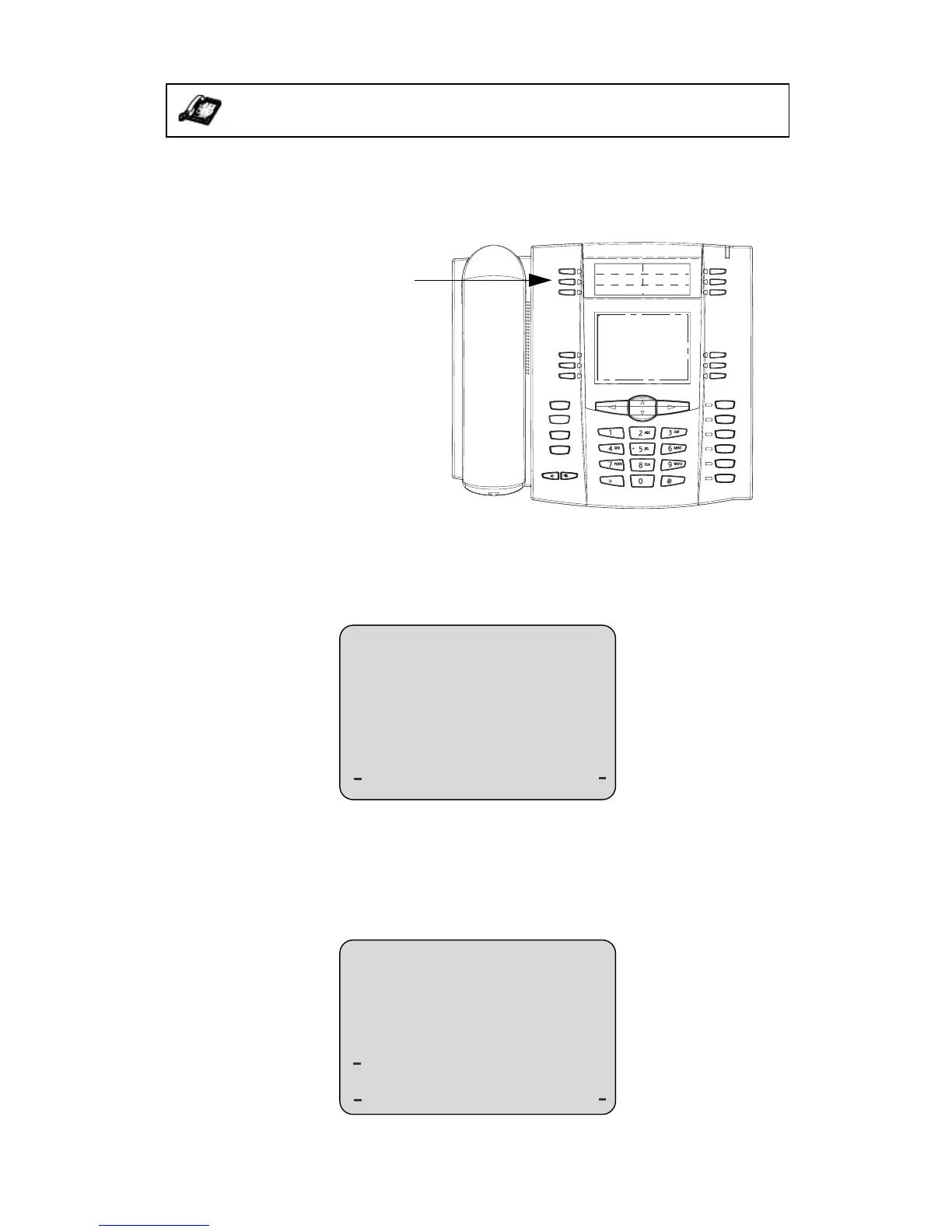
Saving from the Display
You can save the name and/or number displayed on your screen during a call to
the Directory List using the following procedure. Use the following illustration as
a reference.
Deleting Single and Multiple Numbers in an Entry
You use the Delete softkey to delete a single number or multiple numbers for an
entry. For a single number assigned to a name, pressing the Delete softkey
displays the following screen.
• You can press Yes to delete the directory entry (name, number, label, and
line) from the Directory List.
• You can press Cancel to cancel the delete function.
For multiple numbers assigned to a name, pressing the Delete softkey displays
the following screen.
IP Phone UI
Goodbye
Holed
Redial
Options
Line 3
Line 2
Line 1
Speaker/
Headset
Mute
Line 4
Directory/Phonebook Key
Cancel
Delete?
Steve Smith
Yes
Cancel
Delete number
2272939
Number
Entries
or delete all
Steve Smith
entries?



 To Next Page