User’s Manual
4
Chapter 2 — Operation
TURNING ON THE POWER
Connecting the power cord to the DVR turns on the unit. The unit will take approximately 60 seconds to
initialize.
The DVR provides five operation modes: live viewing, recording, playback, searching and PTZ mode.
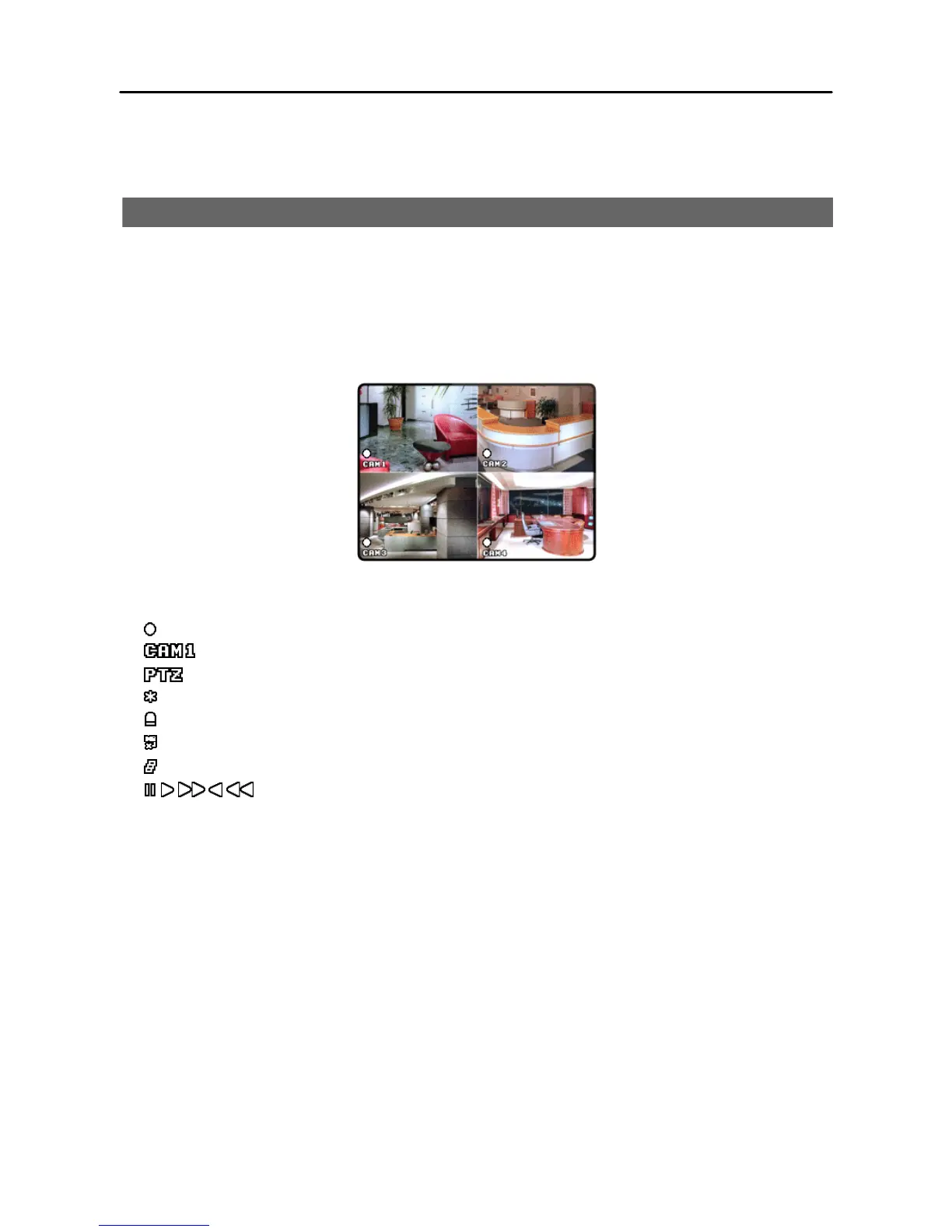
When the DVR operates first, it displays quad screen and starts recording. Refer to Appendix – Factory
Default Settings for details of system setting values.
The description of OSD icons is as follows:
Recording mode
Camera title
PTZ mode
Freeze mode
Event detection (alarm input or motion)
Video loss
Sequence mode
Playback mode
How to change the password…
The default password is 4321 (camera buttons) and you can change the password. You will be asked the
password when entering Main Setup menu, clearing data, changing the system date/time and password.
Refer to Chapter 3 – Configuration à Main Menu à Advanced Setup à System à Set
Password for changing password.
How to change the system date/time…
You can change the system date/time. Refer to Chapter 3 – Configuration à Main Menu à
Advanced Setup à System à Date/Time for changing the system date/time.







 To Next Page