User’s Manual
10
Chapter 3 — Configuration
OVERVIEW
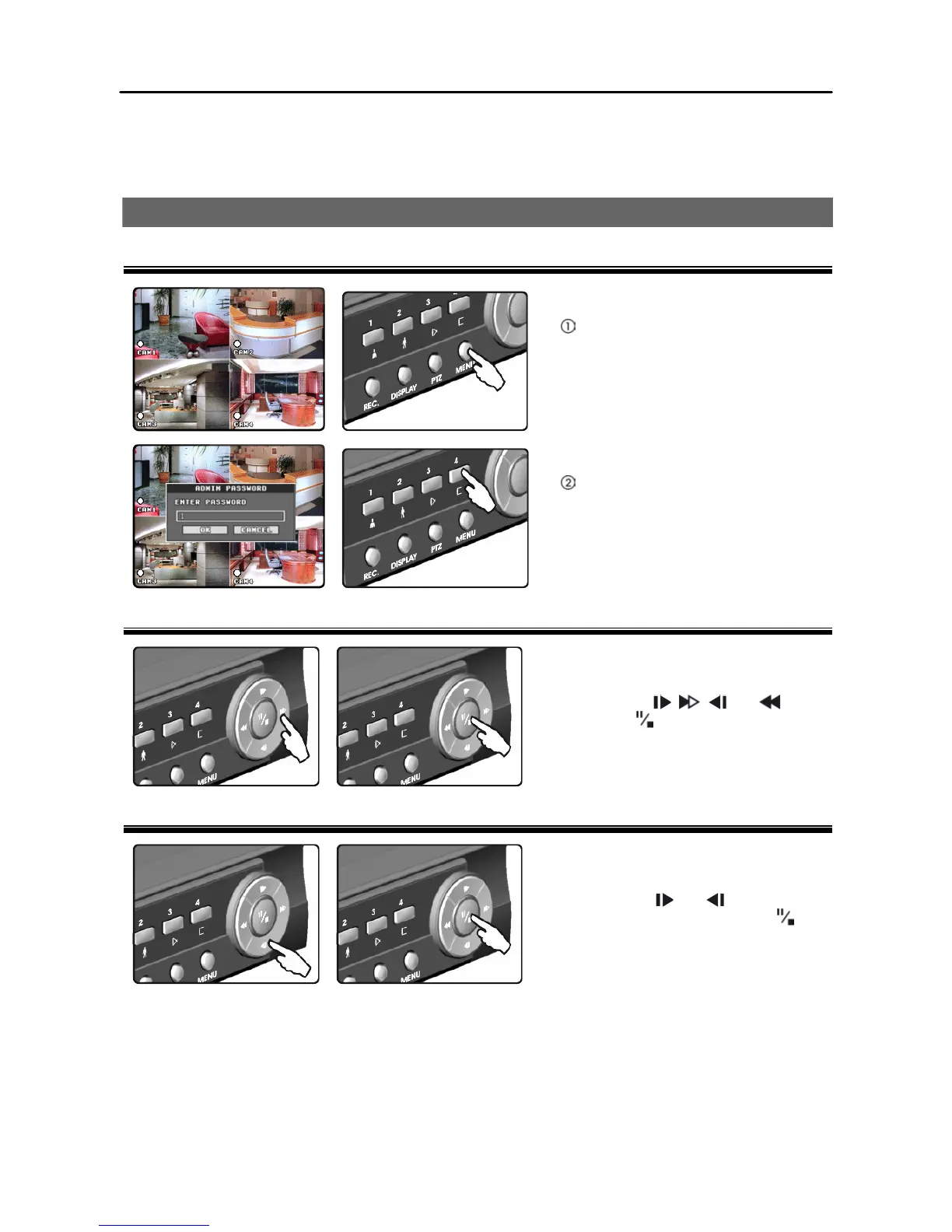
How to Enter Main Setup Menu
Pressing the MENU button in
live-viewing mode enters a Main
Setup menu. Entering a Main Setup
menu is password protected.
Enter the password by pressing the
camera buttons 1 to 4, and a Main
Setup screen appears. The default
password is 4321.
How to Select Items
Move to the desired item by pressing the
arrow buttons ( , , and ).
Pressing the (Pause/Stop) button
selects the item.
How to Change Values
Select the desired item and press the
arrow buttons ( and ) to increase or
decrease the value. Pressing the
button completes the entry.







 To Next Page