ENGLISH
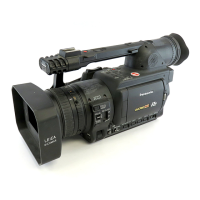
Description
of parts
E-12
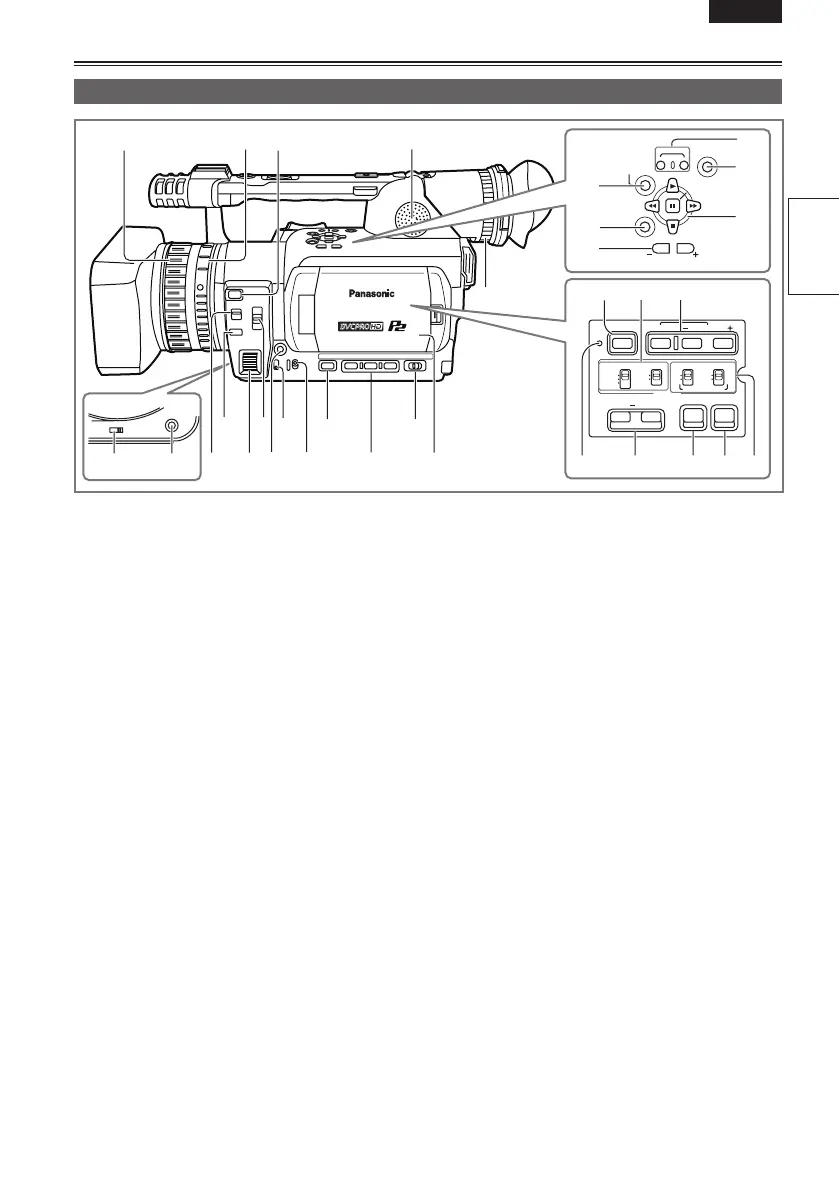
1 Focus ring (Page 37)
2 Zoom ring (Page 32)
If you don’t need the zoom ring pin, fit it into the
provided pin hole (Page 11) so that you don’t
lose it.
3 FOCUS ASSIST button (Page 37)
4 Built-in speaker (Page 74)
5 ZOOM switch (Page 32)
6 AWB button (Page 39)
7 FOCUS switch (Page 37)
8 PUSH AUTO button (Page 37)
9 IRIS dial (Page 38)
10 ND FILTER switch (Page 38)
11 IRIS button (Page 38)
12 GAIN switch (Page 38)
13 WHITE BAL switch (Page 39)
14 DISP/MODE CHK button (Page 43)
15 USER button (Page 44)
16 AUTO/MANUAL switch (Pages 24 and 28)
17 LCD monitor (Page 21)
18 Diopter adjustment dial (Page 20)
19 AUDIO DUB/THUMBNAIL button
(Pages 65 and 79)
20 MENU button (Page 95)
21 PAGE/AUDIO MON/VAR button
(Pages 45 and 72)
22 REC button (Page 86)
23 END SEARCH button (Page 73)
24 Operation button (Page 95)
25 BARS button (Page 44)
26 CH1, CH2 SELECT switch (Page 51)
27 SHUTTER, SPEED SEL+/- button (Page 49)
28 RESET button (Page 125)
29 COUNTER - RESET/TC SET button (Page 57)
30 ZEBRA button (Page 42)
31 OIS button (Page 44)
32 INPUT1, 2 switch (MIC POWER +48 V)
(Page 51)
CH 1 SELECT CH 2 SELECT
INPUT 1 INPUT 2
INT(L)
INPUT 1
INPUT 2
INT(R)
INPUT 2
ON
OFF
MIC POWER +48V
BARS
AUDIO
SHUTTER
SPEED SEL
COUNTER RESET/TC SET
ZEBRA OIS
RESET
ON
OFF
AW B
ZOOM
MANUAL
SERVO
REC
SET
MENU
END SEARCH
PAGE/
AUDIO MON/VAR
AUDIO
DUB/
THUMBNAIL
25 26 27
28 29 30 31 32
19
20
21
22
23
24
1
324
56
17
8
10 12 14 16
11
97
13 15
18
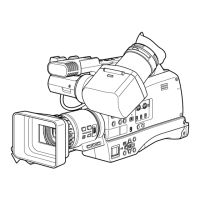
Left side





 To Next Page