- 69 (E) -
w Setting to initial set
In case of the wrong setting in any use mode, take the
following steps to return to the initial settings.
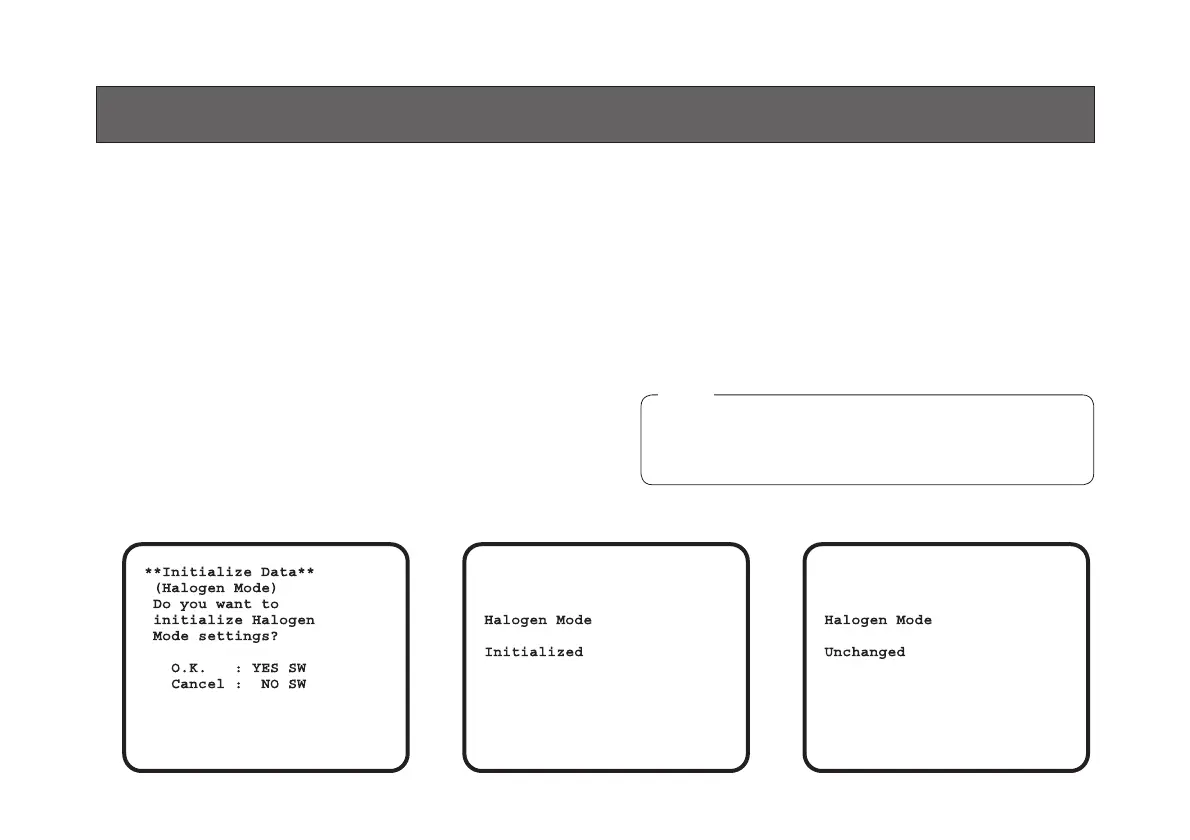
(1) Select [Initialize Data] on the main menu screen of
each Use Mode. (See page 41.)
Press the YES/ABC switch, then [Initialize Data]
screen shown for about 10 seconds.
(2) Press the YES/ABC switch within about 10 seconds
to return to the initial settings, the existing settings
are initialized, the screen shown at , and the
camera returns to main menu.
(3) If the NO/BAR switch is pressed, or if the YES /ABC
switch is not pressed, within about 10 seconds, the
screen shown at , and the camera returns to main
menu, and the existing settings are not initialized.
SETTING TO INITIAL SET
If you are using an option card, the Option Card
Setting Submenu will not be initialized even if
“Return to Initialize” is performed.
Note





 To Next Page