66
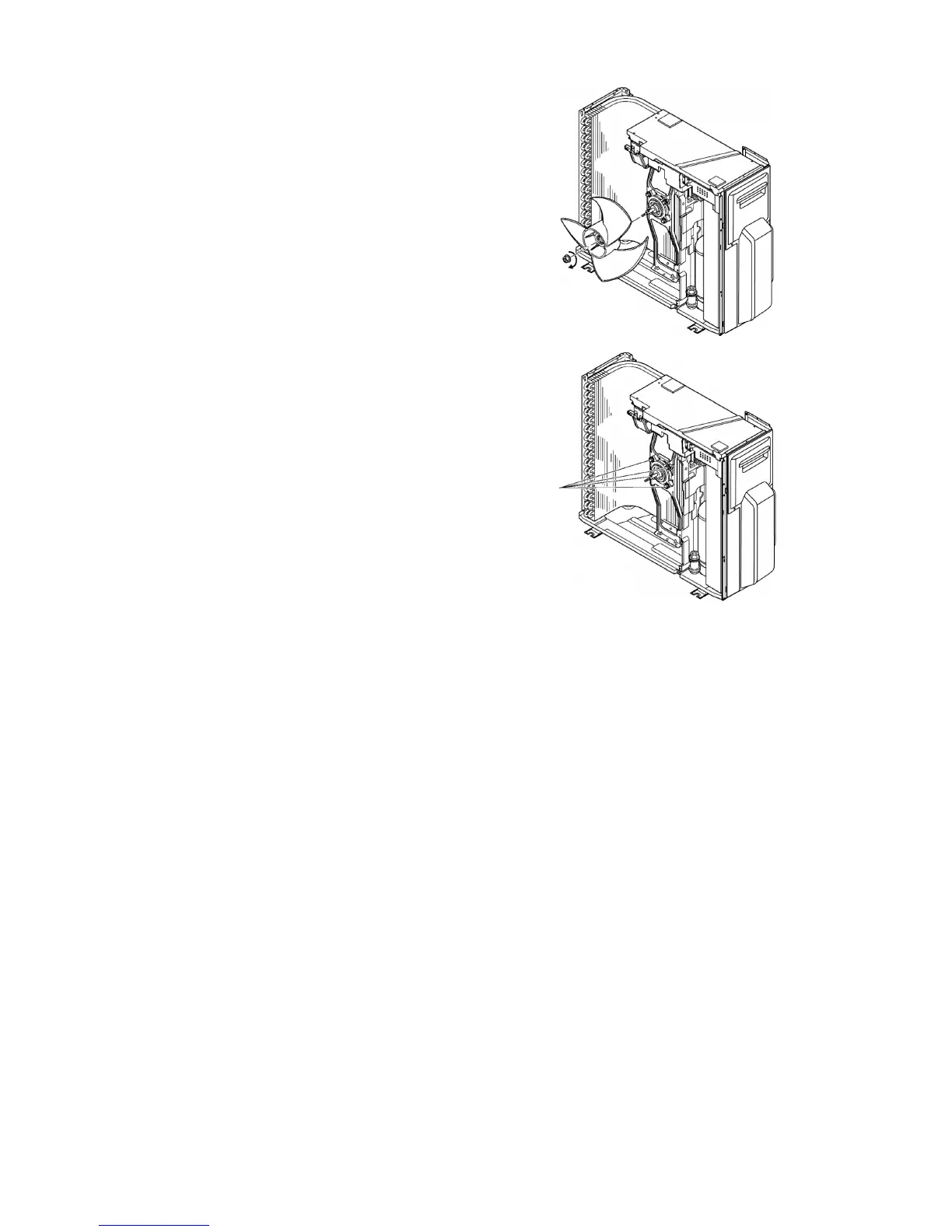
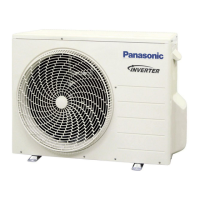
16.2.4 Removing the Propeller Fan and Fan Motor
1. Follow the steps in 18.2.1 for removing the
cabinet top plate and cabinet front plate.
2. Remove the propeller fan by removing the nut
turning clockwise at its center.
3. Disconnect the fan motor connector from the
control P.C. Board.
4. Loosen the 4 fan motor mounting screws then
remove the fan motor.
2




 To Next Page