Using the quick menu
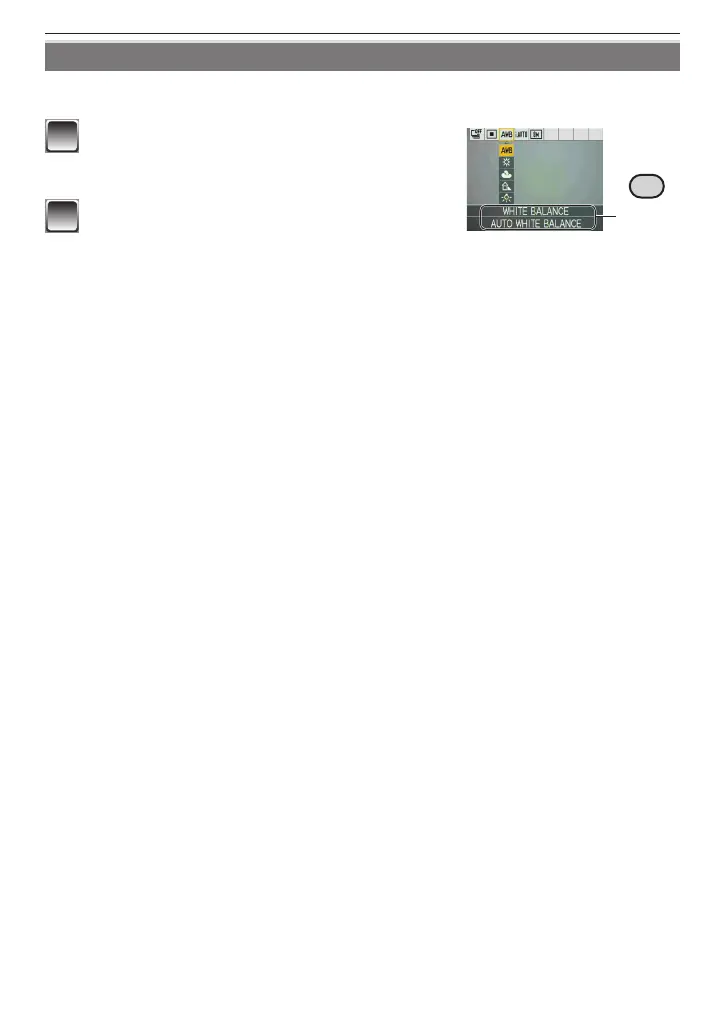
Using the quick menu, some of the menu items can be easily found.
• Some of the menu items cannot be set by the modes.
A
1
Press and hold [Q.MENU] when the
camera is in the Recording Mode.
2
Press
e
/
r
/
w
/
q
to select the menu item
and its setting and then press [MENU/
SET] to close the menu.
A
The item to be set and the setting are displayed.











 To Next Page