Selecting Pictures and Playing Them Back
Playback Mode:
z
z
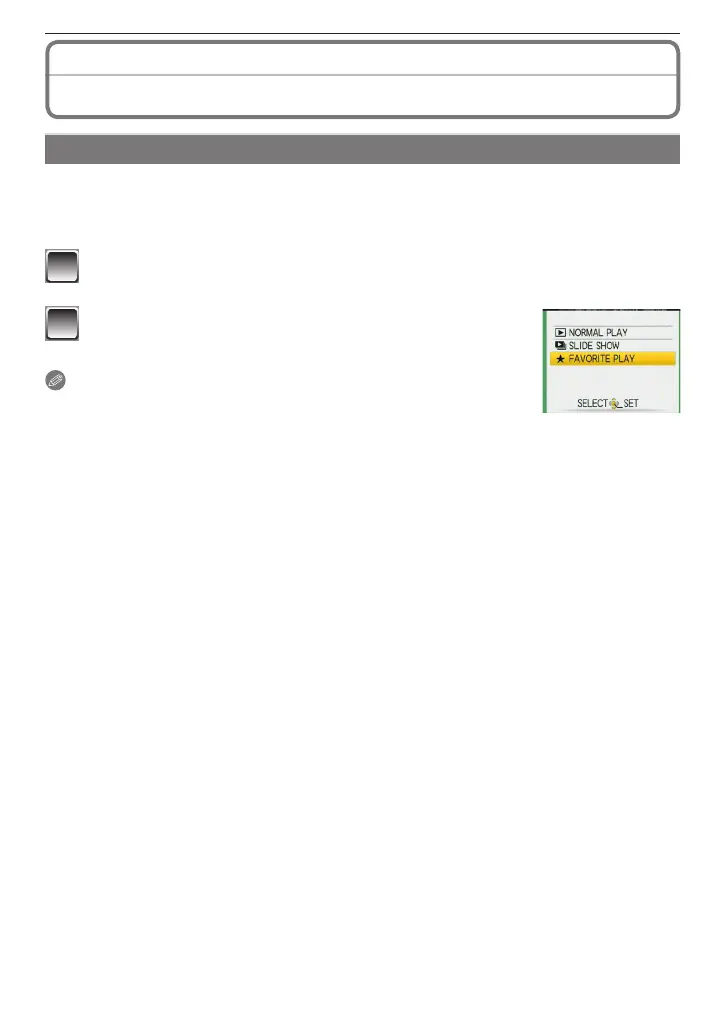
[FAVORITE PLAY]
You can play back the pictures put in the favorites list only. (When [FAVORITE] is set to
[ON] and there is more than one picture in the favorites list.)
Refer to [FAVORITE] (P91) to put a picture on your favorites list or to remove it from the
list.
1
Slide the recording/playback switch to [
5
] and then press [MODE].
2
Press
e
/
r
to select [FAVORITE PLAY] and then
press [MENU/SET].
Note
• You can use only [ROTATE], [PRINT SET] or [PROTECT] in the
[PLAYBACK] menu.











 To Next Page