j
[ROTATE]
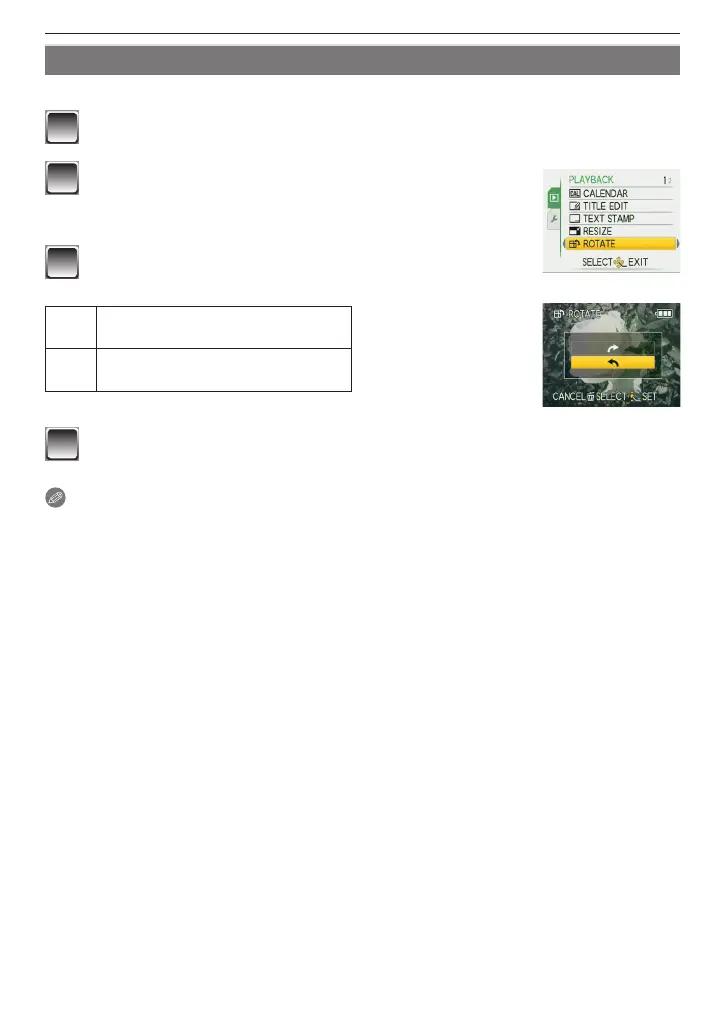
This mode allows you to rotate pictures manually in 90° increments.
1
Select [ROTATE] on the [PLAYBACK] menu. (P21)
2
Press
w
/
q
to select the picture and then press
[MENU/SET] .
• Motion pictures and protected pictures cannot be rotated.
3
Press
e
/
r
to select the direction to rotate the
picture and then press [MENU/SET].
,
The picture rotates clockwise in
increments of 90°.
.
The picture rotates counter-
clockwise in increments of 90°.
4
Press [
4
] to return to the menu screen.
• Press [MENU/SET] to close the menu.
Note
• When you play the picture on a PC, you cannot play rotated pictures without an OS or a
software compatible with Exif. Exif is the le format for still pictures, to which recording
information and other data can be added, established by JEITA [Japan Electronics and
Information Technology Industries Association].
• You may not be able to rotate pictures shot on other equipment.











 To Next Page