Advanced-Shooting
- 44 -
Taking Pictures Using the Built-in Flash
Recording Mode:
;
1
5
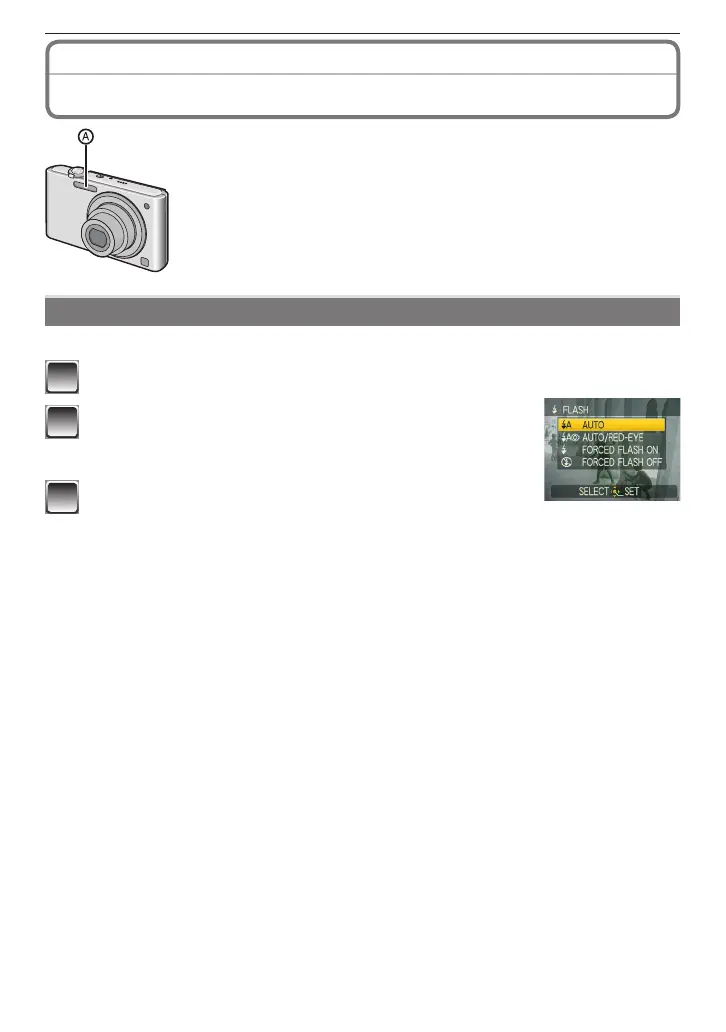
A
Photo ash
• Do not cover the photo ash with your ngers or any other items.
Switching to the appropriate ash setting
Set the ash to match the recording.
1
Press
q
[
t
].
2
Press
e
/
r
to switch the ash setting.
• You can also press
q
[
t
] to switch the setting.
• For the selectable ash settings, refer to “Available ash settings
by Recording Mode”. (P46)
3
Press [MENU/SET].
• You can also press the shutter button halfway to nish.
• When 5 seconds pass without any operation, the setting selected at the time is
automatically adopted.











 To Next Page