Preparation
- 27 -
l
[TV ASPECT]
Set to match the type of TV. (Playback Mode only)
[
}
]: When connecting to a 16:9 screen TV.
[
+
]: When connecting to a 4:3 screen TV.
• This will work when the AV cable is connected.
@
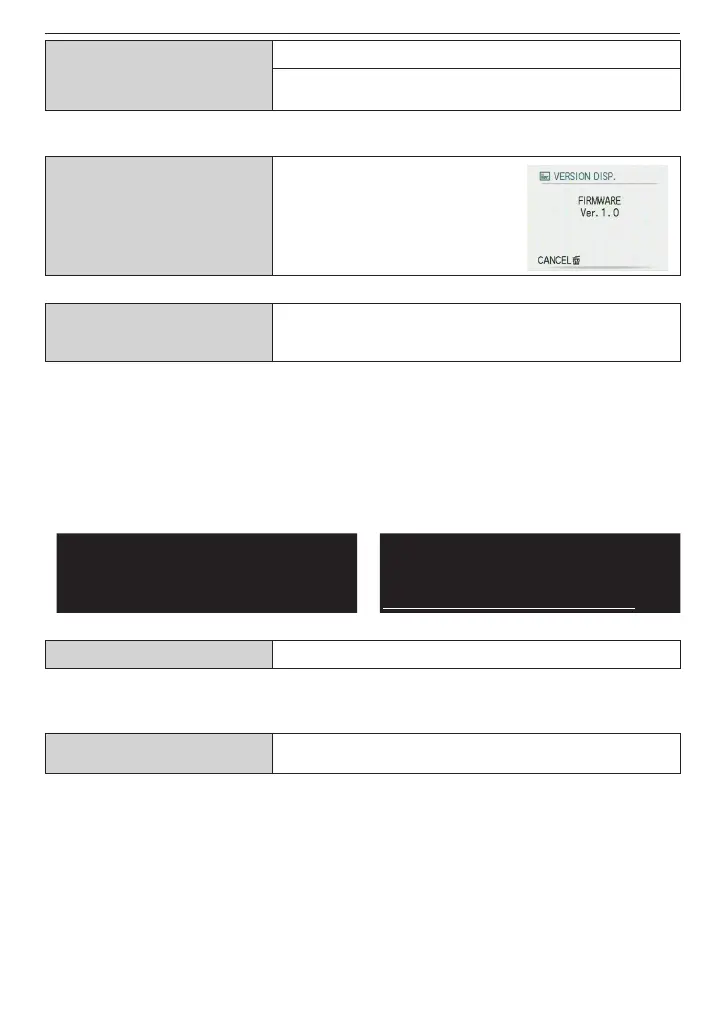
[VERSION DISP.]
It is possible to check which
version of rmware is on the
camera.
v
[FORMAT]
Initializes the built-in memory or card. Formatting
irretrievably deletes all the data so check the data
carefully before formatting.
• Use
a battery with sufcient power or the AC adaptor (optional) when formatting. Do not
turn the camera off when formatting.
• If a card has been inserted, only the card is formatted. To format the built-in memory,
remove the card.
• If the card has been formatted on a PC or other equipment, format it on the camera
again.
• It may take longer to format the built-in memory than the card.
• If the built-in memory or the card cannot be formatted, consult your nearest Service
Center.
For USA and Puerto Rico assistance,
please call: 1-800-211-PANA (7262) or,
contact us via the web at:
http://www.panasonic.com/contactinfo
For Canadian assistance, please call:
1-800-99-LUMIX (1-800-995-8649) or
send e-mail to:
lumixconcierge@ca.panasonic.com
9
[LANGUAGE] Set the language displayed on the screen.
• When you set to other language by
mistake, select [
9
] from the menu icons to set the
desired language.
.
[AUTO DEMO]
The camera’s features are displayed as a slide show.
[OFF]/[ON]
•
Press any button, such as [MENU/SET], to close [AUTO DEMO].
• [AUTO DEMO] has no TV output capability.











 To Next Page