Advanced-Shooting
- 63 -
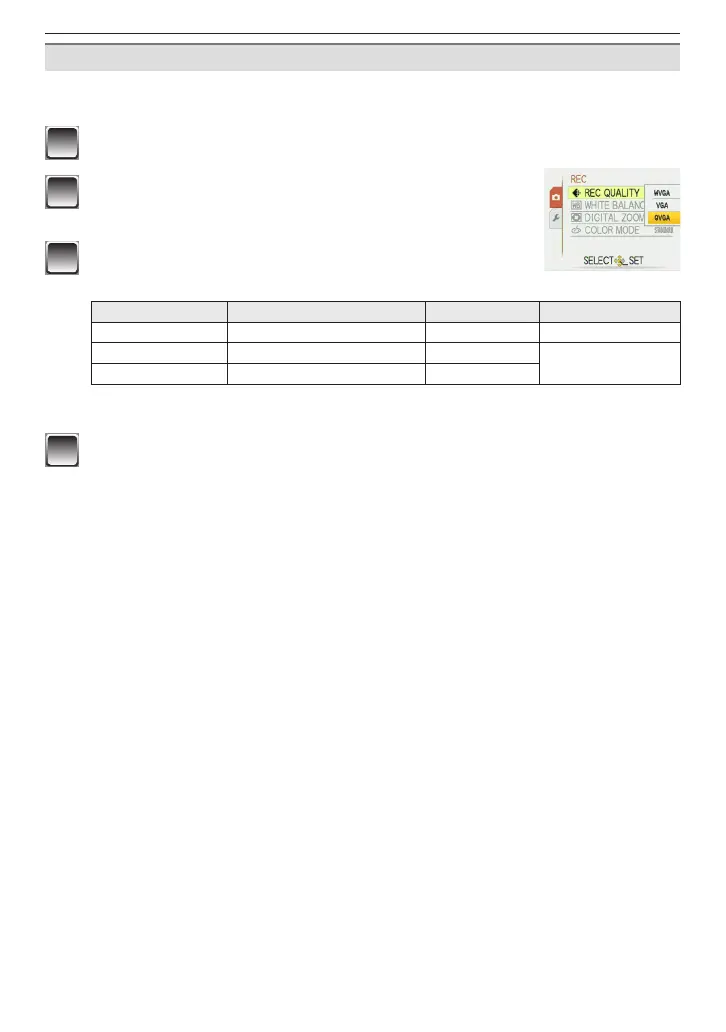
Changing the settings for the picture quality
When you set the picture quality to [WVGA] or [VGA], we recommend using a high-speed
card with “10MB/s” or greater displayed on the package for shooting motion pictures.
1
Press [MENU/SET].
2
Press
e
/
r
to select [REC QUALITY] and then
press
q
.
3
Press
e
/
r
to select the item and then press
[MENU/SET].
Item Picture size fps Aspect ratio
WVGA
848 × 480 pixels 30 fps 16:9
VGA
640 × 480 pixels 30 fps
4:3
QVGA 320 × 240 pixels 30 fps
• fps (frame per second); This refers to the number of frames used in 1 second.
Cannot be recorded in the built-in memory.
4
Press [MENU/SET] to close the menu.
• You can also press the shutter button halfway to close the menu.











 To Next Page