5
Press [MENU/SET].
• If you set [TEXT STAMP] for a picture larger than 3M, the picture size will become
smaller as shown below
DMC-FS42:
E
/
T
"
C
DMC-FS4:
R
/
T
"
C
Y
"
M Z
"
M
K
"
U X
"
U
• The picture becomes slightly rougher.
(Example)
6
Press
e
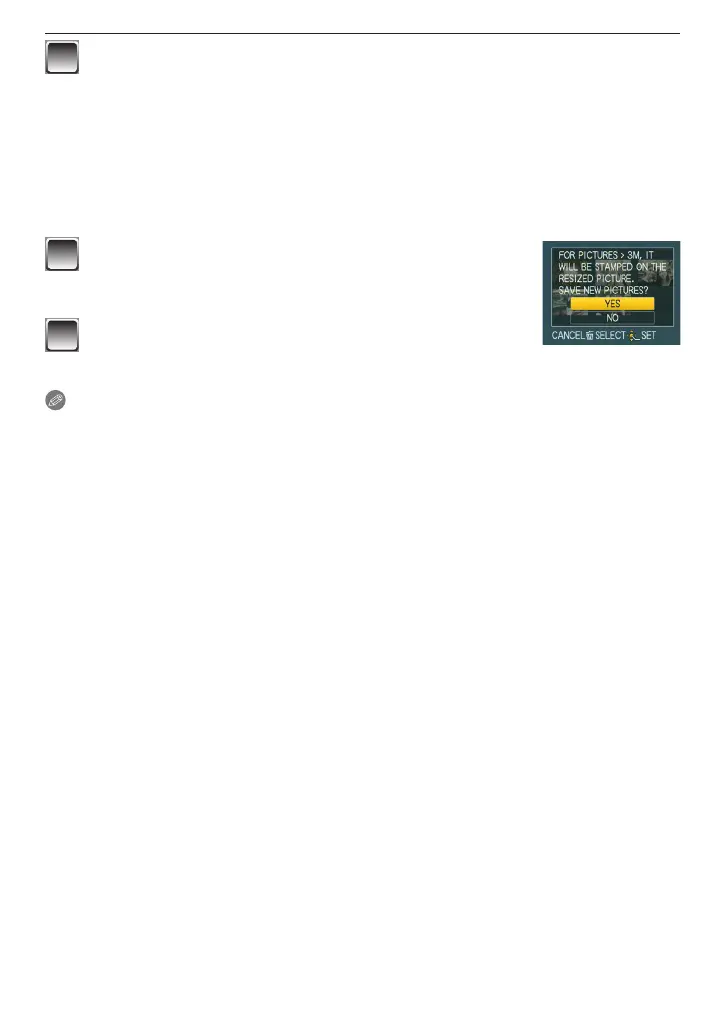
to select [YES] and press [MENU/SET].
• The message [SAVE NEW PICTURES?] appears if the
picture was recorded with a picture size of 3M or less.
7
Press [
4
] to return to the menu screen
.
The menu screen is automatically restored when [MULTI] is selected.
• Press [MENU/SET] to close the menu.
Note
• Note that if you use text stamp and then specify printing the date when you order prints
or on a printer, both dates will be printed and may overlap.
• You can set up to 50 pictures at one time in [MULTI].
• The text may be cut off with some printers. Check before printing.
• The printed texts may be blurred on the pictures with the resolution of
O
.
• Date or text stamps cannot be used in the following cases:
– Motion pictures/Pictures recorded without setting the clock or title/Pictures stamped
with [TEXT STAMP]/Pictures taken with other equipment











 To Next Page