EasyManua.ls Logo

Panasonic HDC-SD40 - User Manual

Panasonic HDC-SD40
132 pages
Print Icon
To Next Page IconTo Next Page
Loading...
until
2011/2/10
For USA and Puerto Rico assistance, please call: 1-800-211-PANA(7262) or,
contact us via the web at: http://www.panasonic.com/contactinfo
For Canadian assistance, please call: 1-800-561-5505 or visit us at www.panasonic.ca
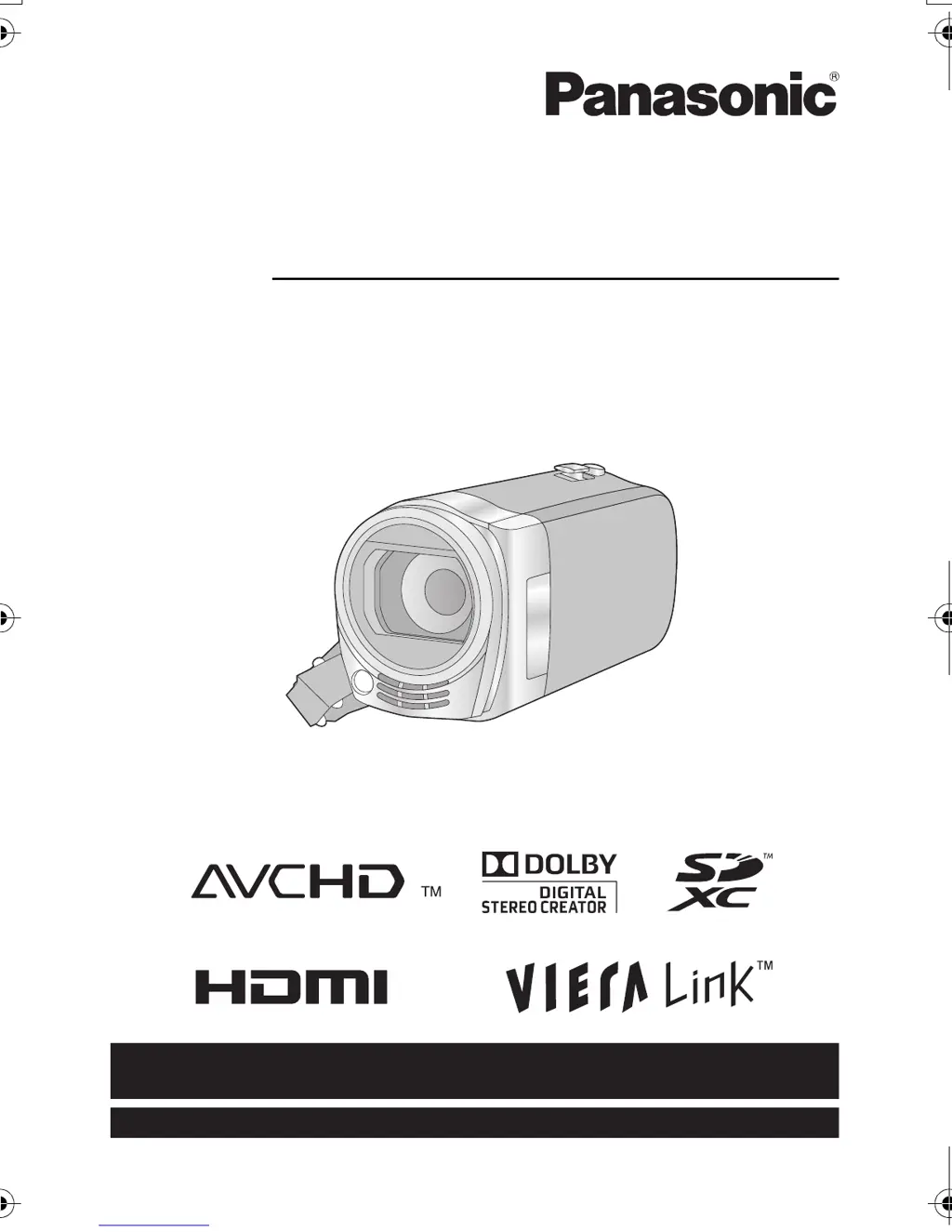
Owners Manual
High Definition Video Camera
Model No.HDC-SD40P/PC
HDC-TM40P/PC
HDC-TM41P/PC
Before connecting, operating or adjusting this product, please read the instructions completely.
VQT3J95
HDC-SD40&TM40P_PC_VQT3J95_mst.book 1 ージ 2011年1月20日 木曜日 午前11時49

Table of Contents

Other manuals for Panasonic HDC-SD40

Questions and Answers

  • M
    Michael WatkinsSep 1, 2025
    What to do if Panasonic Camcorder SD card is not recognized in other device?
    • T
      Timothy NelsonSep 1, 2025
      If an SD card from your Panasonic Camcorder isn't recognized in another device, verify that the device supports the SD card's capacity or type (SD Memory Card/SDHC Memory Card/ SDXC Memory Card).
  • L
    Laura MirandaSep 12, 2025
    Why cannot copy scenes on Panasonic HDC-SD40 Camcorder SD card via USB?
    • S
      Steven WilliamsSep 12, 2025
      If you cannot copy scenes from the SD card of your Panasonic Camcorder when connecting to other equipment via USB, the other equipment might not have recognized the SD card. Try unplugging and reconnecting the USB cable.
  • R
    rstevensAug 30, 2025
    Why Panasonic HDC-SD40 Camcorder turns off automatically?
    • G
      Gerald FisherAug 31, 2025
      If your Panasonic Camcorder turns off automatically, and the unit turns off when you turn off the power to the TV using the TV remote control, the VIERA Link is at work. If you are not using the VIERA Link, set [VIERA Link] to [OFF].
  • M
    Matthew HigginsSep 14, 2025
    What does 'Error occurred' mean on Panasonic HDC-SD40?
    • K
      Katherine White DVMSep 14, 2025
      If the message “ERROR OCCURRED. PLEASE TURN UNIT OFF, THEN TURN ON AGAIN.” is displayed on your Panasonic Camcorder, restart the unit by turning it off and on again. If the message repeatedly appears after restarting, repair is needed. Disconnect the power and consult the dealer from whom you purchased the unit.
  • B
    Bradley LoveSep 14, 2025
    What to do if Panasonic Camcorder does not operate normally?
    • L
      Leslie WilliamsSep 14, 2025
      If your Panasonic Camcorder is not operating normally even when turned on, try removing the battery or AC adapter, waiting about 1 minute, and then reconnecting it. Wait another minute before turning the unit back on. If the issue persists, disconnect the power and consult the dealer from whom you purchased the unit.
  • J
    Jacob WalshSep 18, 2025
    How to troubleshoot VIERA Link on Panasonic HDC-SD40 Camcorder?
    • J
      Jillian ThompsonSep 18, 2025
      To resolve issues with VIERA Link not working on your Panasonic Camcorder: * Connect with a HDMI mini cable (optional). * Set [VIERA Link] to [ON]. * Turn the unit off and then back on again. * Check the VIERA Link setting on the connected device.
  • T
    Tracy Little MDSep 23, 2025
    Why Panasonic HDC-SD40 is not detected by other devices using USB cable?
    • A
      Angela SandovalSep 23, 2025
      When connected to other devices using only the battery, reconnect using the AC adaptor.
  • J
    juarezduaneAug 27, 2025
    Why does my Panasonic HDC-SD40 Camcorder arbitrarily stop recording?
    • B
      Brandy SullivanAug 27, 2025
      If your Panasonic Camcorder stops recording unexpectedly, it could be due to a few reasons. The SD card's data writing speed may have decreased, or repeated recording and deletion could be the cause. Use an SD card specifically designed for motion picture recording. You can also format the SD card or built-in memory using the camcorder. If [AGS] is [ON], record in the normal horizontal position or set [AGS] to [OFF].
  • M
    meatonAug 26, 2025
    What to do if Panasonic HDC-SD40 is on but not working?
    • S
      stantontonyaAug 26, 2025
      If your Panasonic Camcorder is on but not working correctly, try removing the battery or AC adapter, waiting about a minute, and then reconnecting it. Wait another minute before turning the unit back on. If the issue persists, disconnect the power and contact consumer support.
  • M
    Miss Dawn Carlson PhDAug 25, 2025
    Why is there no video or audio output from my Panasonic HDC-SD40 Camcorder to TV?
    • M
      Mr. Ryan RichardsonAug 26, 2025
      If your Panasonic Camcorder is connected to the TV correctly but there is no video or audio output, or the images are squeezed horizontally, read the operating instructions of your TV and select the channel that matches the input used for the connection. Also, change the [TV ASPECT] setting to match the aspect ratio of the TV and change the setting of the unit depending on the cable connecting to the TV. Check the screen of the unit if the TV screen is not displayed during recording or when PRE-REC is set. Note that audio is not output from the TV during recording mode.

Summary

IMPORTANT SAFETY INSTRUCTIONS

Precautions

USE & LOCATION

Precautions for using the camera in various environments and locations.

Quick Guide

Inserting the battery

Step-by-step instructions for inserting the camera's battery.

Charging the battery

Procedure for charging the camera's battery using the AC adaptor.

Parts identification and handling

Power supply

Inserting;removing the battery

Step-by-step guide on how to insert and remove the battery.

Recording motion pictures

Recording still pictures

Intelligent Auto Mode

Motion picture;Still picture playback

Manual recording

White balance

Adjusting white balance for accurate color reproduction in different lighting conditions.

Manual shutter speed;iris adjustment

Controlling shutter speed and iris for exposure and image brightness.

Playback Operations

Motion picture playback using operation icon

Using on-screen icons to control motion picture playback functions.

Watching Video;Pictures on your TV

Connect this unit to a TV.

Guide on connecting the camcorder to a television for playback.

Copy;Dubbing

Copying from Built-in Memory to SD card

Instructions for copying recorded content from internal memory to an SD card.

With a PC

What you can do with a PC

Overview of PC operations using HD Writer LE 1.0 software.

Troubleshooting

Cautions for use

About this unit

General advice on handling the unit and avoiding electromagnetic interference.

Specifications

Spanish Quick Use Guide;Guía española para el uso rápido

Insertar la batería

Instructions in Spanish for inserting the battery into the device.

Carga de la batería

Instructions in Spanish for charging the battery using the AC adaptor.

Panasonic HDC-SD40 Specifications

General IconGeneral
Digital zoom1200 x
Optical zoom16.8 x
Image stabilizerYes
Focal length range2.9 - 48.7 mm
Focal length (35mm film equivalent)42.9 - 721 mm
Sensor typeMOS
Total megapixels1.5 MP
Optical sensor size1/5.8 \
Effective megapixels (movie)1.19 MP
InterfaceUSB 2.0
Video out1
Power requirementsAC/DC, 3.6 - 5.0 V
Power consumption (typical)7.7 W
Display diagonal2.7 \
Maximum video resolution1920 x 1080 pixels
Image formats supportedJPG
Still image resolution(s)1920 x 1080
Audio systemDolby Digital
Camera shutter speed1/25 - 1/8000 s
Shutter speed (photo)1/25 s
Shutter speed (video)1/8000 s
Minimum illumination1 lx
USB 2.0 ports quantityUSB 2.0 ports have a data transmission speed of 480 Mbps, and are backwards compatible with USB 1.1 ports. You can connect all kinds of peripheral devices to them.
Compatible memory cardsSD, SDHC, SDXC
Product colorWhite
Bundled softwareHD Writer LE 1.0
Weight and Dimensions IconWeight and Dimensions
Depth108.5 mm
Width51.5 mm
Height57.5 mm
Weight169 g

Related product manuals