63
VQT2V00
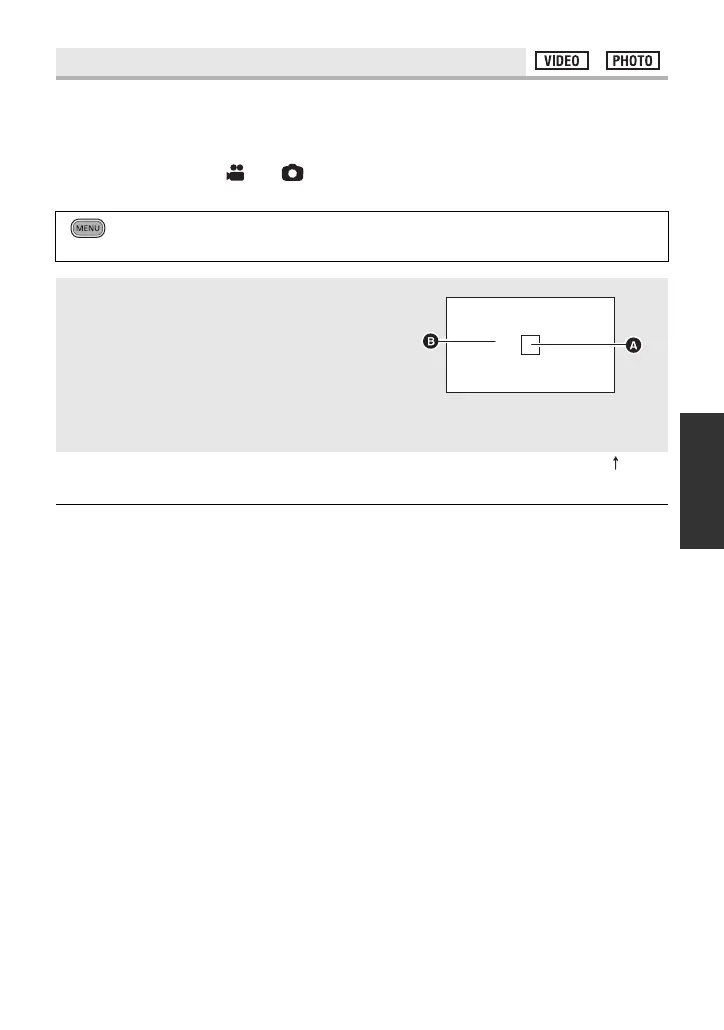
Displays the luminance level of the centre of the screen (luminance display frame) in %.
It makes the adjustment of the brightness of the object easier, by checking the luminance
level of the object, when recording same object in different surroundings.
Adjust the brightness using [IRIS]. (l 71)
≥ Change the mode to or .
≥ Switch to manual mode. (l 69)
≥ Luminance level is displayed between [0%] and [99%]. It will be displayed as [99% ] when
it is over 99%.
≥ Luminance is displayed while adjusting [IRIS] even if [DISPLAY] is set to [OFF].
[LUMINANCE]
: [RECORD SETUP] # [LUMINANCE] # desired setting
≥ It is possible to set from the quick menu in manual mode. (l 32)
[OFF]:
Cancel the setting.
[ANYTIME]:
Constantly display.
[ON ADJUST]:
Display only when [IRIS] is adjusted. (l 71)
A Luminance display frame
B Luminance level















 To Next Page