EasyManua.ls Logo

Panasonic NV-HD90 - Page 7

Panasonic NV-HD90
40 pages
Print Icon
To Next Page IconTo Next Page
To Previous Page IconTo Previous Page
Loading...
ā€˜Setting
Up
Q
SD
>
=
$
D
2]
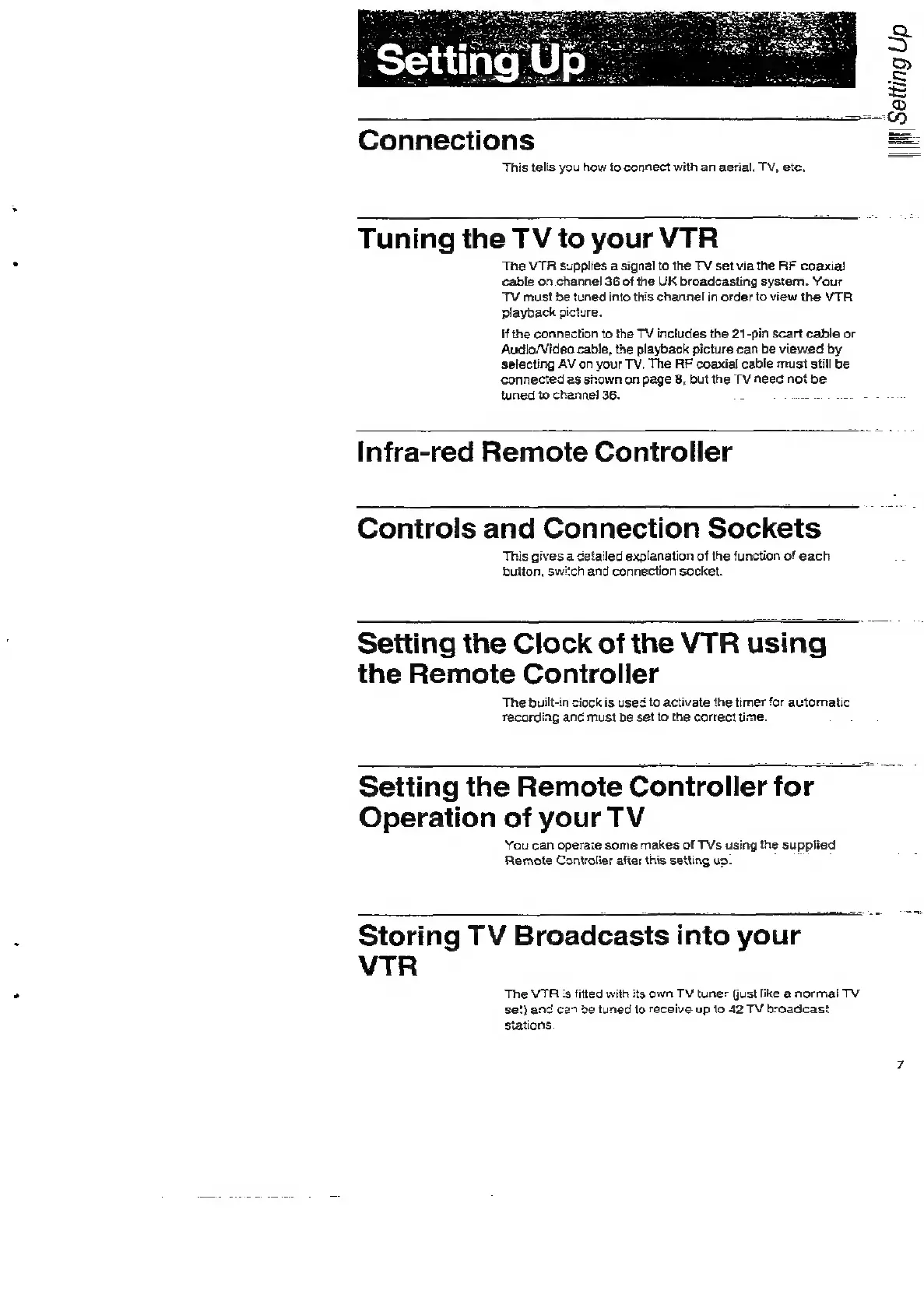
Connections
This
tells
you
how
to
connect
with
an
aerial.
TV,
etc.
Tuning
the
TV
to
your
VTR
The
VTR
supplies
a
signal
to
the
TV
set
via
the
RF
coaxia!
cable
on
channel
36
of
the
UK
broadcasting
system.
Your
TV
must
be
tuned
into
this
channel
in
order
to
view
the
VTR.
if
the
connection
to
the
TV
includes
the
21-pin
scart
cable
or
Audio/Video
cable,
the
playback
picture
can
be
viewed
by
selecting
AV
on
your
TV,
The
RF
coaxial
cable
must
still
be
connected
as
shown
on
page
8,
but
the
TV
need
not
be
tuned
to
channel
36.
4
as
Infra-red
Remote
Controller
Controls
and
Connection
Sockets
This
gives
a
detailed
explanation
of
the
function
of
each
bulton,
switch
and
connection
socket.
Seiting
the
Clock
of
the
VTR
using
the
Remote
Controller
The
built-in
ciock
is
used
to
activate
the
timer
for
automatic
recording
and
must
be
set
to
the
correct
time.
Setting
the
Remote
Controller
for
Operation
of
your
TV
You
can
operate
some
makes
of
TVs
using
the
supplied
Remote
Controlier
after
this
setting
up.
Storing
TV
Broadcasts
into
your
,
VTR
The
VTR
:s
fitted
with
its
own
TV
tuner
Gust
like
a
normal
TV
se?)
and
ce
be
tuned
to
receive
up
to
42
TV
broadcast
stations

Related product manuals