EasyManua.ls Logo

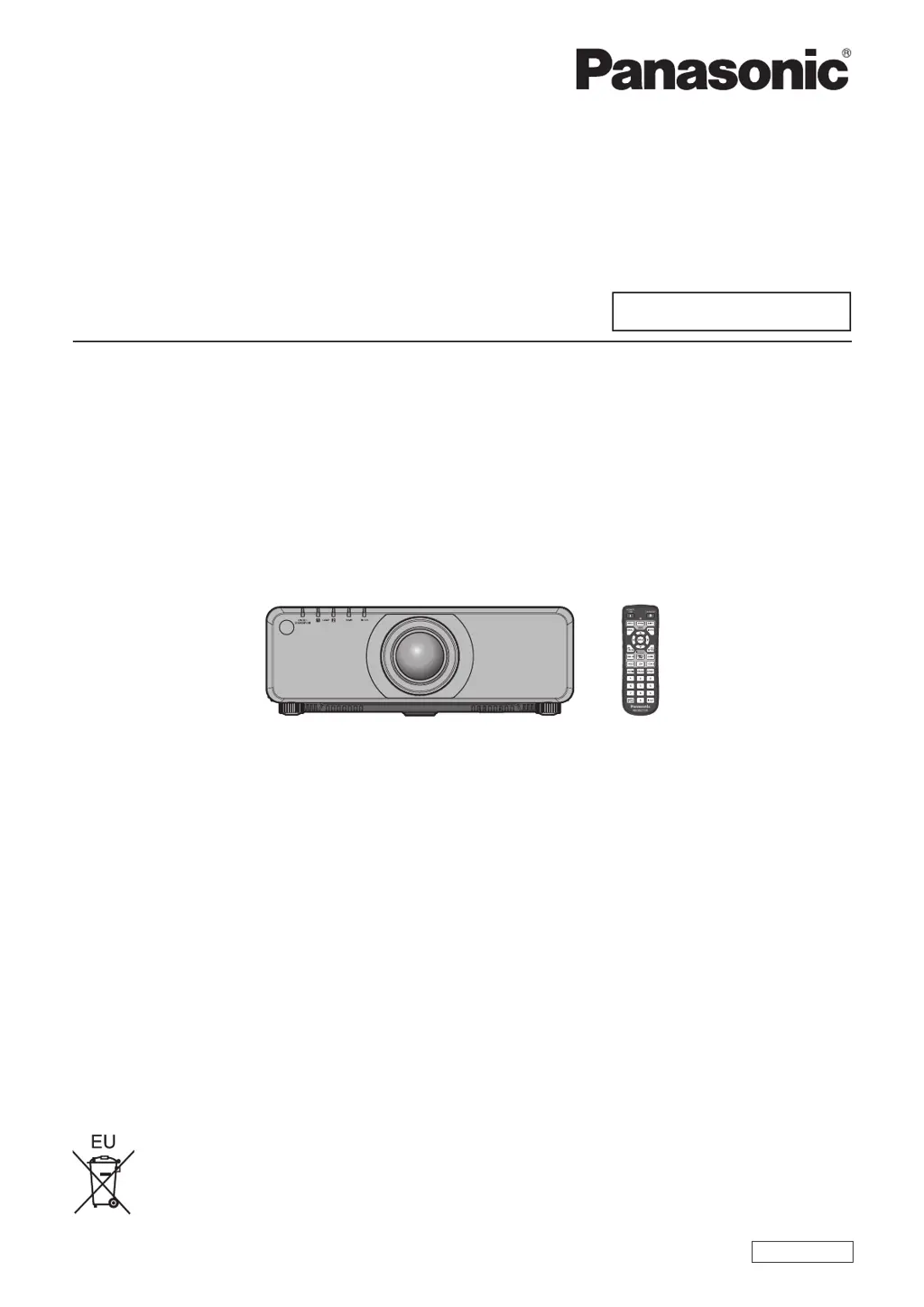
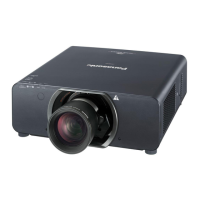
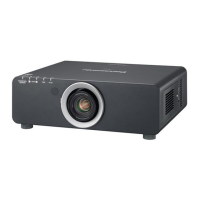
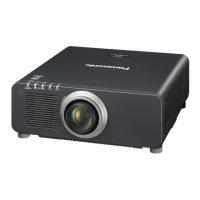
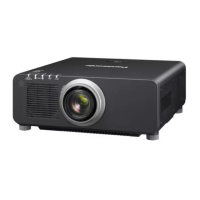
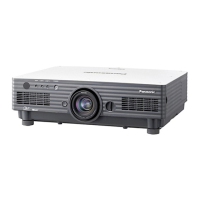
Panasonic PT-DX820 - User Manual

Panasonic PT-DX820
196 pages
Print Icon
To Next Page IconTo Next Page
Loading...
Thank you for purchasing this Panasonic product.
This manual is common to all the models regardless of sufxes of the Model No.
z
for India
BD: Black model, the standard zoom lens supplied LBD: Black model, the lens sold separately
WD: White model, the standard zoom lens supplied LWD: White model, the lens sold separately
z
for Taiwan
BT: Black model, the standard zoom lens supplied
z
for other countries or regions
B: Black model, the standard zoom lens supplied LB: Black model, the lens sold separately
W: White model, the standard zoom lens supplied LW: White model, the lens sold separately
Before operating this product, please read the instructions carefully and save this manual
for future use.
Before using this product, be sure to read “Read this rst!” (
x
pages 5 to 14).
TQBJ0789
DLP™ Projector
Commercial Use
Operating Instructions
Functional Manual
ENGLISH
Model No.
PT-DZ780
PT-DW750
PT-DX820

Table of Contents

Questions and Answers

  • Z
    zachary51Sep 23, 2025
    Why DIGITAL LINK input image is not displayed on Panasonic PT-DX820 Projector?
    • G
      George BrewerSep 23, 2025
      If the DIGITAL LINK input image is not displayed on your Panasonic Projector, check these items: * Ensure that the connections between the twisted-pair-cable transmitter and the projector or an external device are correctly done. * Verify that is set to or . Ensure it is not set to . * Confirm that the input signal is compatible with a twisted-pair-cable transmitter.
  • K
    Kimberly Boyd MDAug 25, 2025
    How to fix Panasonic PT-DX820 when power does not turn on?
    • A
      alexanderdunlapAug 25, 2025
      If your Panasonic Projector isn't turning on, here are a few things to check: * Make sure the power plug is fully inserted into the outlet. * Verify that the switch is set to . * Confirm that the wall outlet is actually providing electricity. * Check if any circuit breakers have tripped. * Examine the lamp indicators or the temperature indicator to see if they are lit or blinking. * Ensure the lamp unit cover is securely attached.
  • S
    Sean ScottAug 25, 2025
    What to do if no image appears on my Panasonic Projector?
    • Q
      qpruittAug 26, 2025
      If no image appears on your Panasonic Projector, consider the following: * Check that all connections to external devices are correctly connected. * Ensure the input selection setting is correct. * Verify that the adjustment is not set to the minimum. * Confirm that the external device connected to the projector is working properly. * Check if the shutter function is in use. * If the power indicator is blinking red, it is recommended to consult your dealer. * Ensure that the lens cover is removed from the lens.
  • P
    Patrick Lane Jr.Aug 26, 2025
    What to do if the Panasonic Projector remote control does not respond?
    • K
      kevin38Aug 27, 2025
      If your Panasonic Projector remote isn't responding, check the following: * Ensure the batteries aren't depleted and are inserted with the correct polarity. * Make sure there are no obstructions between the remote and the projector's signal receiver. * Verify the remote is within its effective range. * Check if other light sources, like fluorescent lights, are interfering. * Confirm that the [REMOTE CONTROL] setting in [CONTROL DEVICE SETUP] isn't set to [DISABLE]. * Ensure the terminal isn't being used for contact control. * Verify the ID number setting operation is correct.
  • J
    Joseph AndersonAug 27, 2025
    Why does my Panasonic Projector show no image?
    • D
      David WattsAug 27, 2025
      If your Panasonic Projector is displaying no image, check these items: Ensure connections to external devices are correctly performed and the input selection setting is correct. Verify that the [BRIGHTNESS] adjustment isn't at its minimum. Confirm the external device connected to the projector is working properly. Check if the shutter function is in use, and if the lens cover is still attached to the lens. If the power indicator is blinking in red, consult your dealer.
  • N
    Nicholas RodriguezSep 13, 2025
    Why can't I control my Panasonic PT-DX820 Projector with Art-Net?
    • A
      Anthony RandallSep 14, 2025
      If you cannot control your Panasonic Projector with Art-Net, verify that the connections between the twisted-pair-cable transmitter and the projector or an external device are correctly done. Ensure that [Art-Net SETUP] is set to other than [OFF]. Confirm that the [NET], [SUB NET], [UNIVERSE], and [START ADDRESS] settings are correct.
  • J
    James WalkerSep 12, 2025
    How do I fix a Panasonic PT-DX820 when image output from DVI-D of the computer does not appear?
    • Q
      qwagnerSep 12, 2025
      If the image output from the DVI-D of your computer does not appear on your Panasonic Projector, check that the [EDID SELECT] setting in [DVI-D IN] is set to [EDID3] or [EDID2:PC]. Consider updating the graphics accelerator driver of your computer to the latest version. You might also improve the condition by making the [EDID SELECT] setting in [DVI-D IN] and then restarting the computer.
  • R
    Richard WilliamsSep 12, 2025
    What to do if lens shift cannot be adjusted on Panasonic PT-DX820 Projector?
    • R
      Robert BrownSep 12, 2025
      If the lens shift cannot be adjusted on your Panasonic Projector, try performing [LENS CALIBRATION]. Also, check if the fixed-focus lens (Model No.: ET-DLE055) is attached.
  • G
    George NavarroSep 4, 2025
    What to do if buttons on the control panel of Panasonic PT-DX820 do not operate?
    • T
      Tyler MartinSep 4, 2025
      If the buttons on the control panel of your Panasonic Projector are not working, check the following: * Ensure that the setting in is not set to . * Verify if the terminal is being used for contact control.
  • T
    Tasha AndersenSep 2, 2025
    Why is the image on my Panasonic Projector fuzzy?
    • N
      njohnsonSep 2, 2025
      If the image from your Panasonic Projector is fuzzy, try these steps: * Ensure the lens focus is correctly adjusted. * Confirm that the projection distance is appropriate for the setup. * Check if the lens is dirty and needs cleaning. * Make sure the projector is installed perpendicular to the screen.

Summary

Important Safety and Precautionary Information

General and Electrical Safety Warnings

Covers earthing, fire hazard, moisture, plug safety, and electrical warnings.

Installation, Usage, and Environmental Precautions

Guidelines on placement, airflow, temperature, handling, and laser safety.

Chapter 1: Preparation

Precautions for Use and Handling

Covers transportation, installation, environment, security, and accessories.

Chapter 2: Getting Started

Chapter 3: Basic Operations

Powering the Projector On and Off

Details procedures, indicators, and initial setup for power management.

Projecting and Basic Image Adjustments

Covers input selection, focus, zoom, shift, and lens position adjustments.

Chapter 4: Settings and Configuration

Chapter 5: Maintenance and Troubleshooting

Indicator Lights and Component Maintenance

Explains lamp, temperature, filter indicators and cleaning procedures.

Lamp and Air Filter Replacement Procedures

Provides step-by-step instructions for replacing consumables.

Panasonic PT-DX820 Specifications

General IconGeneral
BrandPanasonic
ModelPT-DX820
CategoryProjector
LanguageEnglish

Related product manuals