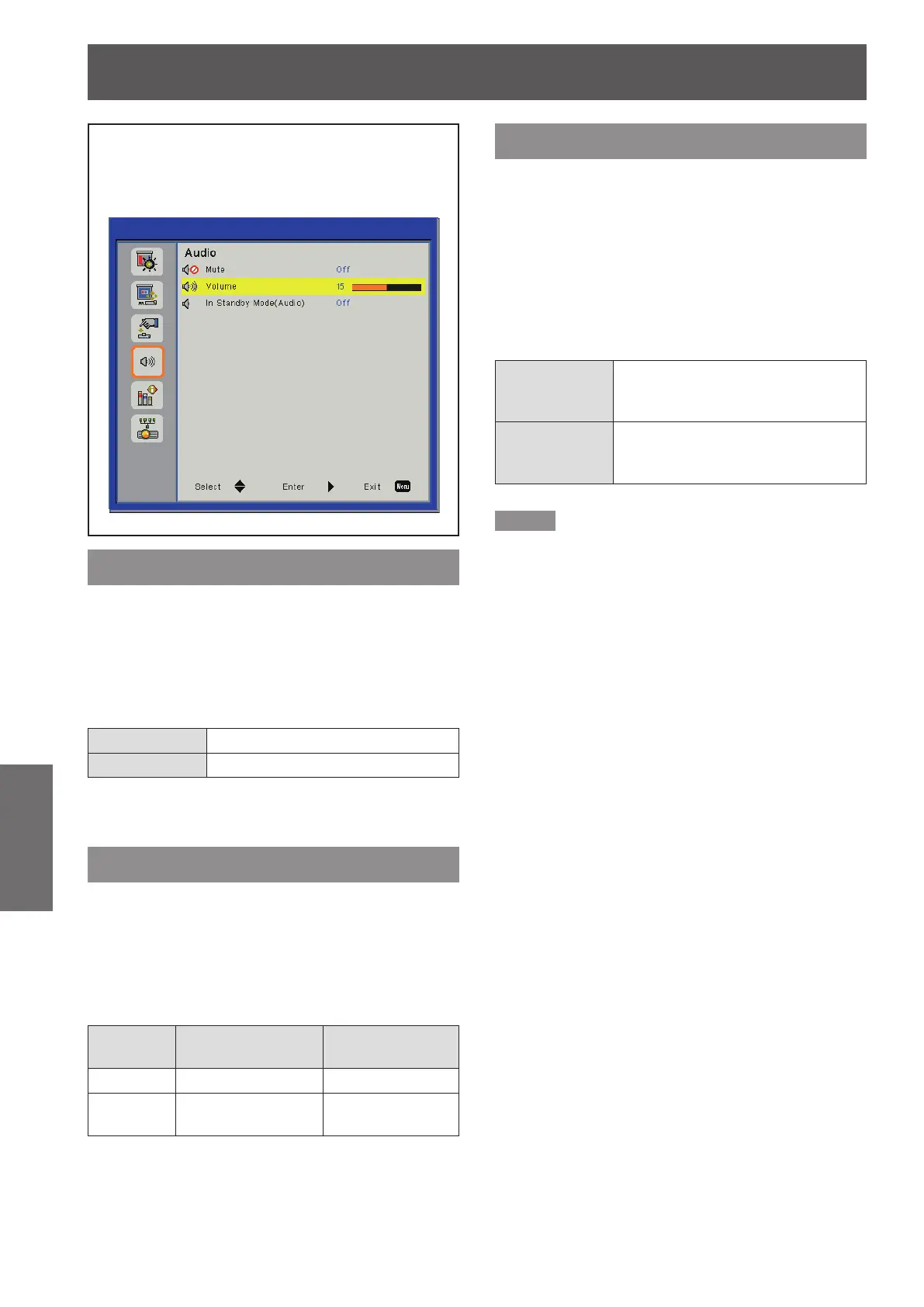
Audio
42
- ENGLISH
Settings
Audio
Select [Audio] from the Main Menu (see “How
to operate menu” on page 33) and then select
the item from the Sub Menu.
Mute
Temporarily turn off the sound.
Press ▲▼ to select [Mute].1 )
Press ► to display the setting dialog 2 )
box.
Press ◄► to switch [On]/[Off].3 )
On
Mute.
Off
Output audio.
Press
z
<MUTE> button on the remote control
can also turn on/off the sound.
Volume
Adjust the volume.
Press ▲▼ to select [Volume].1 )
Press ► to display the adjustment 2 )
dialog box.
Press ◄► to adjust the volume.3 )
Operation Adjustment
Adjustment
range
Press ►. Turn up the volume
Maximum value 32
Press ◄.
Turn down the
volume
Minimum value 0
You can also press the <VOLUME +/-> buttons
z
on the remote control or on the control panel.
In Standby Mode (Audio)
This function is used to switch the output audio signal
from the <VARIABLE AUDIO OUT> terminal On/Off at
standby mode.
Press ▲▼ to select [In Standby Mode 1 )
(Audio)].
Press ► to display the adjustment 2 )
dialog box.
Press ◄► to switch [On]/[Off].3 )
On
Output the audio signal from the
<VARIABLE AUDIO OUT> terminal
when in Standby mode.
Off
Mute the audio signal from the
<VARIABLE AUDIO OUT> terminal
when in Standby mode.
Note
When setting the [In Standby Mode (Audio)] function to
z
[On] and in Standby mode status, the connected audio
signal to <AUDIO 1 IN> terminal can be output from the
<VARIABLE AUDIO OUT> terminal. The audio signal
output level is xed and cannot be adjusted.












 To Next Page