EasyManua.ls Logo

Panasonic TH-50VX100E - User Manual

Panasonic TH-50VX100E
52 pages
Print Icon
To Next Page IconTo Next Page
Loading...
Please read these instructions before operating your set and retain them for future reference.
English
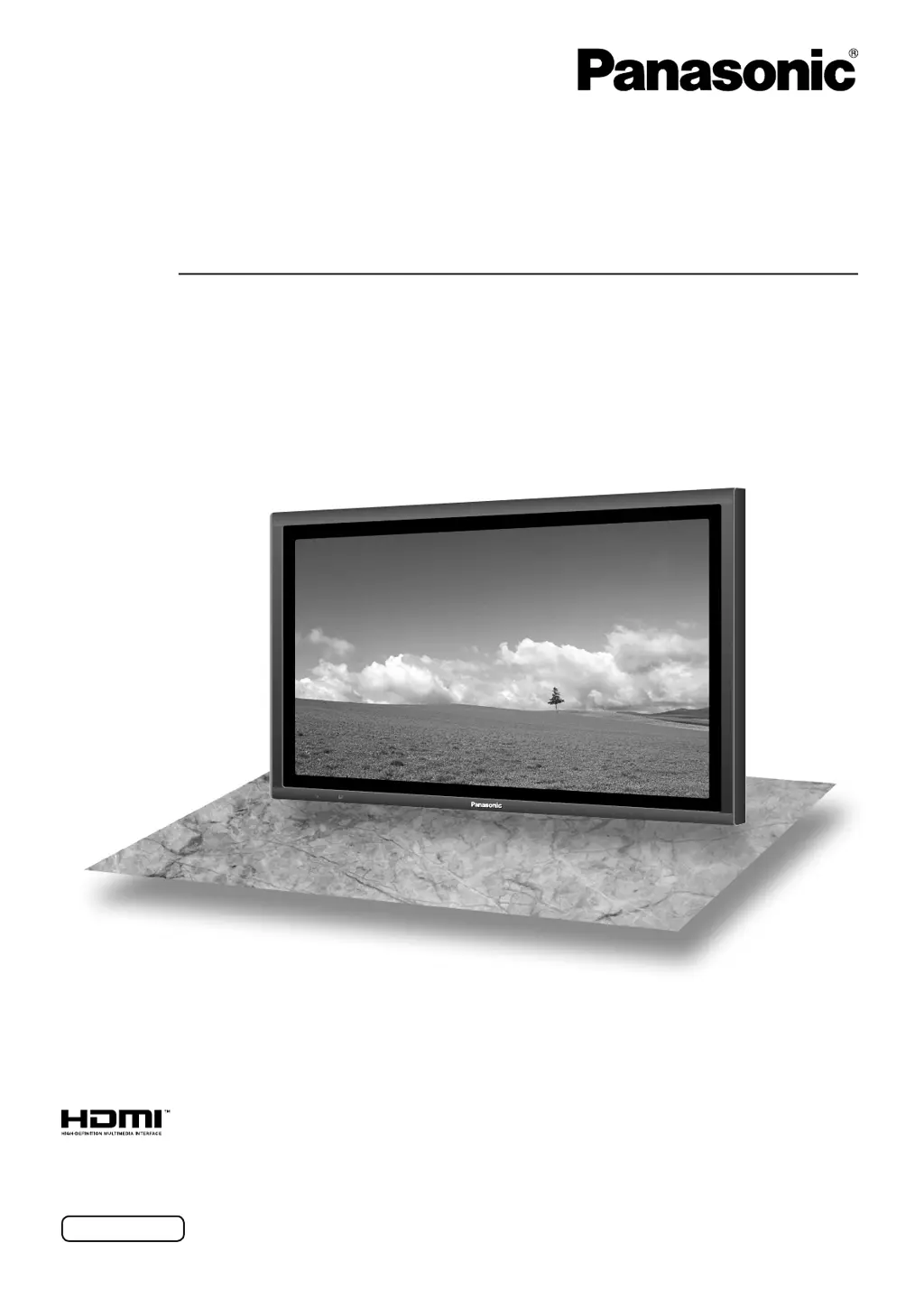
The illustration shown is an image.
Model No.
TH-50VX100E
TH-65VX100E
TQBC2382-1
Operating Instructions
High Definition
Custom Home Theater Plasma Display

Other manuals for Panasonic TH-50VX100E

Questions and Answers

  • T
    Timothy ShawAug 15, 2025
    What to do if there is no picture on my Panasonic Monitor?
    • P
      Patrick RomeroAug 15, 2025
      If there is no picture on your Panasonic Monitor, ensure the monitor is properly plugged into the AC outlet and switched on. Check by pressing the power switch or the stand-by button on the remote control. Also, verify the Picture and Brightness/Volume settings.
  • P
    Peter GardnerAug 18, 2025
    Why is there no color on my Panasonic Monitor?
    • D
      deborah04Aug 18, 2025
      The color controls on your Panasonic Monitor might be set at the minimum level. Please see pages 20-23.
  • D
    Desiree McgeeAug 21, 2025
    What to do if the top or bottom of the picture on the screen is cut off when I use the zoom function on my Panasonic Monitor?
    • K
      Kelsey HubbardAug 21, 2025
      If the top or bottom of the picture is cut off when using the zoom function on your Panasonic Monitor, adjust the position of the picture on the screen.
  • D
    Derek TurnerAug 25, 2025
    Why won't my Panasonic TH-50VX100E remote control work?
    • C
      Christine CaseyAug 25, 2025
      There could be a few reasons why your Panasonic Monitor remote control isn't working: * The batteries may be completely discharged. Check if the batteries are discharged or inserted incorrectly and replace or reinsert them. * The remote control sensor might be exposed to strong light. Ensure the remote control sensor is not exposed to outdoor or strong fluorescent light. * The remote control may not be the correct one. Verify that you are using the remote control specifically designed for use with your Panasonic Monitor.
  • K
    Kyle ChavezAug 28, 2025
    Why does my Panasonic TH-50VX100E take a while for the picture to appear?
    • M
      Marcus CarterAug 28, 2025
      It takes a while for the picture to appear on the Panasonic Monitor because the unit digitally processes the various signals in order to reproduce esthetically pleasing images.
  • K
    Kevin KlineAug 31, 2025
    Why can I hear sounds coming from inside my Panasonic Monitor?
    • R
      Robert MaysAug 31, 2025
      When the power is turned on, a sound of the display panel being driven may be heard. This is normal and not indicative of malfunctioning.
  • B
    Brandon CollinsSep 3, 2025
    Why does my Panasonic Monitor make whirring sounds?
    • K
      kgonzalezSep 4, 2025
      The Panasonic Monitor is fitted with a cooling fan to dissipate heat generated during normal use, which causes the whirring sound.
  • D
    Dalton SimmonsSep 7, 2025
    Why does my Panasonic TH-50VX100E make a cracking sound?
    • S
      Sarah MyersSep 7, 2025
      If you sometimes hear a cracking sound from your Panasonic Monitor, and there is nothing wrong with the picture or sound, this is the sound of the cabinet undergoing very slight contractions in response to changes in the room temperature.
  • L
    Lauren FieldsSep 10, 2025
    What to do if areas at the top and bottom of the screen where the image is missing appear when I use the zoom function on my Panasonic TH-50VX100E?
    • C
      Christopher RobinsonSep 10, 2025
      If areas at the top and bottom of the screen where the image is missing appear when you use the zoom function on your Panasonic Monitor, and you are using a video software program (such as a cinema size program) with a screen wider than one in the 16:9 mode, this is normal and not indicative of malfunctioning.

Panasonic TH-50VX100E Specifications

General IconGeneral
BrandPanasonic
ModelTH-50VX100E
CategoryMonitor
LanguageEnglish

Related product manuals