79
English
Power on message(Power
management)
Sets to show/hide an information message that tells
the power has been turned off by “Power management”
function when the power is turned on.
[On]:
The information is shown when the power is turned
on.
[Off]:
The information is not shown when the power is
turned on.
Note
●
This setting is enabled only when “Power
management” function is [On] (see page 64).
POWER button lock
Sets the lock setting for <Power button (Unit)> ( ).
[On]:
<Power button (Unit)> operation is disabled.
[Off]:
<Power button (Unit)> operation is enabled.
LAN control protocol
Select the LAN control protocol.
[Protocol 1]:
Control with the Panasonic Display sequence.
[Protocol 2]:
Control with the sequence that is compatible with
Panasonic Projector.
Note
●
For PJLink and WEB browser control, the operation is
possible regardless of the setting.
●
When performing the command control with TCP/IP,
select [Protocol 1].
●
When operating the “Early Warning Software” or
“Multi Monitoring & Control Software”, select [Protocol
2].
OSD Memory
Sets whether or not to hold the cursor position on the
menu screen.
[On]:
The cursor position is not held.
[Off]:
The cursor position is held.
Note
●
Even if it is set to [On], if the power of the main unit is
turned off, the cursor position is not held.
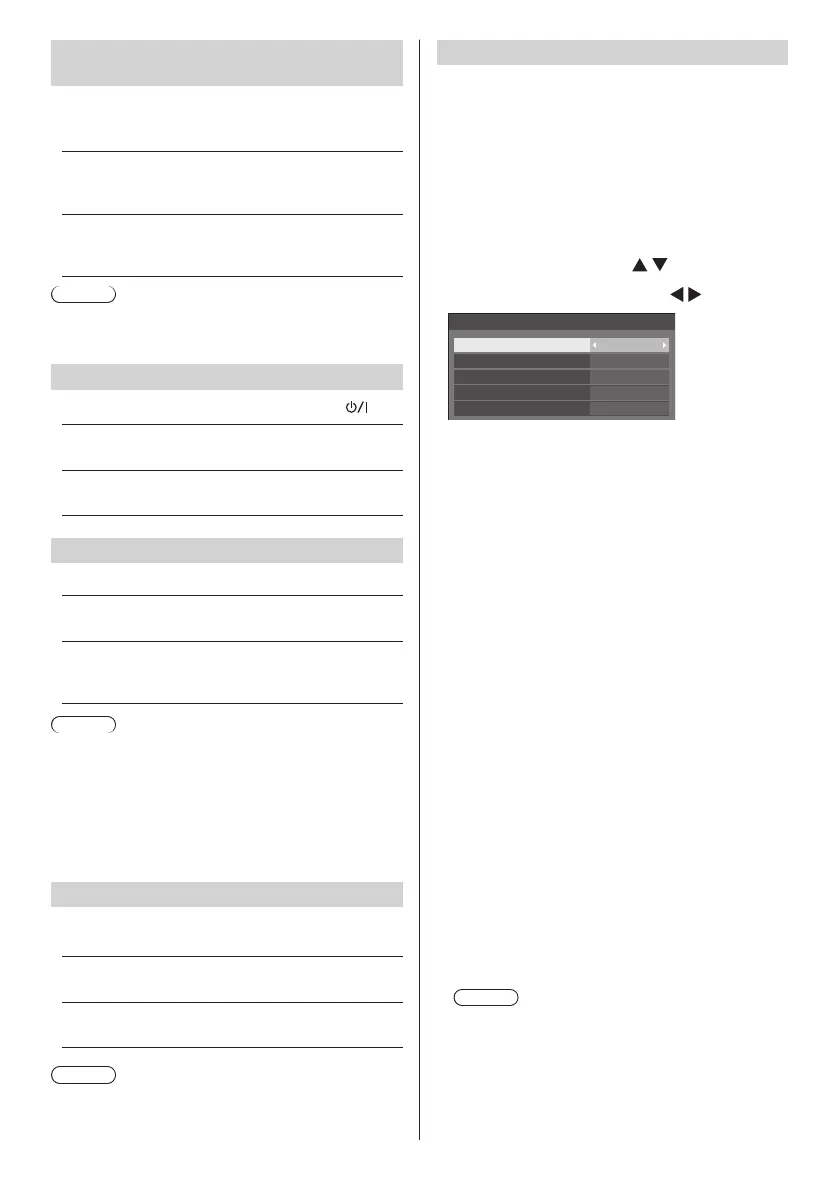
Information timing
Set up the informing manner for no signal or
temperature rising.
During RS-232C controls:
Warning or error message sent from the display
automatically.
During LAN controls:
Acquire the warning or error message from the
display.
1
Select the item with .
Select the set point with
.
Information timing
No signal warning
No signal warning timing
Temperature warning
No signal error
No signal error timing
On
5min
On
10min
On
[No signal warning]
When set to [On], the display sends out the no signal
warning.
[No signal warning timing]
Set up the detecting time for no signal warning.
(Range: 01 - 60, Interval: 1 minute)
[No signal error]
When set to [On], the display sends out the no signal
error.
[No signal error timing]
Set up the detecting time for no signal error.
(Range: 01 - 90, Interval: 1 minute)
●
The warning of [No signal warning] and the error
of [No signal error] are not sent when the no signal
state is detected through any of the following
functions:
[No signal power off], [HDMI power management],
[DIGITAL LINK power management], [DVI-D1
power management], [DVI-D2 power
management], [PC power management]
(see page 64)
Setting Example:
●
If there is no signal when [PC IN] is input, [PC
power management] is activated first and the
Display enters the standby mode.
[No signal warning timing]: 5 minutes
[No signal error timing]: 10 minutes
[PC power management]: [On] (60 seconds)
Note
●
The [No signal error timing] cannot be set shorter
than [No signal warning timing].
●
With the USB input, the unit determines no signal
is present when the USB memory is not connected
to the USB terminal.
●
In addition, even when a USB memory is
connected, if there is no playable file, the unit
determines no signal is present.










 To Next Page