26
9 Measurements and Adjustments
9.1. Adjustment Procedure
9.1.1. Driver Set-up
9.1.1.1. Item / Preparation
1. Input a white signal to plasma video input.
2. Set the picture controls as follows.
Picture menu: Dynamic
PNR: Min
Aspect: 16:9
Caution
1. First perform Vsus adjustment.
2. The Vscn voltages are measured from the Vad (Vad_base), but may be measured from the GND (GND_base) in an
unavoidable case.
9.1.1.2. Adjustments
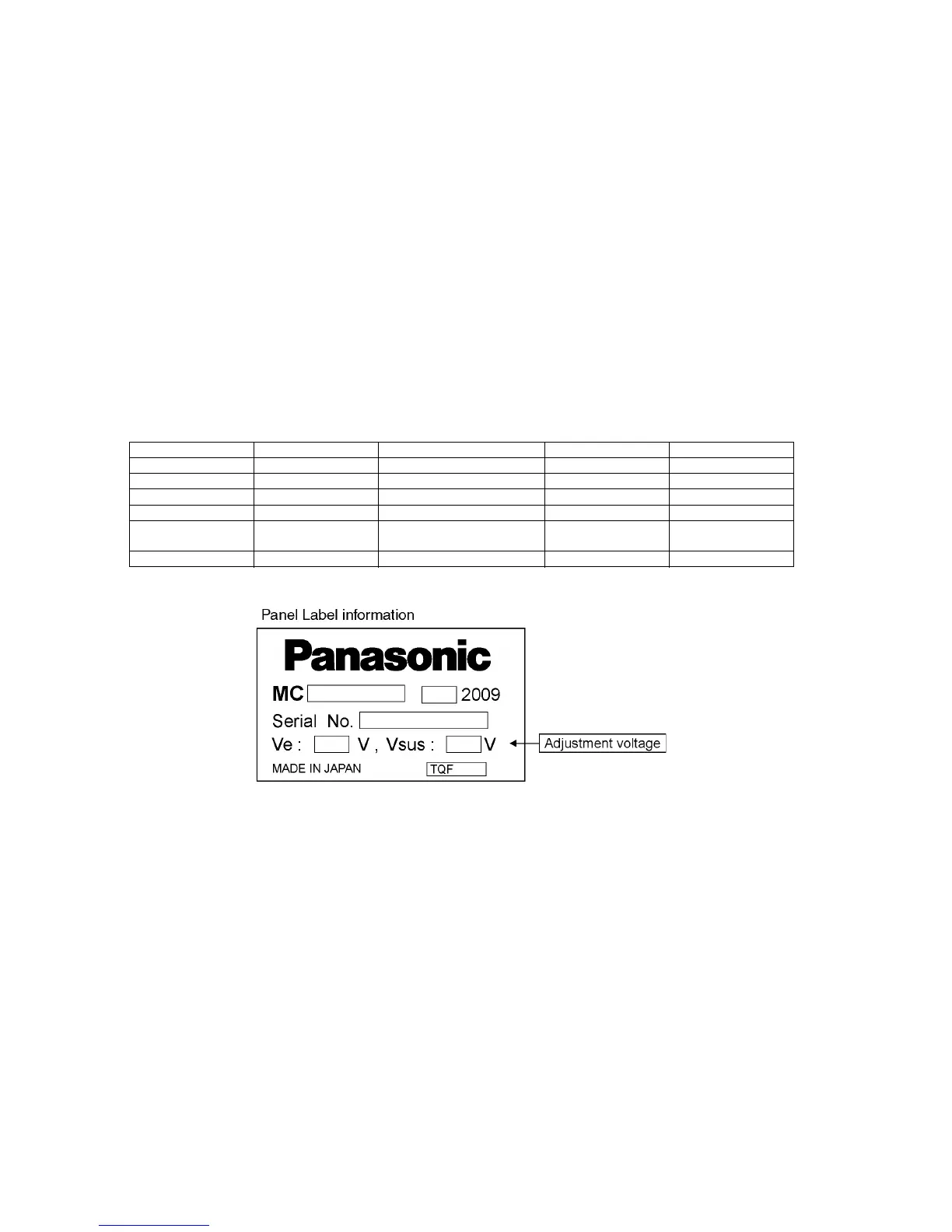
Adjust driver section voltages referring the panel data on the panel data label.
Check or adjust the following voltages with the multimeter.
*See the Panel label.
Name Test Point Voltage Volume Remarks
Vsus TPVSUS (SS) Vsus ± 2V R737 (P) *
Ve TPVE (SS) Ve ± 2.5V Fixed *
Vset TPVSET (SC) 290V ± 9V Fixed
Vad TPVAD (SC) -180V ± 2V VR16600 (SC)
Vscn TPVSCN (SC) Vad_base : + 145V ± 4V
GND_base : - 35V ± 6V
Fixed
Vda TPVDA (P) 60V + 1V, - 2V Fixed








 To Next Page