35English
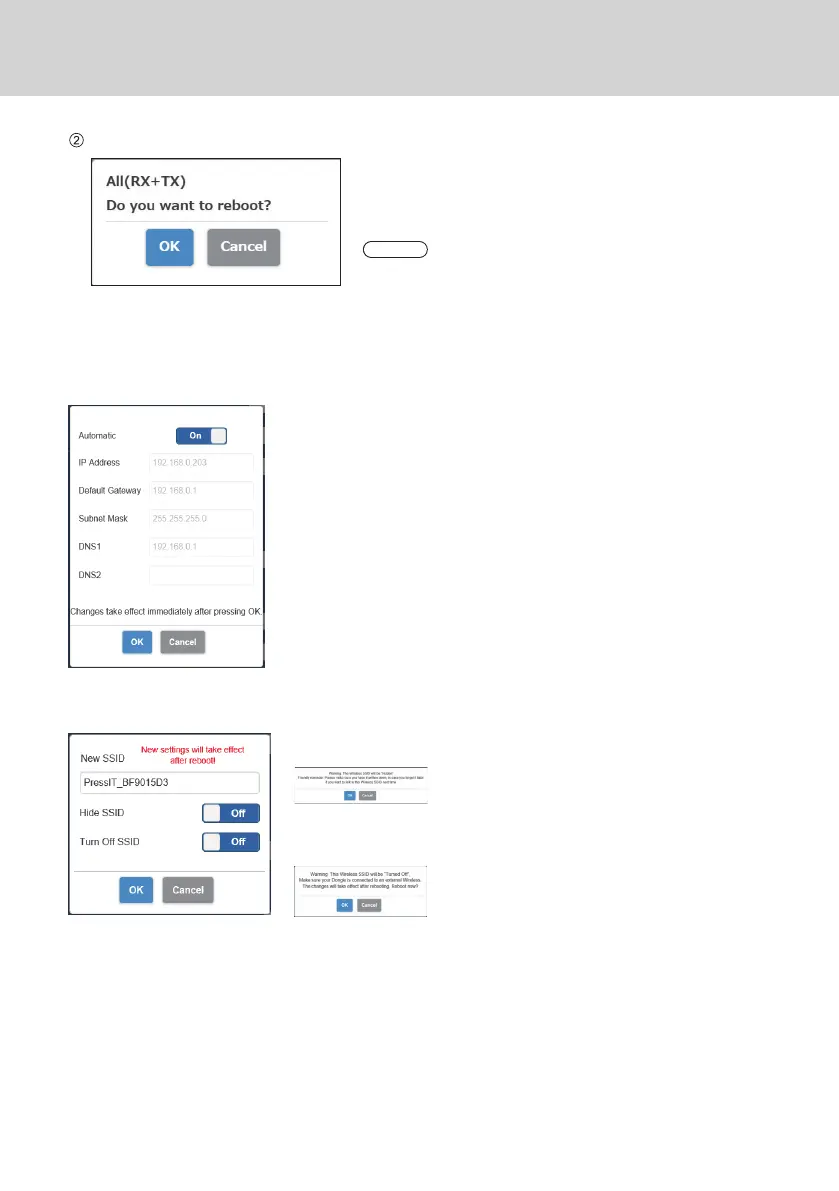
Set reboot.
Set whether to reboot the device of which the setting has
been changed.
When changing the settings of multiple devices in
succession, select [Cancel].
Note
• Reboot is applicable only to the device for which the setting is
changed just before the reboot.
• When settings for multiple devices are changed by selecting
[Cancel], turn off and on the power manually.
●
LAN IP Settings
Network settings can be manually configured including IP address, gateway, netmask and DNS server.
●
SSID
Changes the name of SSID, hides SSID and disables SSID.
Hide SSID: Setting this to [On] hides SSID displayed on the standby screen.
*
Be sure to take a note before setting.
Turn Off SSID: Setting this to [On] disables the SSID function of the receiver.
Communication is disabled between transmitter and receiver.
Even if pairing is performed, communication is disabled.



 To Next Page