36 English
Setting
Continued
●
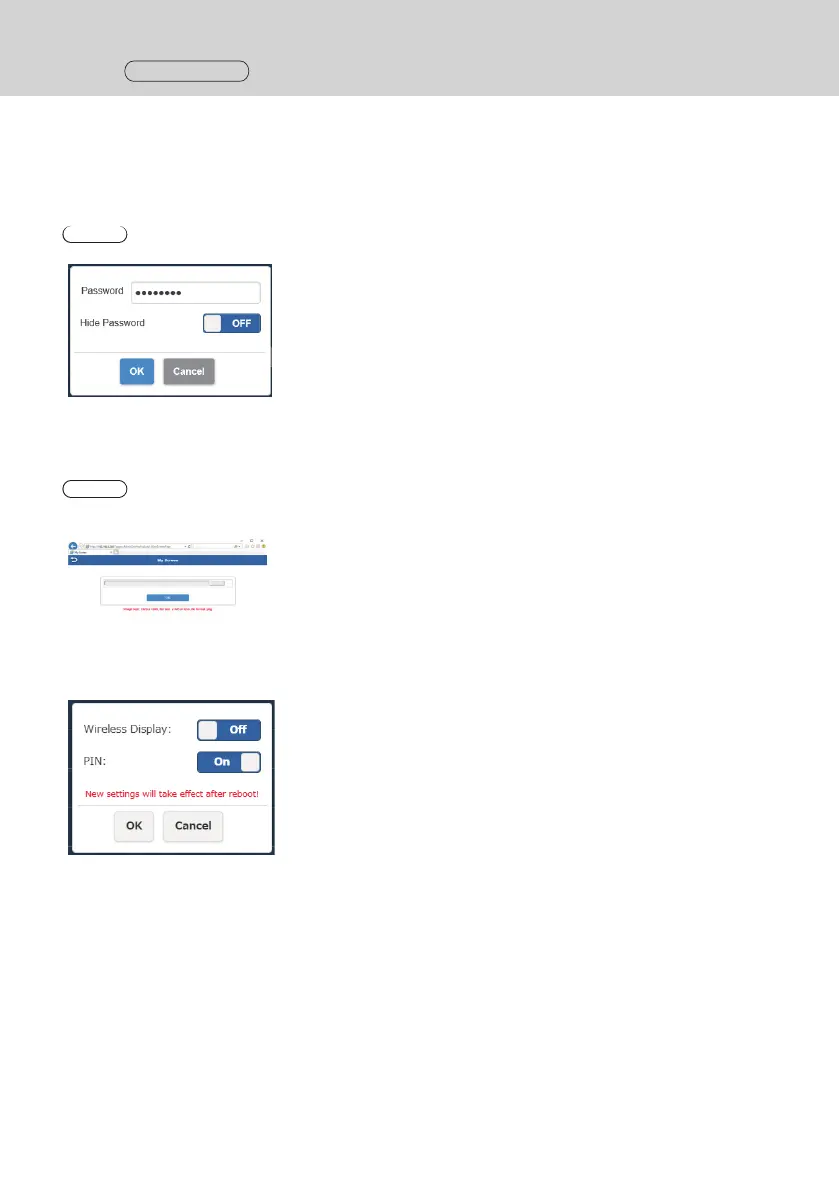
Password
Changes the wireless LAN connection password for the receiver. The administrator can hide the wireless LAN
password on the standby screen for security enhancement.
Types of characters that can be set: Alphanumeric characters (0 to 9, a to z, A to Z)
Number of characters that can be set: 8 to 15 characters
Note
• Changing password requires pairing again.
●
My Screen
Uploading an arbitrary image allows the background of the standby screen to be changed. The image size should
be less than 2 MB with 1920 x 1080 in PNG format.
Note
• Note that once the background is changed, the product needs to be initialized to restore the image to the original
one. (page 42 “Reset to Factory Default”)
●
Wireless Display (Firmware version 1.14366.852 and later)
Using the Wireless Display function enables screens and audio of a mobile terminal supporting
Miracast to be mirrored on the receiver.
Wireless Display
On: Enables the function.
Off: Disables the function.
When [Wireless Display] is set to [On], “DIRECT-” is appended to the
head of SSID.
PIN
On: Enables the function.
Off: Disables the function.



 To Next Page