INOXPAN S.L. EN - 9
2.1. OVEN FUNCTIONS
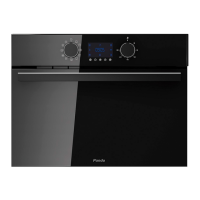
After setting the clock, the oven is ready for use. Select a cooking function with the function selector
dial and temperature with the temperature control dial.
You will notice that the symbol lights up during cooking to indicate that heat is being transmitted to
the food. This symbol disappears when the selected temperature has been reached.
Set the controls to to turn off the oven
In models with an electronic temperature control, when the selector switch is turned, the display
will show the temperature.
After selecting the temperature, the clock will automatically reappear.
Para volver a ver la temperatura durante el cocinado, pulse la tecla
temperatura si desea modificarla.
When a cooking cycle begins, the
oven will automatically display the total the time for the cycle
progress, if the cooking time or cooking stop time have not been set.


 To Next Page
 Loading...