INOXPAN S.L. EN - 12
2.3. MICROWAVE
1. Select the microwave function.
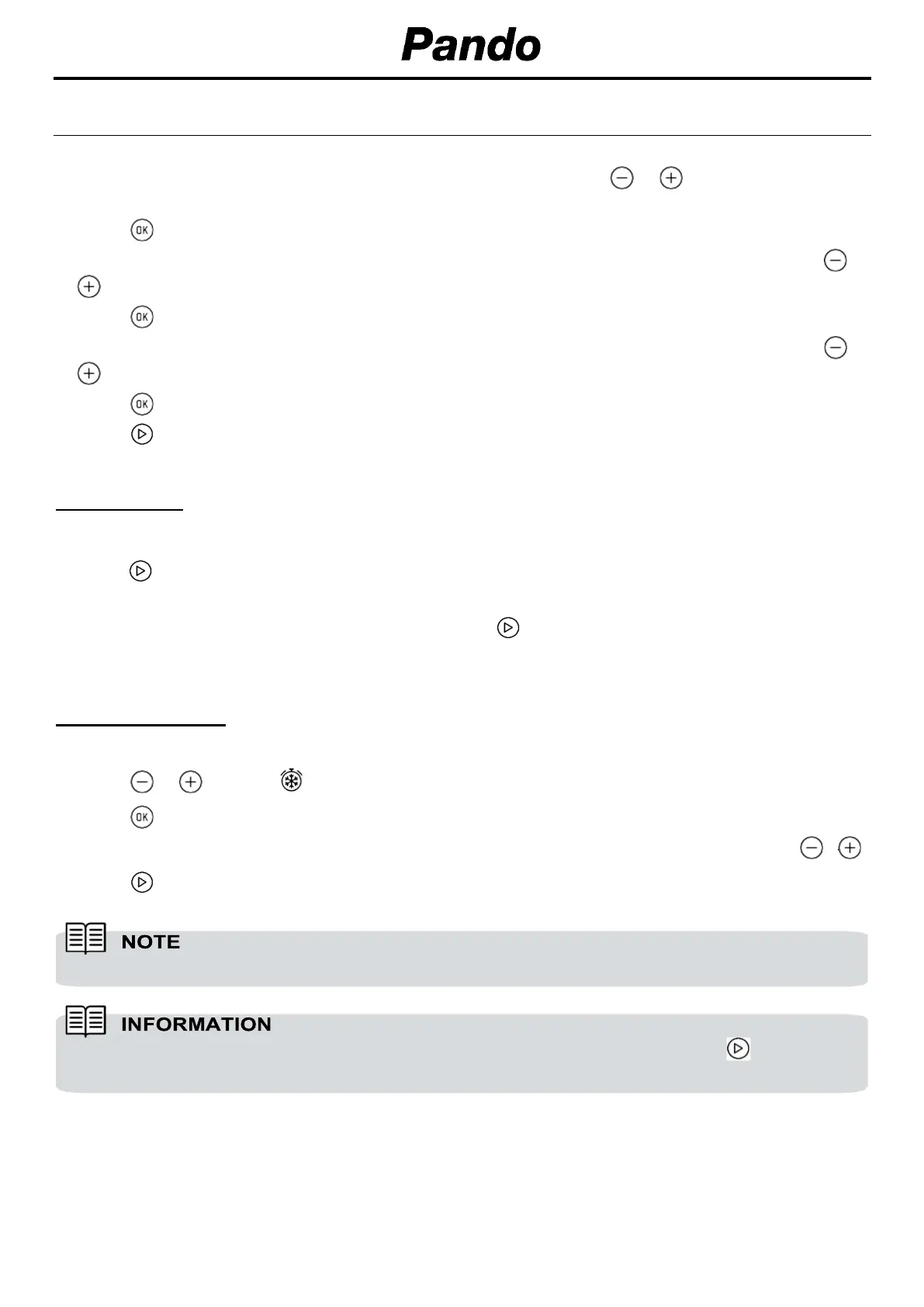
2. The display shows 00:30 (Quick start function) by default. Press or until the display shows
1:00.
3. Press to confirm.
4. The display shows the default cooking time. Select the desired cooking time by pressing or
.
5. Press to confirm.
6. The display shows the default Power setting. Select the desired power setting by pressing or
.
7. Press to confirm.
8. Press to start the microwave function with the desired parameters.
QUICK START
1. Select the microwave function.
2. Press and the microwave starts immediately to operate in the Microwave function at maximum
power for 30 seconds.
3. If you want to increase the operating time press again. Each time you press this key the
operating time will be increased by 30 seconds.
DEFROST BY TIME
1. Select the microwave function.
2. Press or until the symbol appears on the display.
3. Press to select the option.
4. The display shows the default defrost time. Select the desired cooking time by pressing or .
5. Press to start the defrost by time function with the desired parameters.
See Cooking Guide for advice on defrosting times.
When the display shows the word “Turn”, open the door, turn the food and press to continue.,


 To Next Page
 Loading...