INOXPAN S.L. EN - 11
PROGRAMING THE COOKING TIME AND COOKING STOP TIME
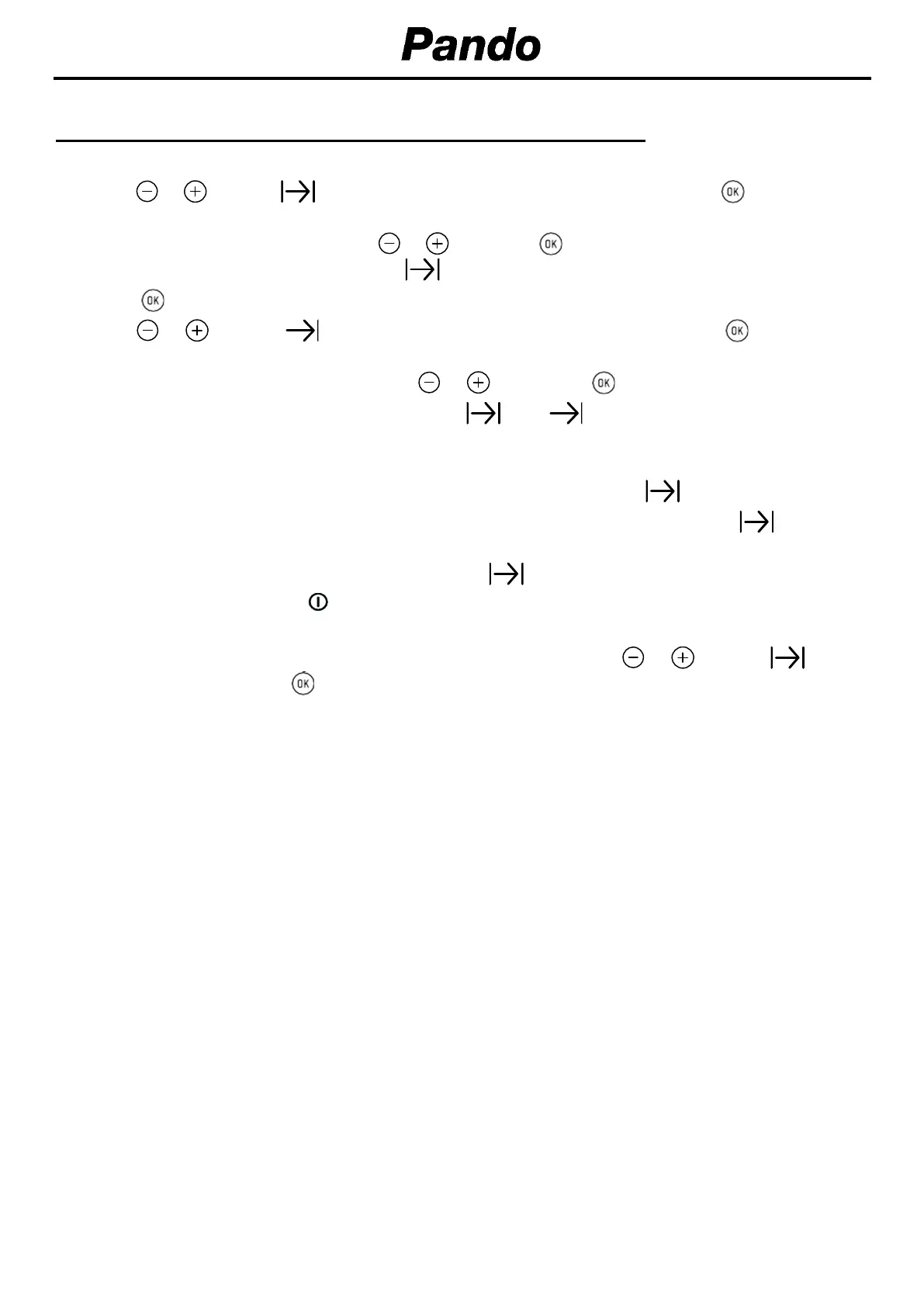
1. Select a cooking function and a temperature.
2. Press or until the symbol on the display starts flashing, then press . The indication
“0_00” will appear on the display.
3. Select the cooking time by touching or and press . You will hear 2 beeps, the remaining
time will appear on the display and the symbol will flash.
4. Press to select the option
5. Press or until the symbol on the display starts flashing, then press The indication
“0_00” will appear on the display..
6. Select the cooking end time by pressing or . and press to select the option.
7. The oven will remain disconnected with the and symbols lit up. The oven is now
programmed.
8. When it is time to start cooking, the oven will turn on and will operate for the programmed time.
9. While cooking, the remaining cooking time will be displayed and the symbol will flash.
10. When the cooking time is up, the oven will turn off, a buzzer will sound, and the symbol will
flash.
11. Press any key to stop the buzzer and turn off the symbol. The oven will switch on again.
12. Set the controls to position to turn off the oven.
You can change the remaining cooking time at any time by touching or until the symbol
starts to flash quickly. Press to change the time.


 To Next Page
 Loading...