40
Installation & Maintenance
• Deactivate the door lock following the in-
structions in the User’s guide supplied with
this manual.
• To continue cooking, re-select the desired
cooking function.
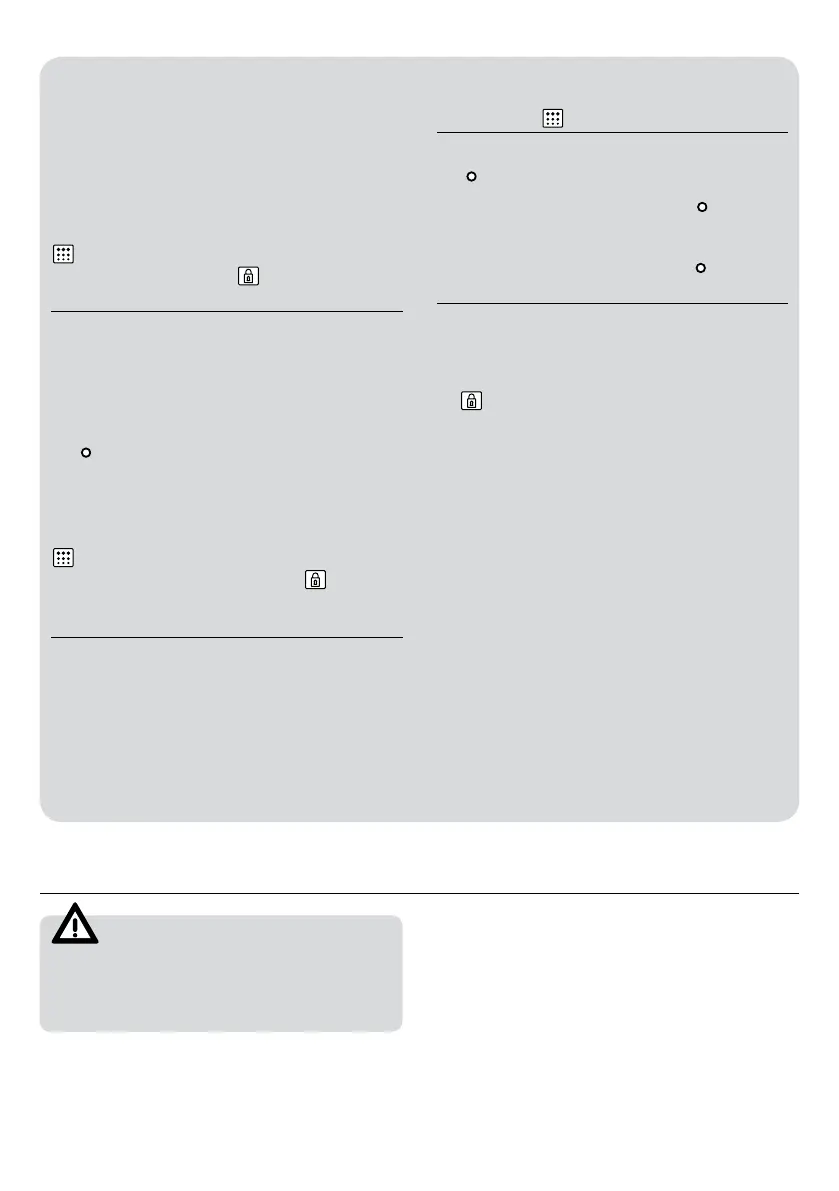
I have turned the control dial to position
and selected a pyrolysis programme
(P1, P2 or P3) but the
symbol flashes
quickly and a buzzer sounds
• The oven door is not closed properly, so
the door cannot be locked and the pyrolyt-
ic process has been blocked.
• Check the door and make sure it is prop-
erly closed. Then set the control dial to the
position and repeat the sequence to ac-
tivate the pyrolysis.
I have turned the control dial to position
and selected a pyrolysis programme
(P1, P2 or P3) but the symbol
does
not light up and the oven does not heat
up
• The door switch is not working even
though the door is properly closed.
• Call the Technical Assistance Service De-
partment as there is a fault in the door
switch.
The pyrolysis programme has ended and
the oven is cold, but the door is locked
and symbol
and 0:00 are flashing
• You did not turn the control dial to position
when the pyrolysis programme ended.
• Set the control dial to position
.
The control dial is in position
and the
door is still locked
• The oven has not cooled down to the safe
temperature limit.
• Wait until the oven cools and the symbol
goes off.
Technical specifications
WARNING
If these problems persist despite these tips,
contact the Technical Service Department.
Inform the Technical Service Department of the
kind of problem you are experiencing and give
the:
1. Serial Number (S-No)
2. Model of Appliance (Mod.)
This information is on the oven identification
plate which is on one side of the opened door.


 To Next Page
 Loading...