INOXPAN S.L. EN - 7
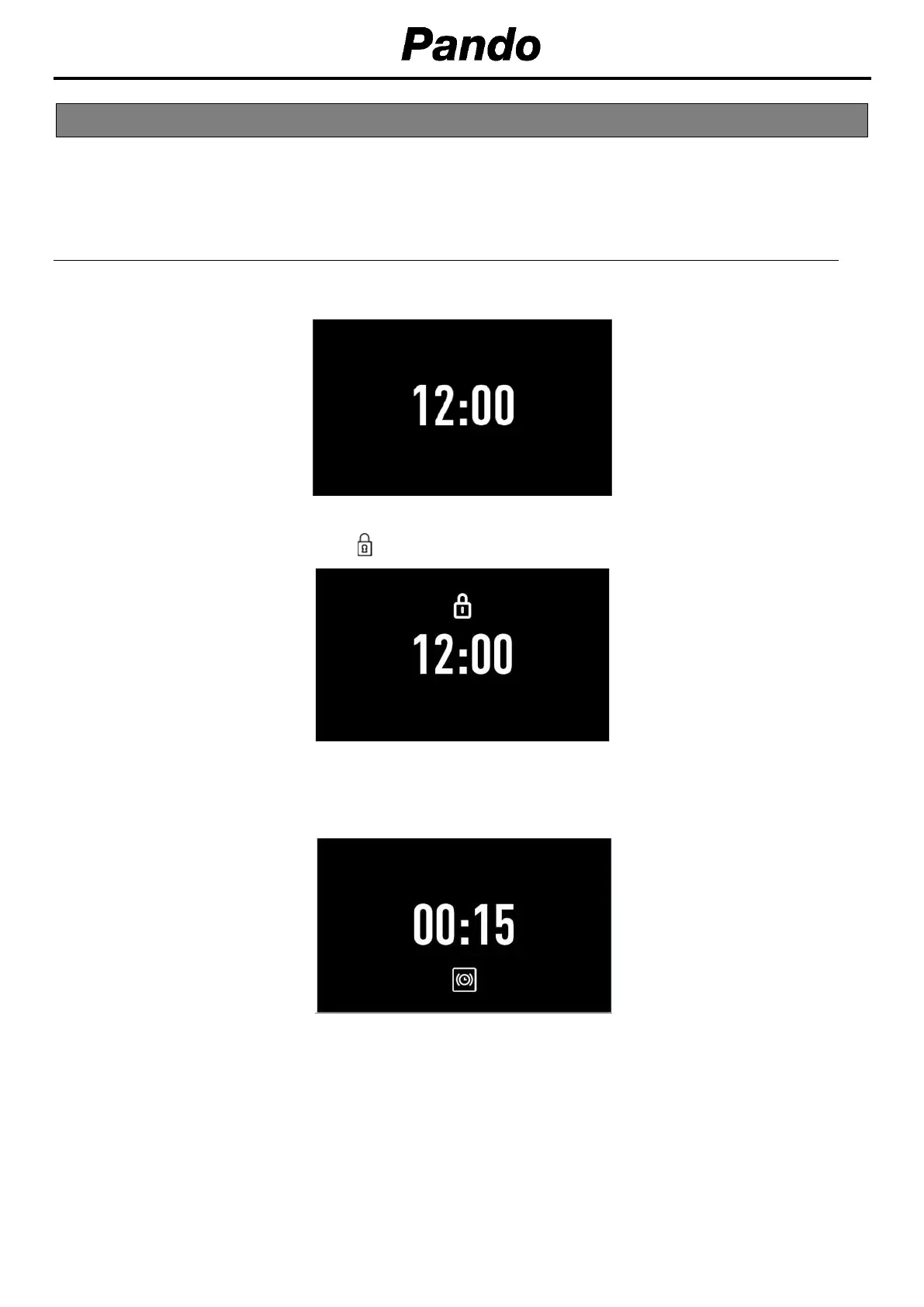
Information that you will find on the display screen of your oven and how this will be displayed is
outlined below.
4.1. START SCREEN / STANDBY
This screen will appear when the oven is not working, but is still plugged in.
If the keypad lock are activated, the
symbol will appear on the top of the screen.
If a timer has been programmed, the screen will stop showing the time and show a countdown, as can
be seen in the image.
4. DESCRIPTION OF THE CONTROL PANE


 To Next Page
 Loading...