INOXPAN S.L. EN - 16
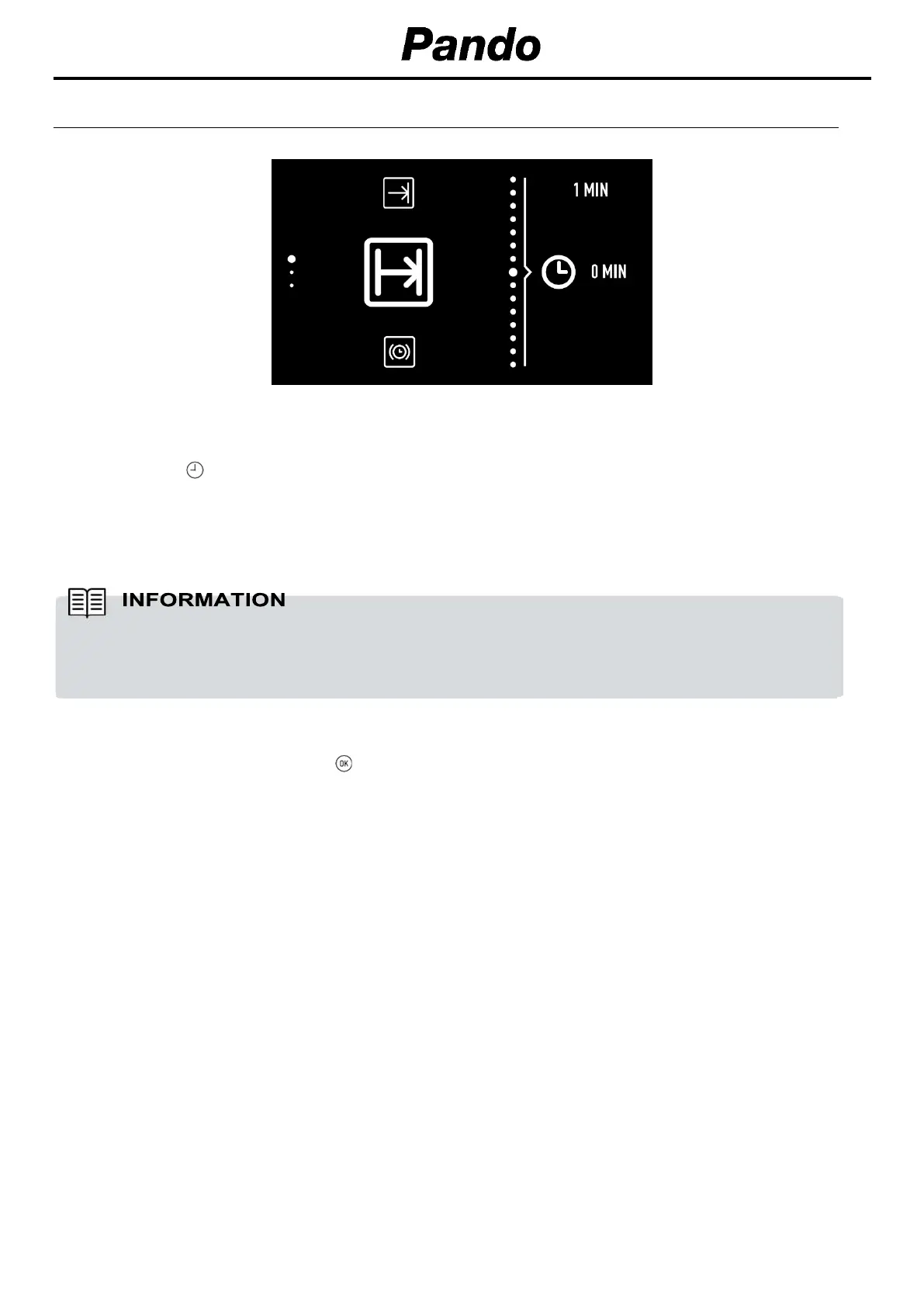
7.2. PROGRAMMING THE TIMER OPTION
Programming during cooking.
1.
Press the button to access the timer options menu.
2.
Turn the left dial to select the desired programme option.
3.
Turn the right dial to choose the duration or finish time depending on the chosen option.
4.
Confirm your choice with the button.
5.
The cooking screen will then be shown again. You will be able to see programmed timers to the
right of the central circle.
The oven will not allow you to select a finish time before the time it is now.
When programming a finish time, the centre section will show the current time to help you
choose.


 To Next Page
 Loading...